
Karine Honma
Discover the best accessories for StandBy Mode, from wireless chargers and desk stands to power stations and Samsung devices for a smarter Android setup.
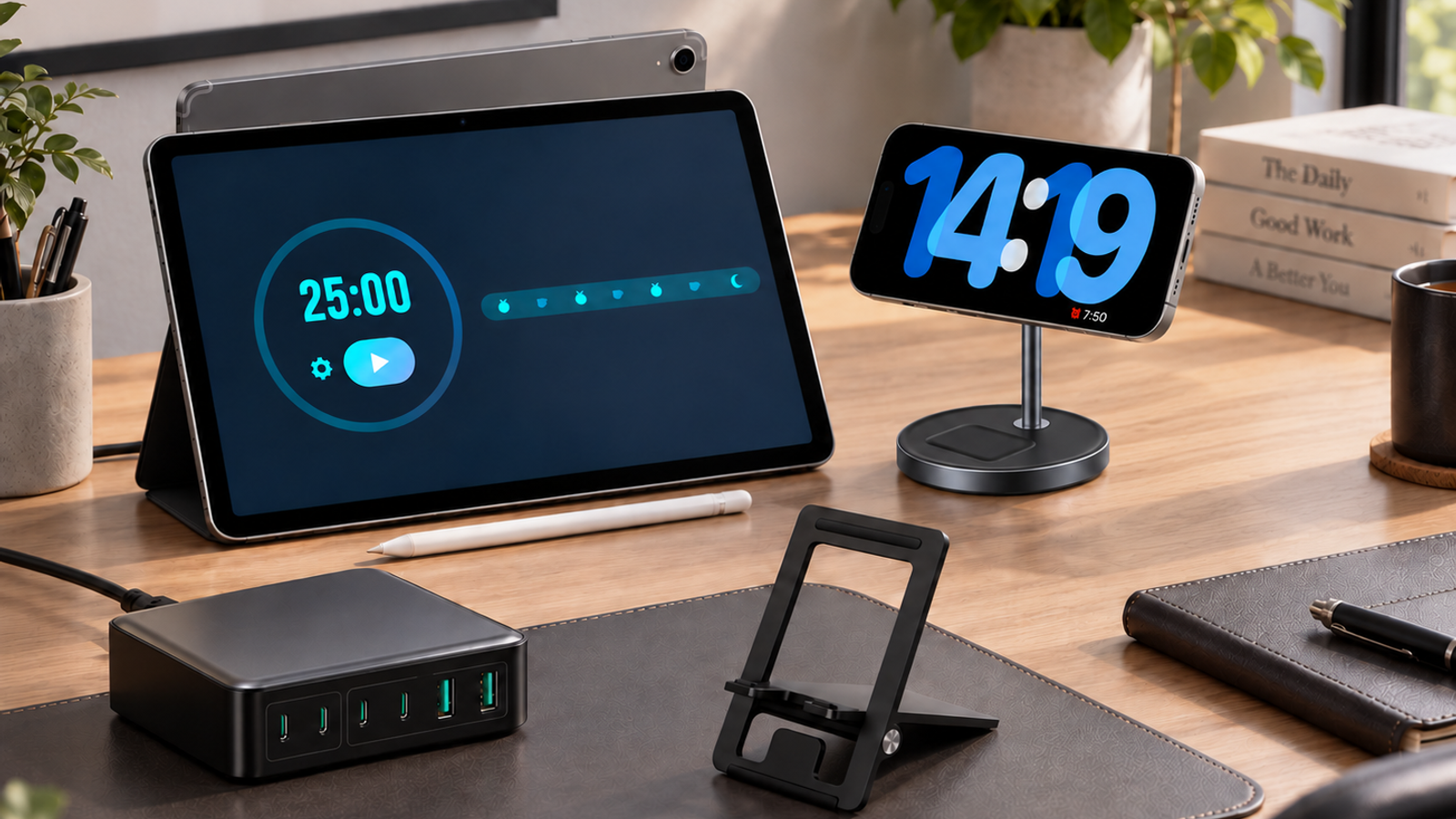
A good smart display doesn't depend on the app alone. The charger you pick, the angle of the stand, the power you have on hand when you're nowhere near an outlet — all of that decides whether StandBy Mode just looks nice on screen or actually becomes part of your routine.
The team put together the accessories it reaches for most to build that setup, from the ones that stay put on a desk to the ones that travel in a backpack. Here's a wireless charger, a versatile desk stand, a portable power station, and the two Android devices the team uses to test the app itself — each one covering a different part of the setup.
Note: This post contains affiliate links. If you buy through them, we may earn a commission, at no extra cost to you.
A good charging setup starts with the basics: a stable charger, a stand that holds the device at the right angle, and enough power on hand for when you're away from an outlet. Here are the five the team recommends.
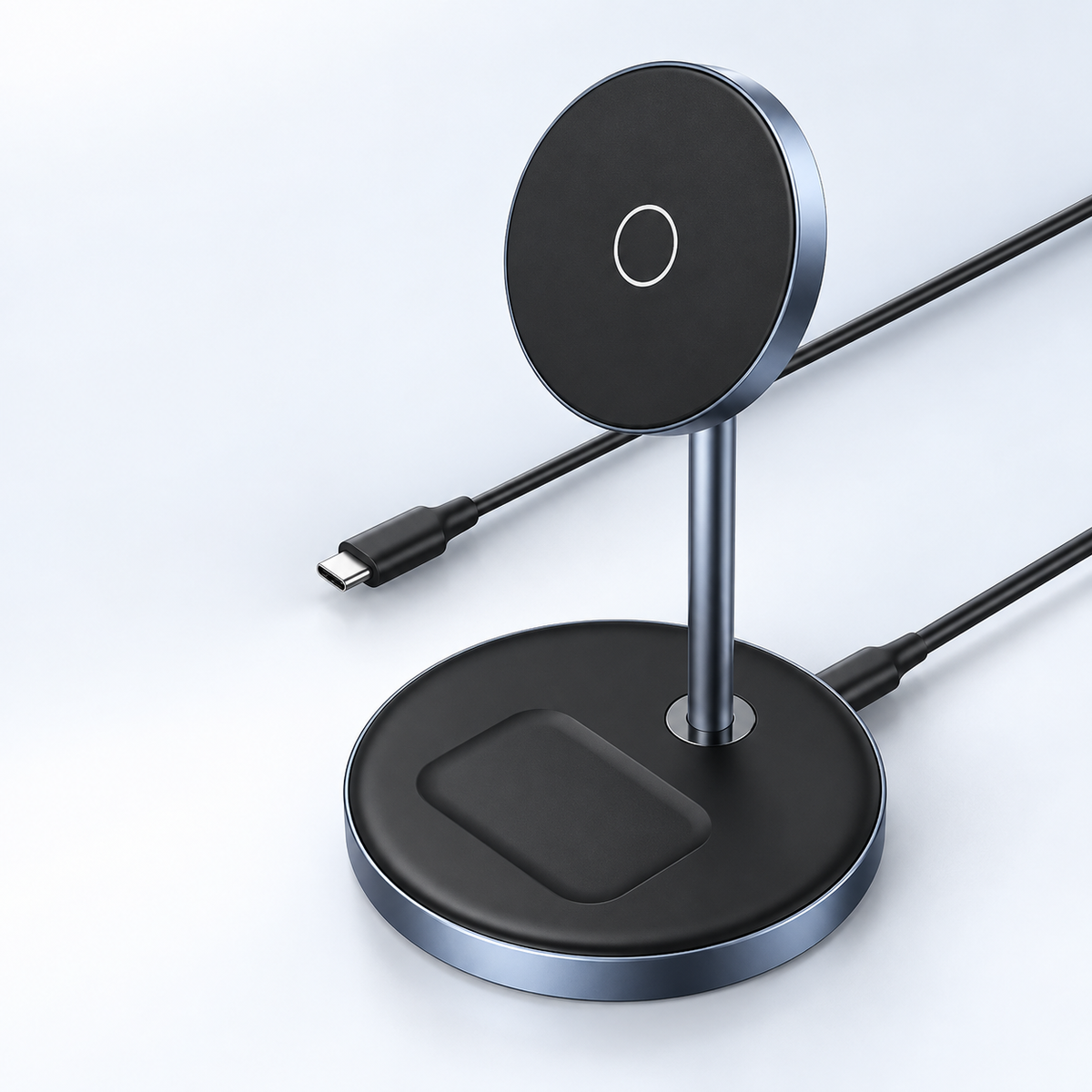
After testing a bunch of MagSafe docks, this one is the team's favorite — it's what sits on our own desk. The device stays stable while charging and is easy to move around when needed. One tip: use a MagSafe case on your device to make sure the magnetic connection lines up right.
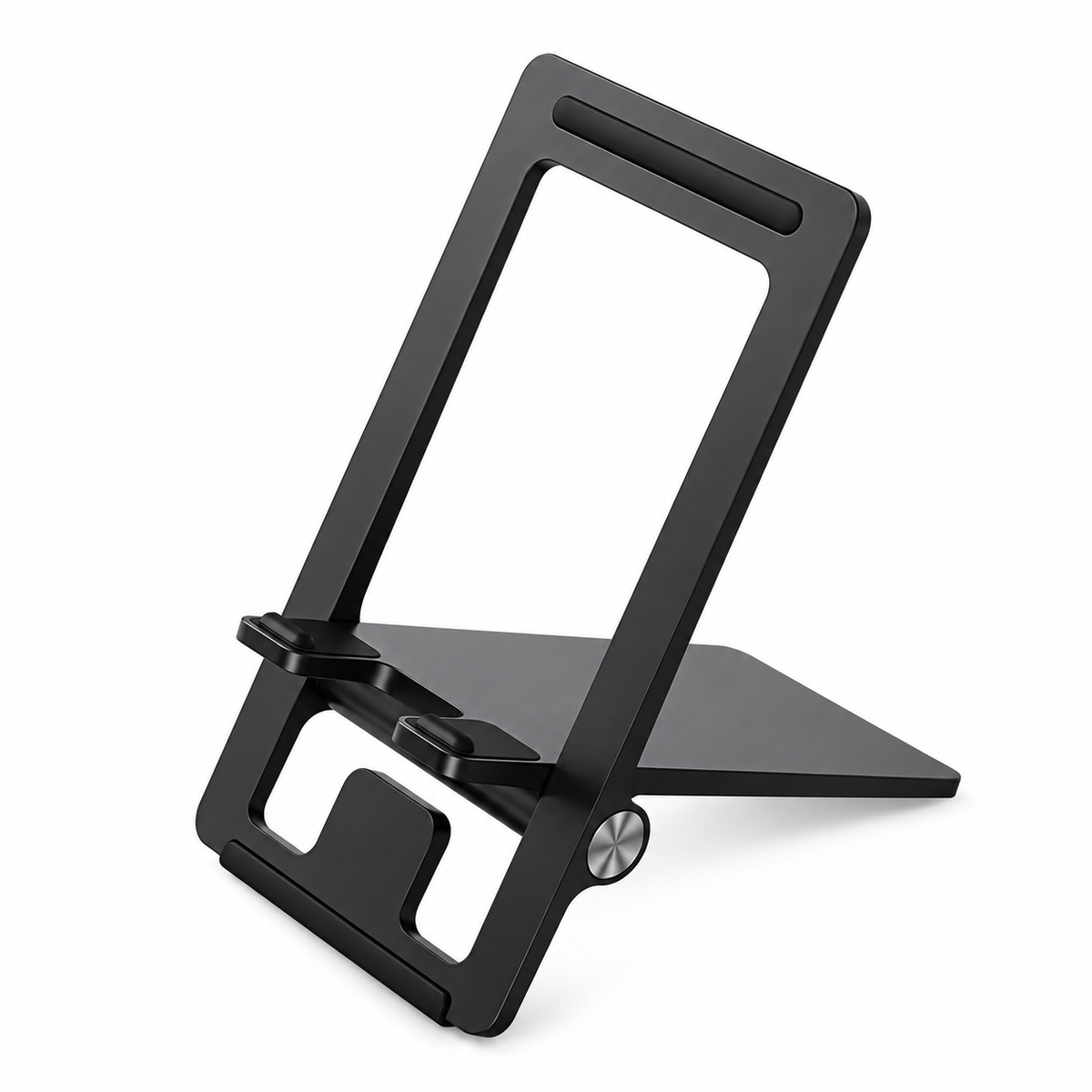
For anyone switching between a phone and a tablet throughout the day, this desk stand handles both without needing a separate accessory for each. It fits either type of device, so you can run StandBy Mode on your phone in the morning and on your tablet at night, without two different stands on your desk.
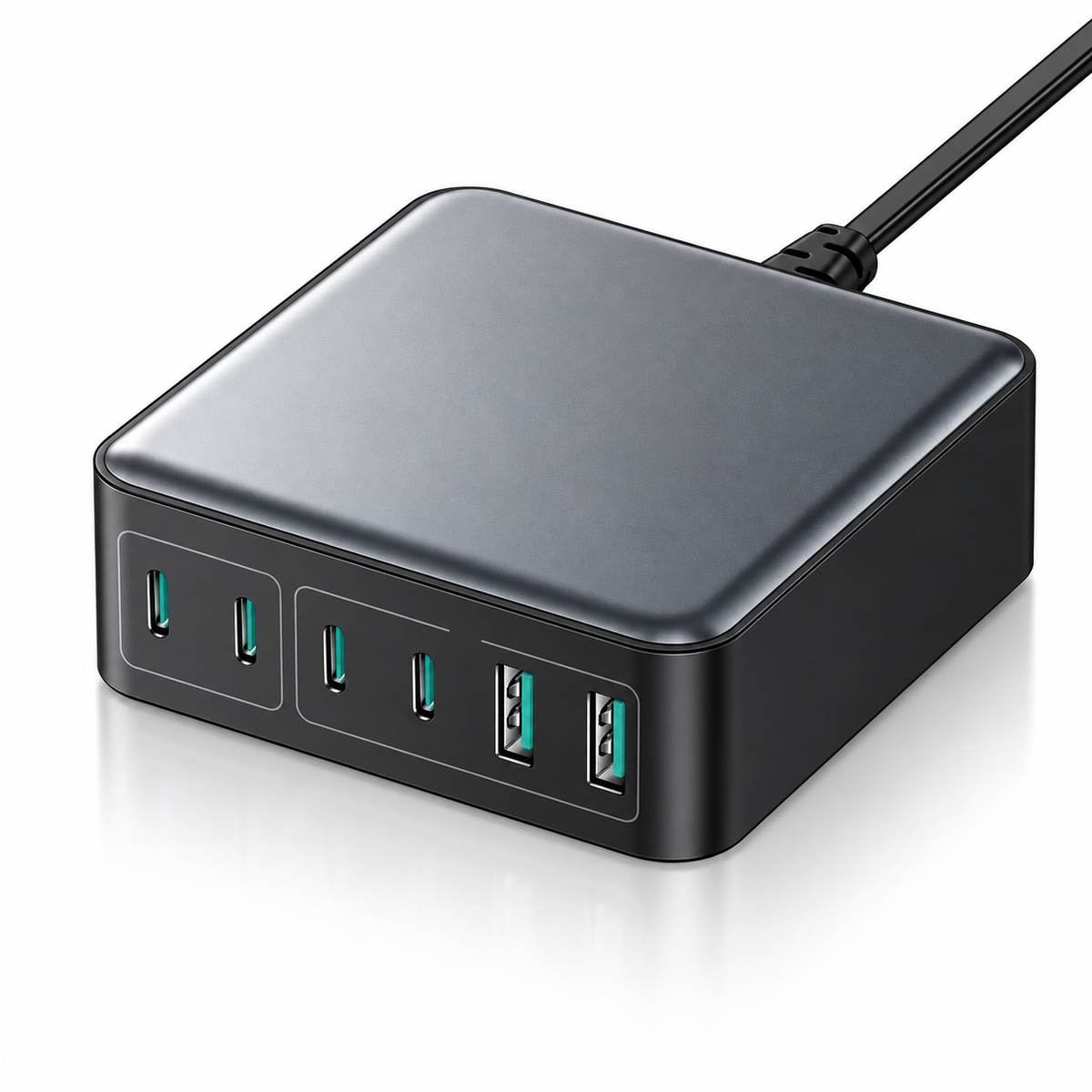
This power station comes in handy on trips with other people, when there's a pile of devices that all need charging at once. It's a solid way to keep StandBy Mode running away from a fixed outlet.
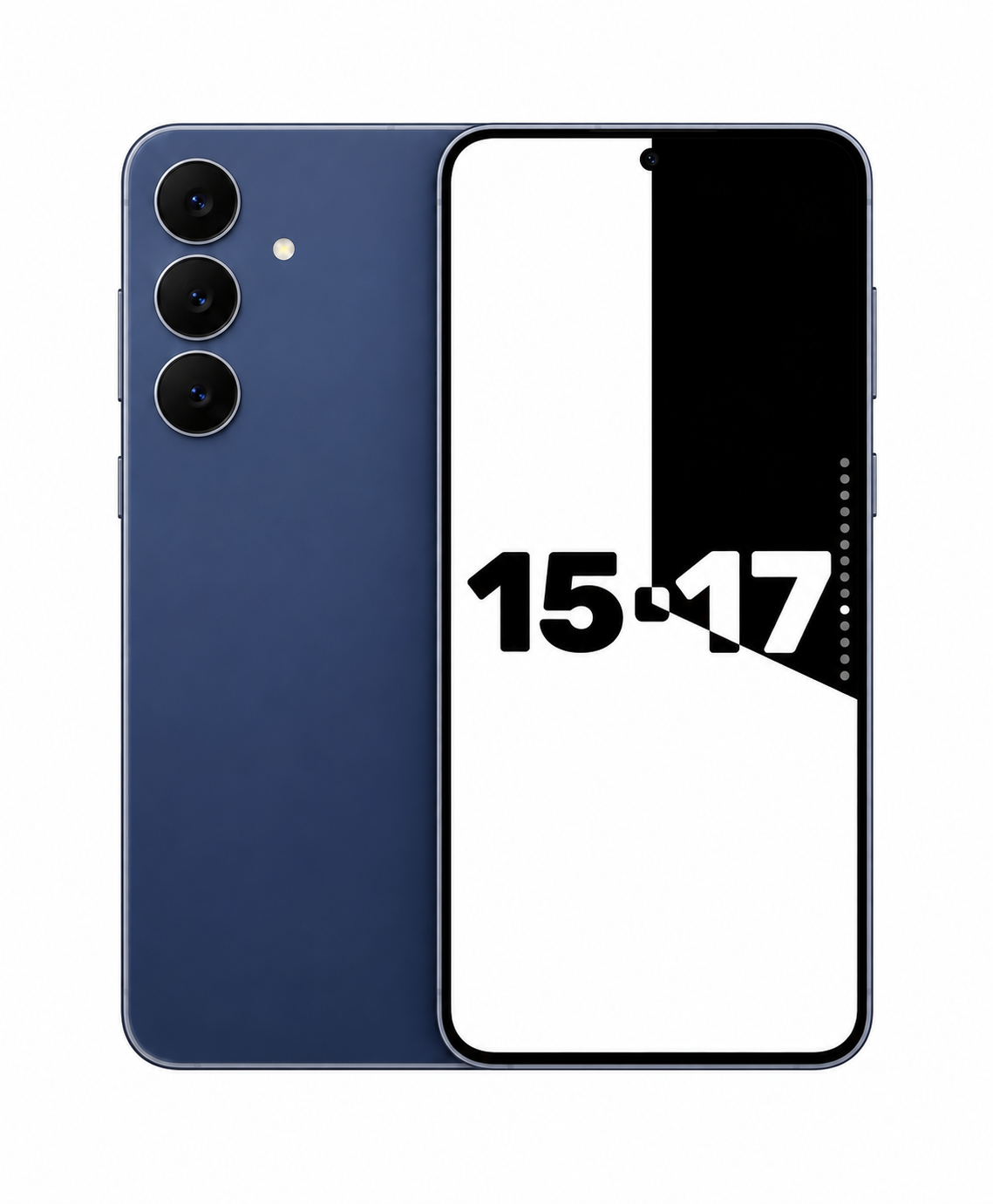
This is, in the team's opinion, the best value-for-money phone available right now. It's one of the devices used to test the app — excellent screen and performance for anyone building a StandBy Mode setup from scratch.
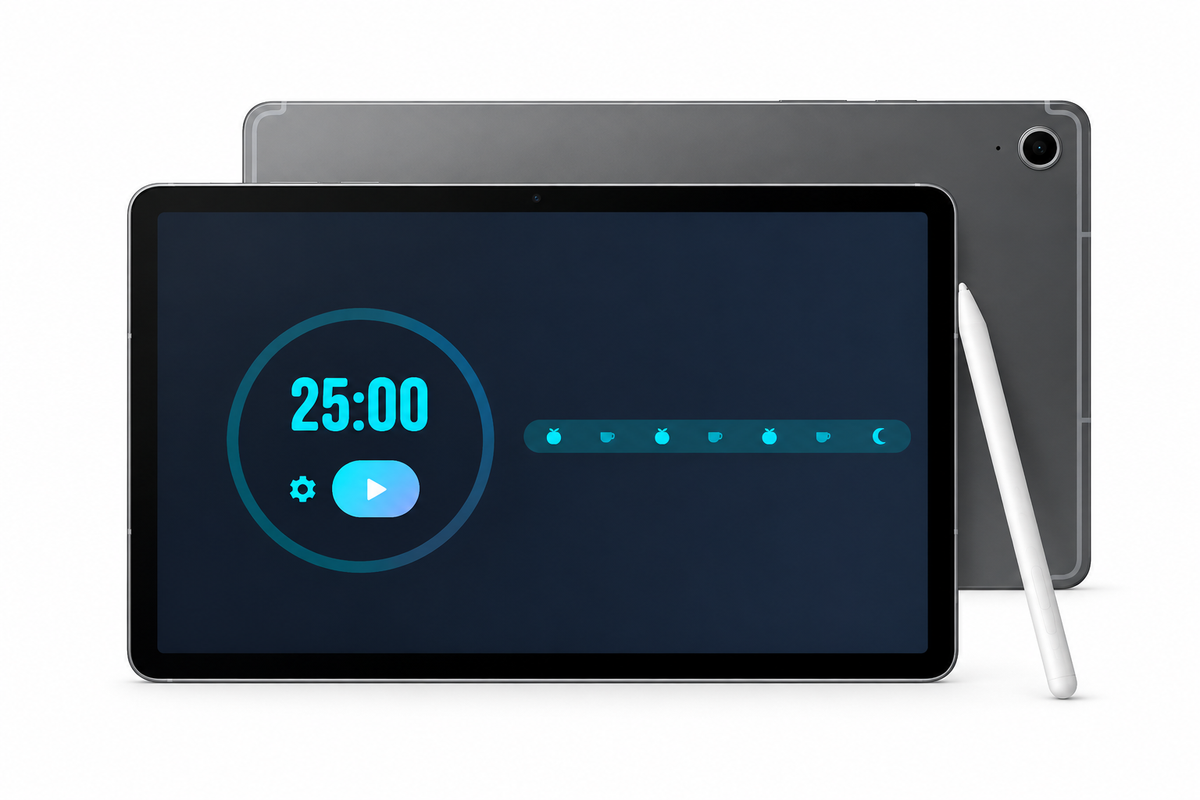
This tablet was bought specifically to test the app on larger screens, and it also has the best value for money on the market right now. A good pick for anyone who wants a bigger desk smart display, like a digital photo frame or a dashboard fixed in the kitchen.
A good accessory doesn't replace the app, but it makes a real difference for anyone already using StandBy Mode as a fixed display — whether that's a stable charger, a versatile stand, or extra power for a trip.
Want to suggest something for this list? Send it by e-mail: support@zetabitapps.com or drop it on Reddit — that's how most of this app got built.

My work moves between two great passions: Content Marketing and Copywriting. I’m driven by a constant desire to keep learning and by honesty in everything I do. I’m passionate about discovering the power of words and well-crafted content. I’ve collaborated with agile startups and agencies with large client portfolios. Each experience has brought me new learnings, new challenges, and a lot of satisfaction — and coffee ☕. Here you’ll get to follow a bit of my professional journey. But if you want to know who I really am — the creative, curious, and restless Karine — let’s grab a coffee, online or in person.
