The StandBy Blog
Tutorials, tips, and news
Get the most out of your Android display — step-by-step guides, quick tips, and what's new in the app.
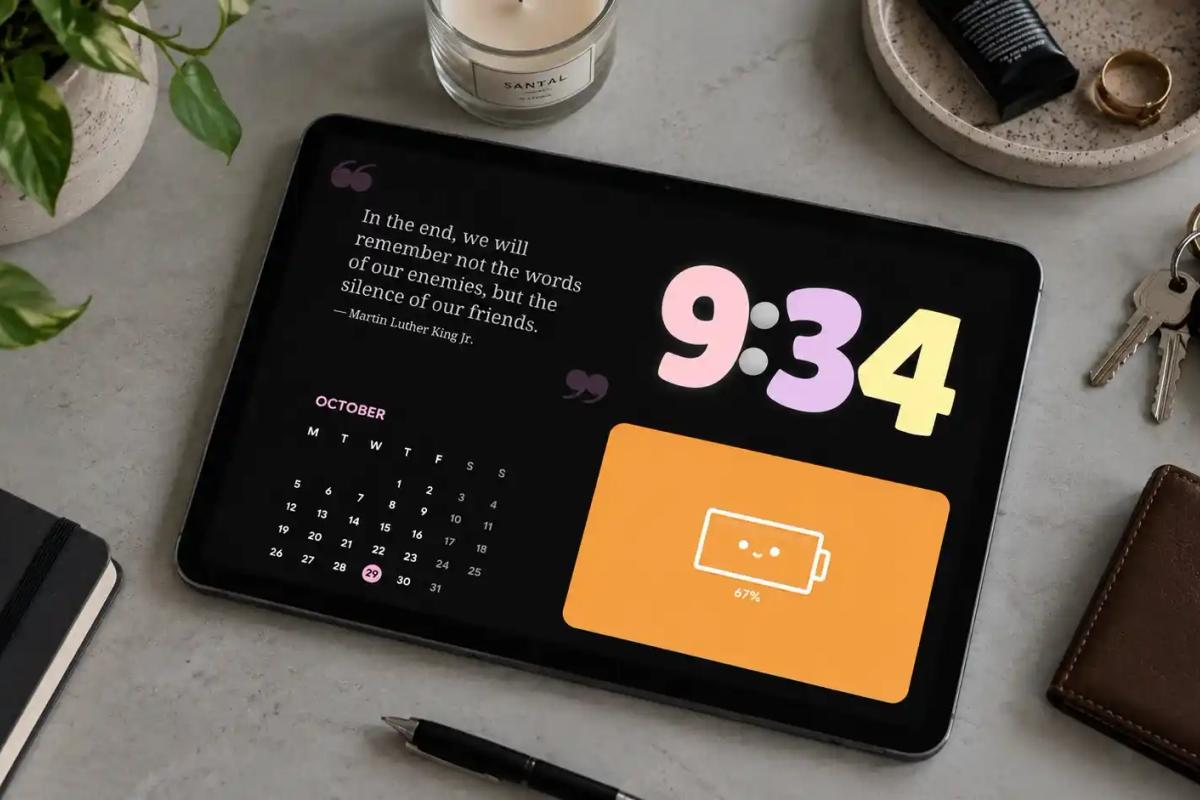
How to Show 4 Widgets at Once in Duo Mode
Split your Android screen into 4 panels with StandBy Mode's Duo mode: pick the layout in Duo settings, add your widgets and try ready-made combinations.
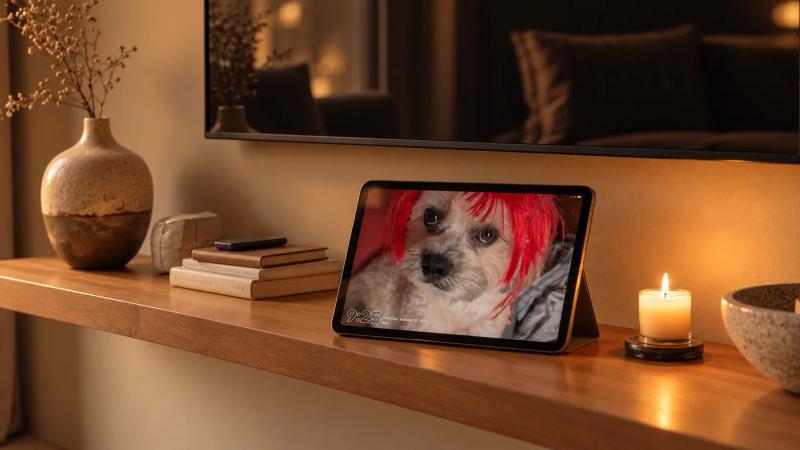
A Photo Frame Unlike Anything You've Seen
Turn an Android phone or tablet into a digital photo frame with StandBy Mode: Photo Stack, fullscreen Photo Slides and photos next to a clock in Duo.
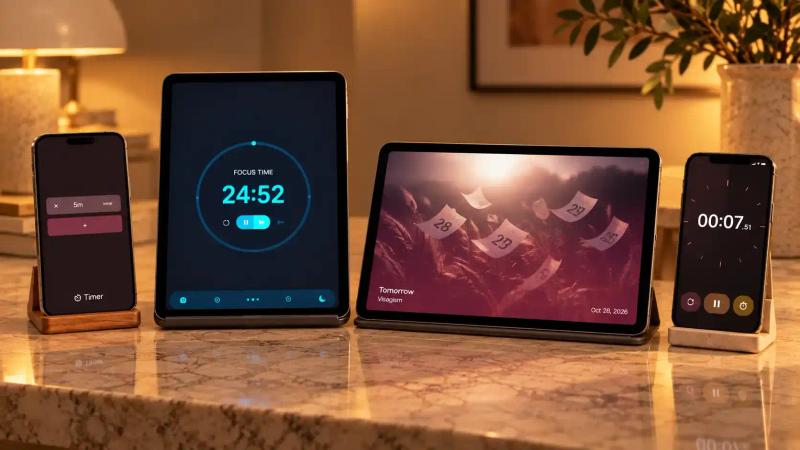
04 timers you can set up on Standby Mode
Timer, Stopwatch, Pomodoro and Countdown Duo: see how to put a fullscreen timer on your Android and which one to use for studying, cooking, working out or waiting for an event.
Good Lock and StandBy Mode: What Each One Customizes on Your Samsung
Good Lock customizes your Samsung's interface; StandBy Mode takes care of the screen while your phone charges. See what each one does and how to use both together.
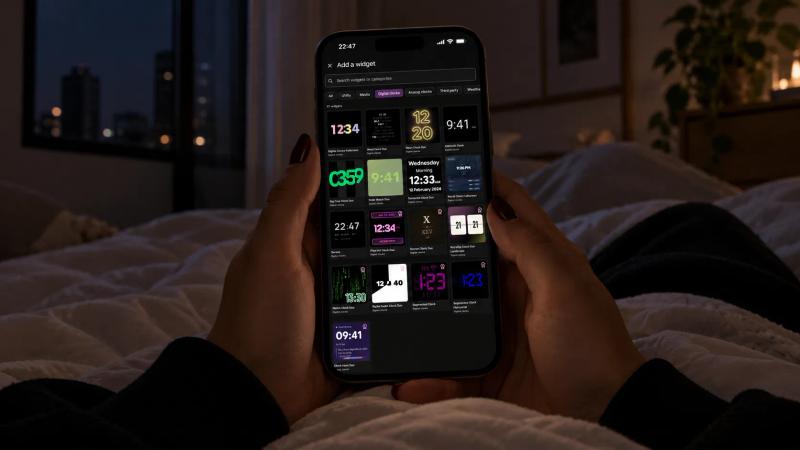
Clocks you can set up on Standby Mode
See how to put a fullscreen clock on your Android and explore the StandBy Mode Fullscreen and Duo clocks, from the flip clock to AMOLED.
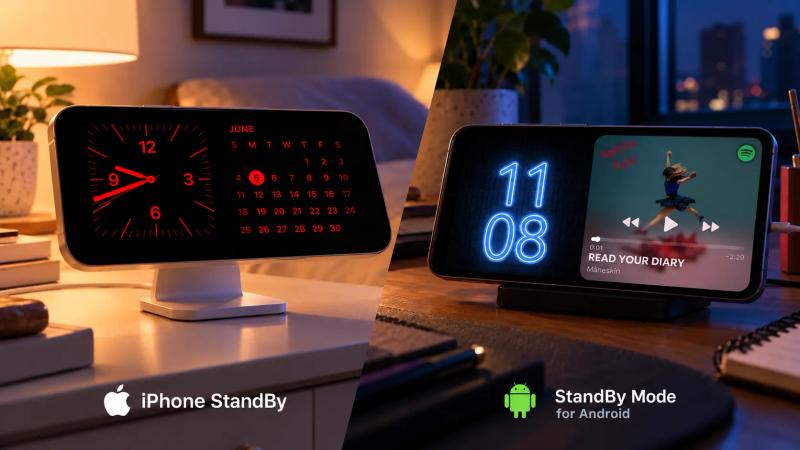
The differences between iPhone StandBy and StandBy Mode on Android
Compare iPhone StandBy with StandBy Mode for Android: what turns each one on, which widgets they take, night mode and what only the app does.
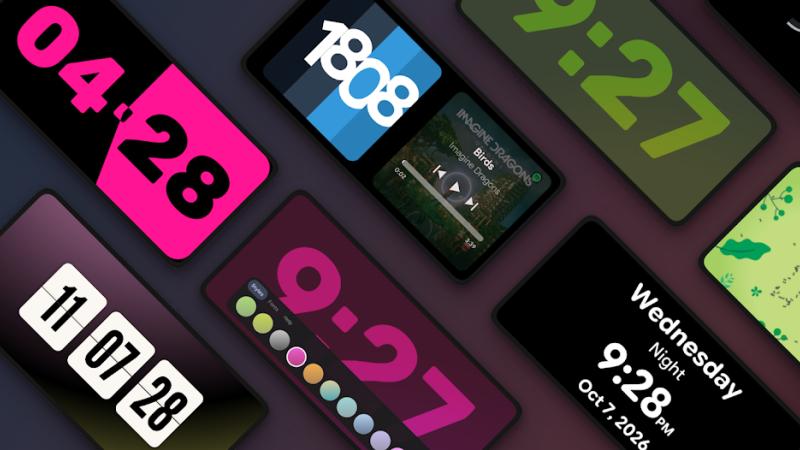
What Can I Use StandBy Mode For?
Nightstand, desk, study, kitchen: see the StandBy Mode setups for Android, the widget combinations in Duo and the fullscreen modes.
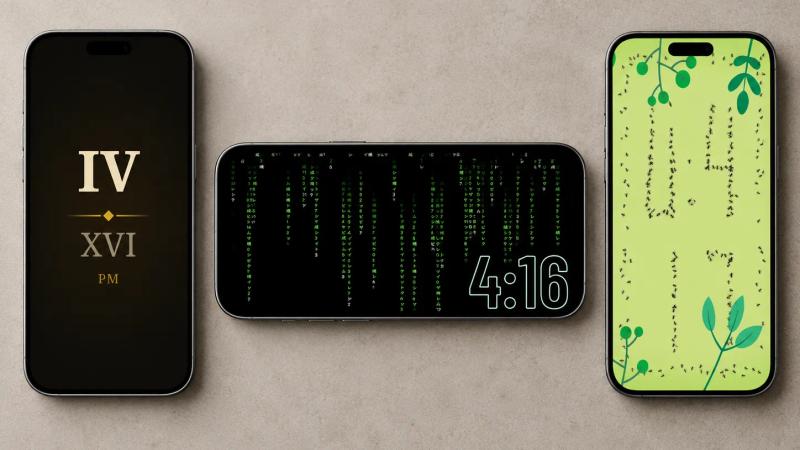
3 Fun Clocks You Can Pick in StandBy Mode
A clock you have to decode, one drawn by marching ants and one inside falling green code. Three fun clocks in StandBy Mode and where each one works best.
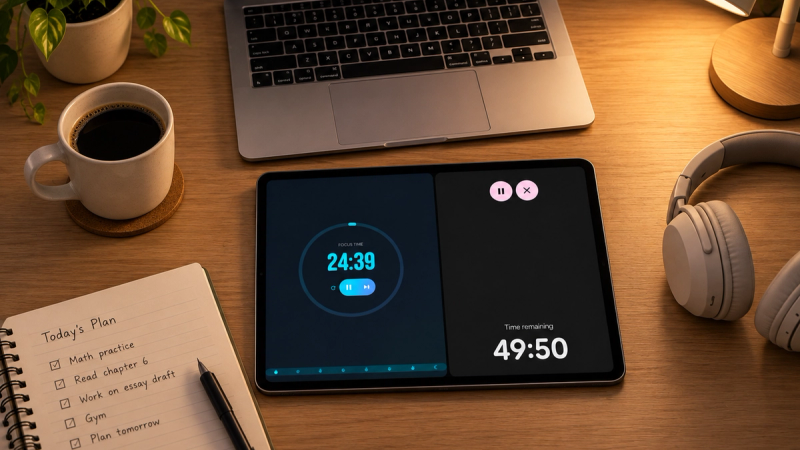
How to Stay Focused While Studying
Focus tips backed by research, from where to leave your phone to what to write before you switch tasks. Plus how to run Pomodoro and Timer Duo in StandBy Mode Pro.
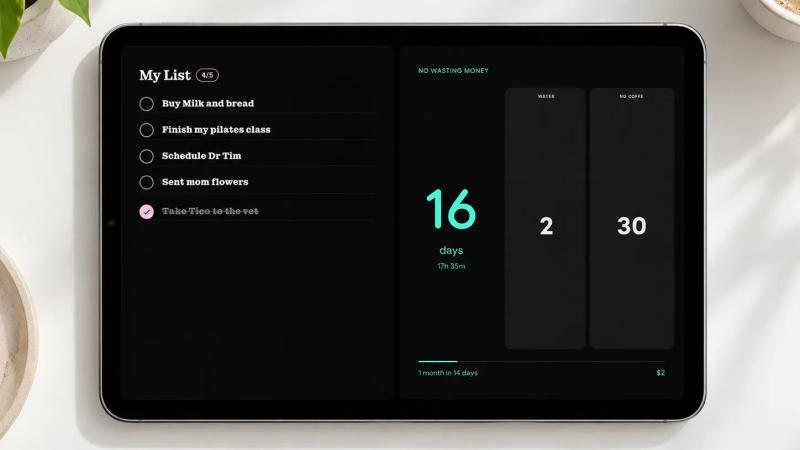
3 Ways to Track Daily Goals
Combine Sober Counter, Tally Counters and To Do List in StandBy Mode Pro to keep a streak, count daily habits and finish tasks without opening an app.
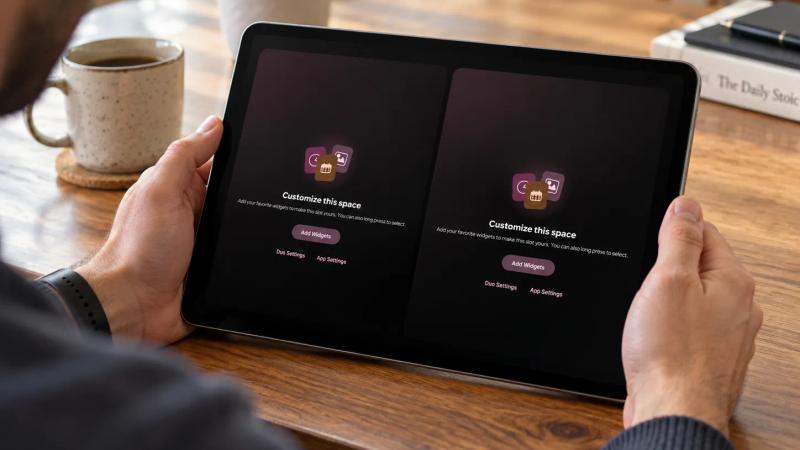
How to Switch Between Multiple StandBy Setups with Spaces
Spaces saves as many StandBy Mode Pro setups as you want, for home, work and bedtime. Scroll down to switch between them. See three setups to copy.
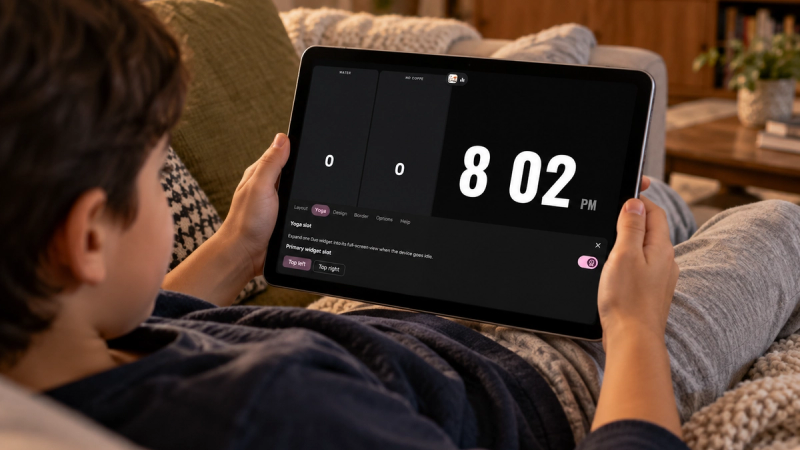
Yoga Mode - your favorite Duo widgets on fullscreen
Yoga mode, new in StandBy Mode Pro, puts any Duo widget on your whole screen. See how to set it up and which widgets make the best screensaver.
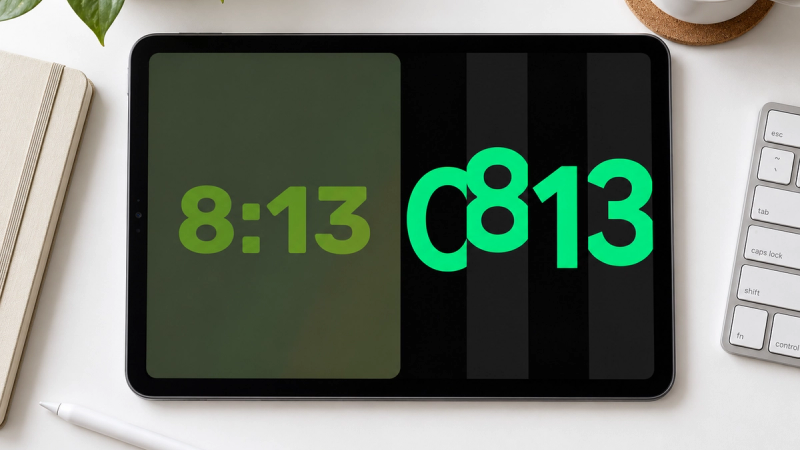
How to Change the Lock Screen Clock Style on Android
Change your lock screen clock style, color and size on Pixel and Samsung. Then see 38 clock designs for the screen your phone shows while charging.
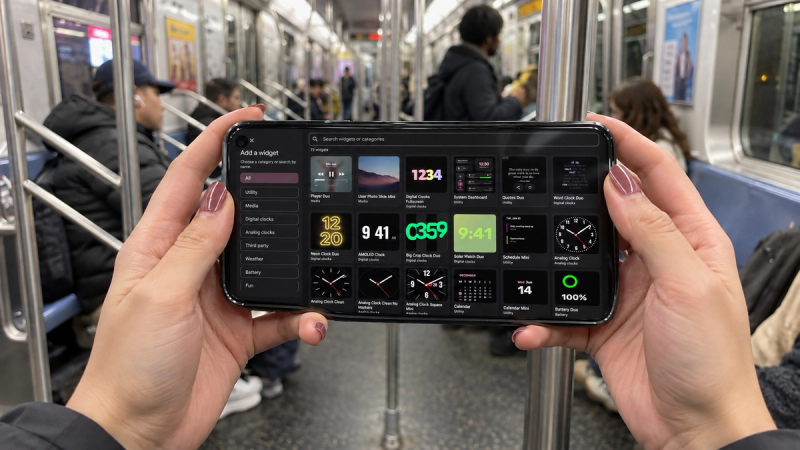
How to Personalize Your Android Home Screen
Personalize your Android home screen in four layers: wallpaper and colors, launcher, icons and widgets. Plus one screen most people never customize.
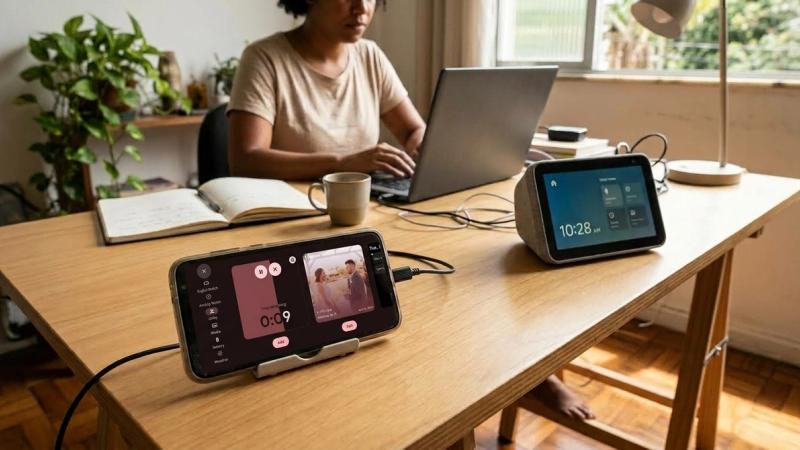
Desk Display vs. Buying a Dedicated Smart Display: Cost Compared
Smart displays cost roughly $100 to $250. See what an old phone with StandBy Mode Pro costs instead, and what a dedicated display adds.
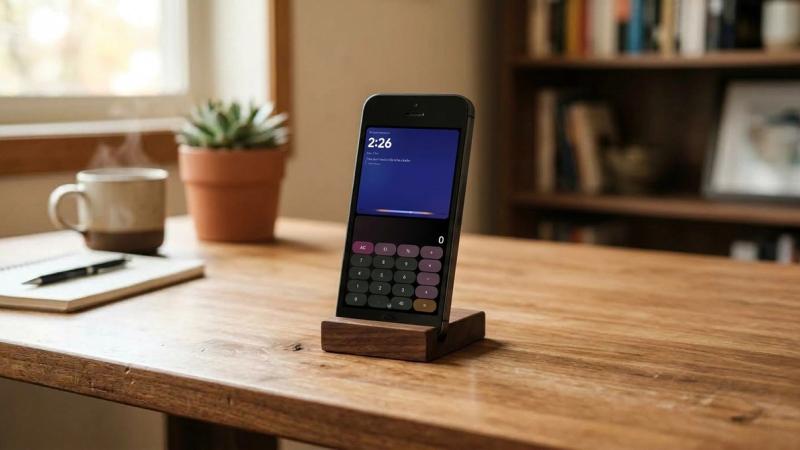
Best Old Phones to Repurpose as a Desk Clock
Turn an old Android phone into a desk clock. See what to look for in the screen and Android version, plus three phones that fit: Galaxy S7, Pixel 3, OnePlus 6.
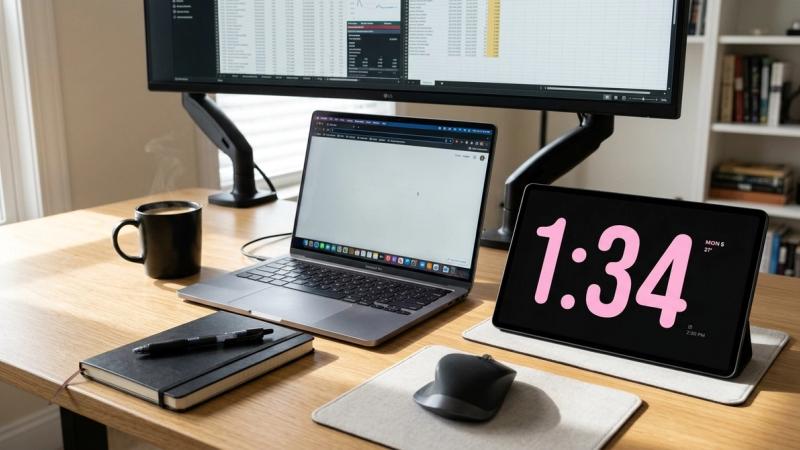
Is StandBy Mode Pro Free? What You Get With Premium
StandBy Mode Pro is free on Android, with optional Premium features for more widgets, customization, fullscreen weather, and an ad-free experience.
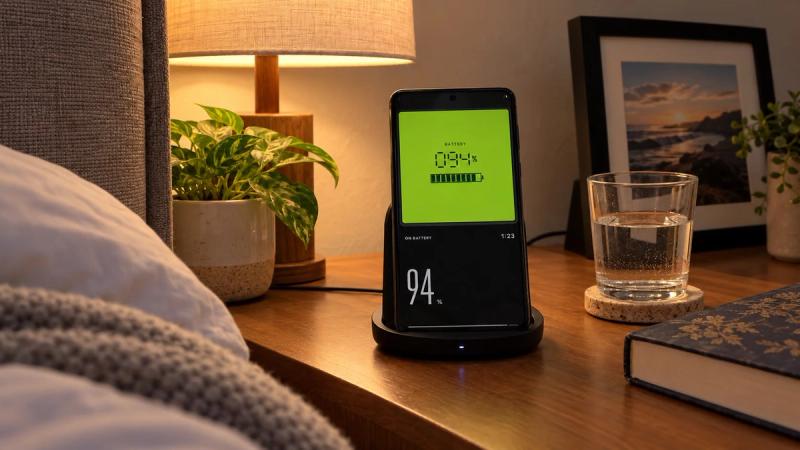
5 Ways to Reduce Battery Usage in Always-On Mode
Learn 5 ways to reduce Always-On Display battery use by changing wallpapers, clock styles, Battery Saver settings, and how the feature runs.
Does StandBy Mode Pro Drain Your Battery? Here's What Actually Happens
Learn how StandBy Mode Pro affects battery use, why OLED screens matter, and which settings help you save power while your phone is charging.
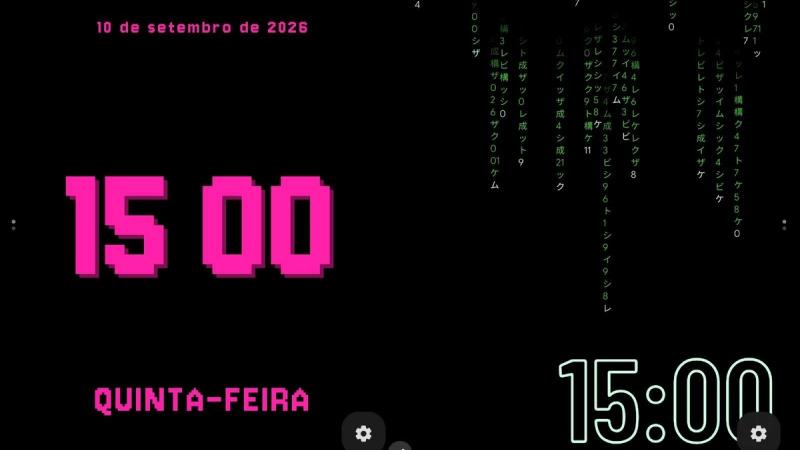
7 Animations to Personalize Your Android
We picked 7 favorite Android animations and widgets, from clocks and music to photos, battery stats, and a couple almost nobody finds.
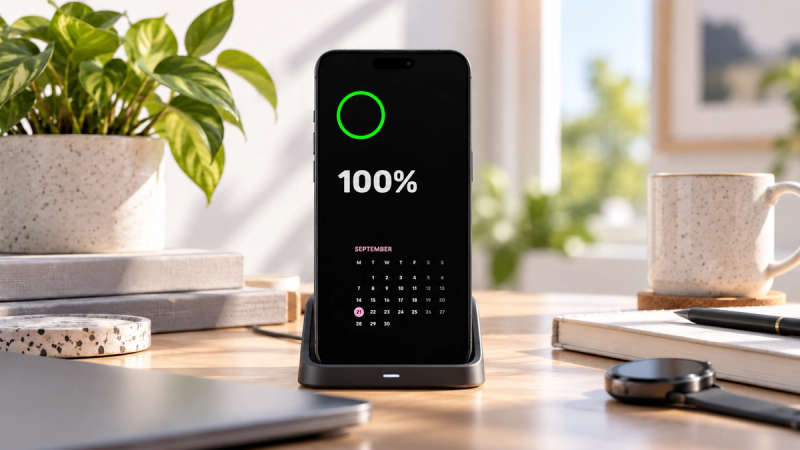
Always-On Display FAQ: Battery, Privacy, and Compatibility
Always-On Display FAQ covering battery drain, privacy risks, Android compatibility, AMOLED support, and customization options.
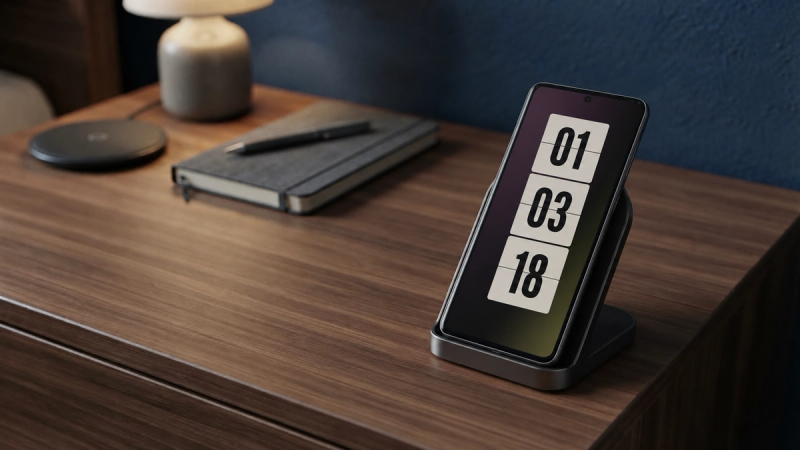
5 Always-On Display Settings You Should Change Right Away
Discover 5 Always-On Display settings to improve privacy, save battery, adjust brightness, control media, and make your Android easier to use.
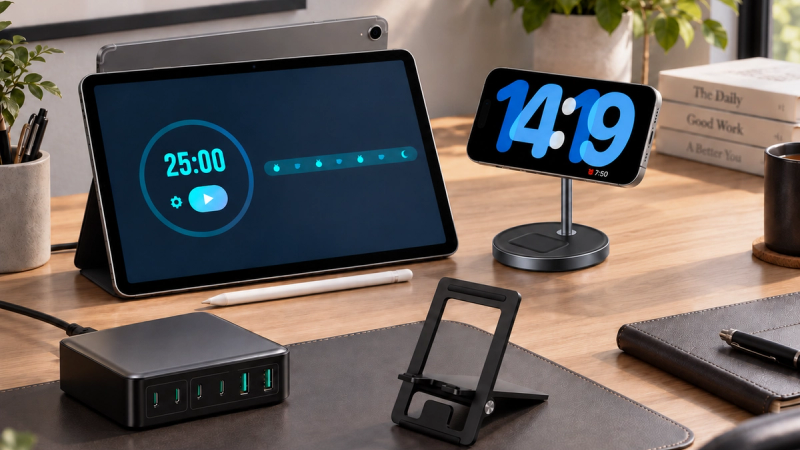
Best Accessories to Use with StandBy Mode
Discover the best accessories for StandBy Mode, from wireless chargers and desk stands to power stations and Samsung devices for a smarter Android setup.
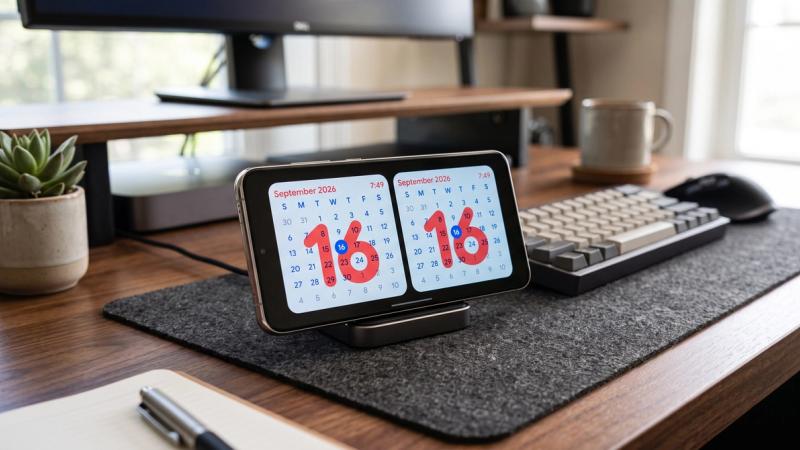
Meet the Striking Calendar Widget
Striking Calendar is StandBy Mode's new premium Duo widget. Today's date sits large behind the month grid, in four styles, with no calendar access. Add it now.
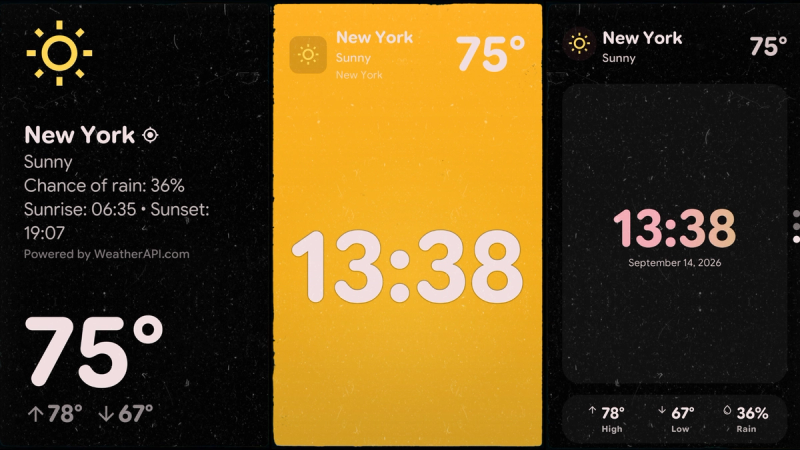
Weather on Your Charging Screen
See how StandBy Mode shows live weather on your Android charging screen with customizable layouts and location settings.
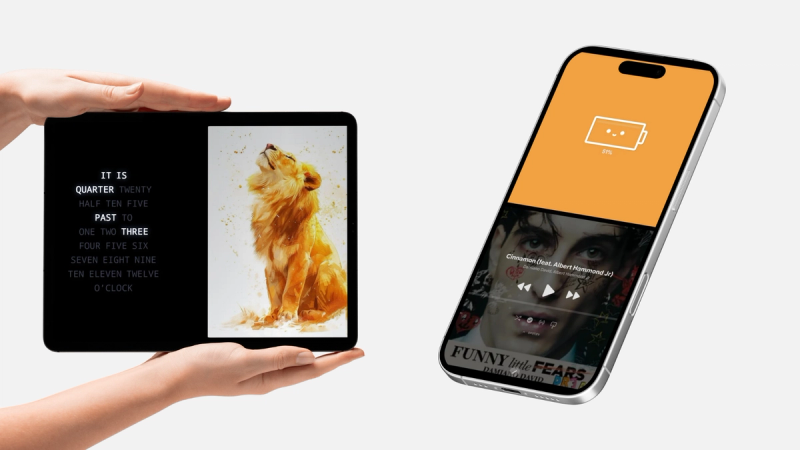
How to Automatically Rotate Widgets on Your Android Charging Screen
Learn how StandBy Mode's Widget Rotator automatically switches Duo widgets, with custom intervals and manual control.
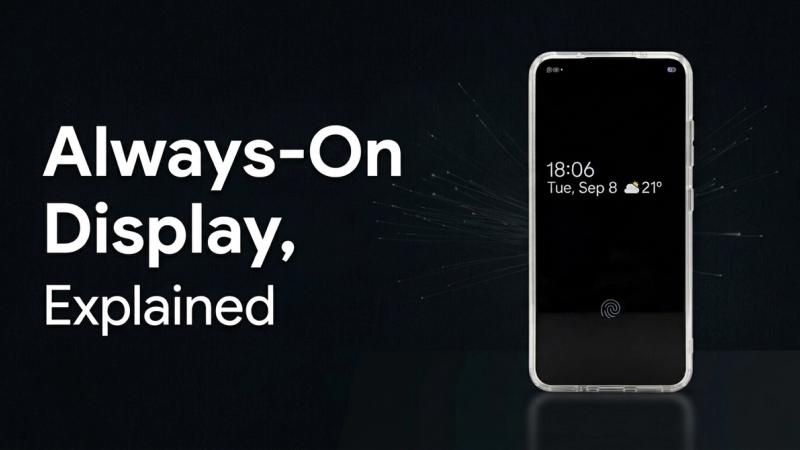
Always On Display, Explained
Always on display shows the time and notifications without unlocking your phone. See how it works, how Samsung's version differs, and when an app helps.
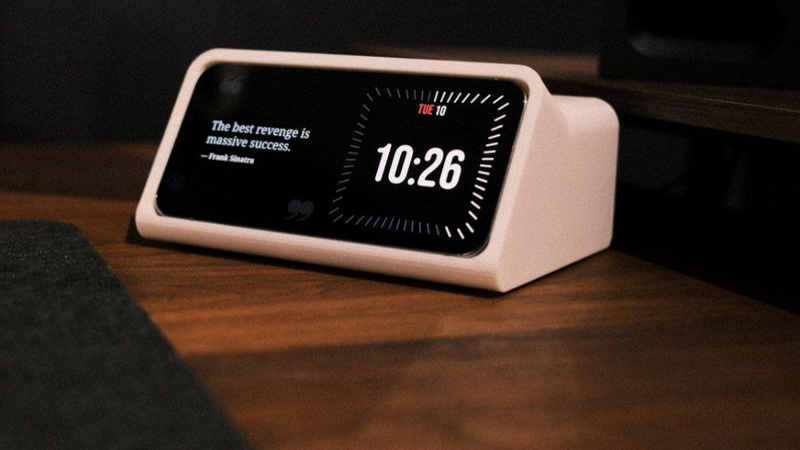
Old Android Phone as a Smart Display
That old Android phone in your drawer can be a smart display. Here is how to make it wake up on its own when charging, and keep the screen safe. Set it up now.
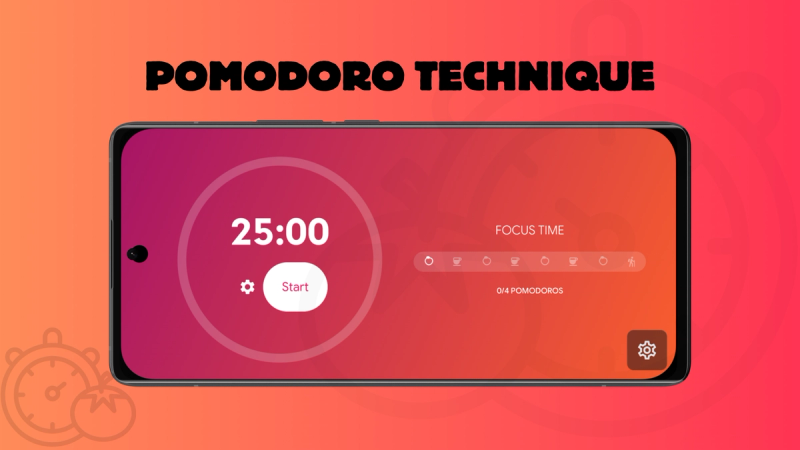
Pomodoro Technique App for Android
Turn a charging Android phone into a pomodoro app. StandBy Mode's Pomodoro screen runs 25-minute work blocks right on your lock screen. Set it up now.
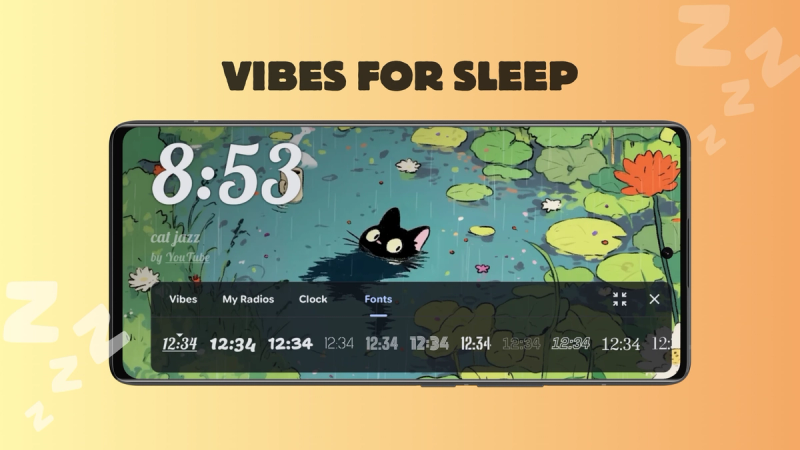
Vibes: Ambient Sound for Winding Down
Rain, white noise, lofi streams and calm video scenes for your nightstand. See how Vibes turns a charging Android phone into an ambient display. Try it tonight.
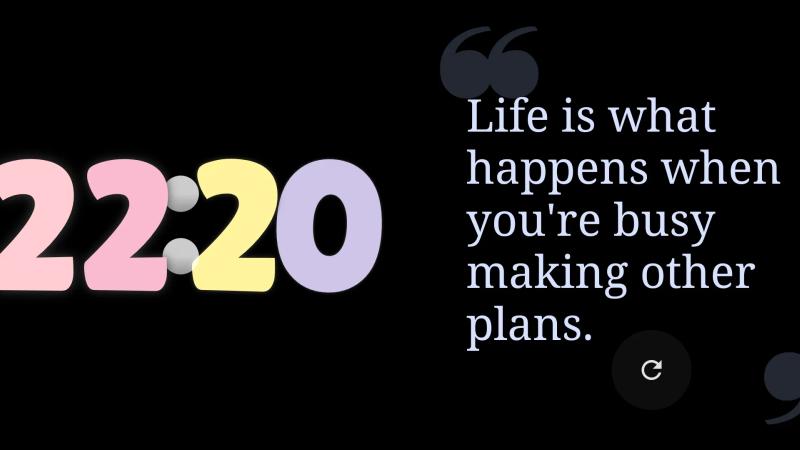
Build Your Perfect Duo Layout
Split your charging Android screen into up to 4 panels with Duo mode in StandBy Mode. Widget Rotator, third-party widgets, and full customization.
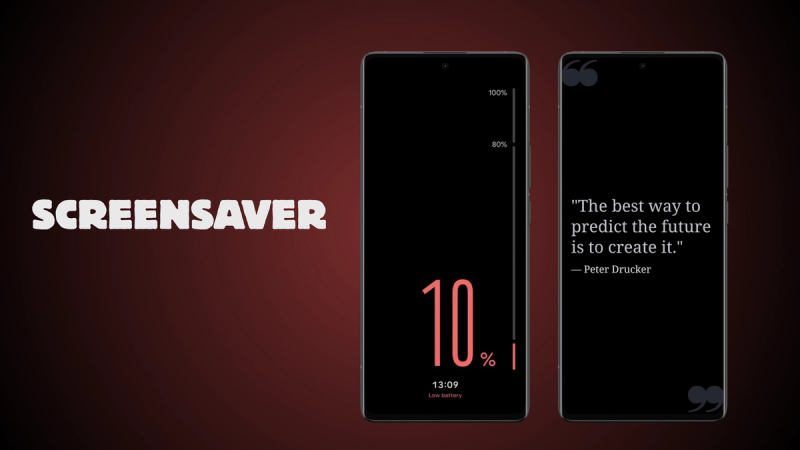
Your Phone Already Has a Screensaver Mode. You Just Never Turned It On.
Android’s native screensaver (Dream/Daydream) with StandBy Mode: how to turn it on, what it shows, how it differs from Always On Display, and Screensaver vs. Quick Launch.
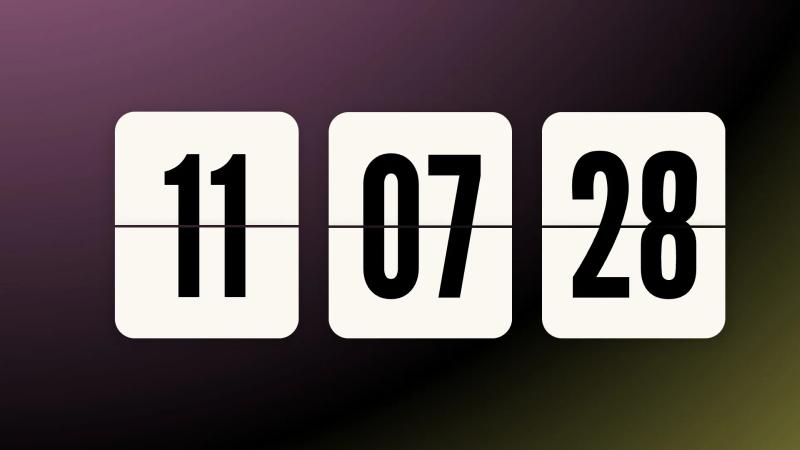
The Retroflip Clock, a Full-Screen Flip Clock for Android
Flip clock app for Android with retro-style flipping-digit animation. Works in Fullscreen or Duo mode. Try it free in StandBy Mode.
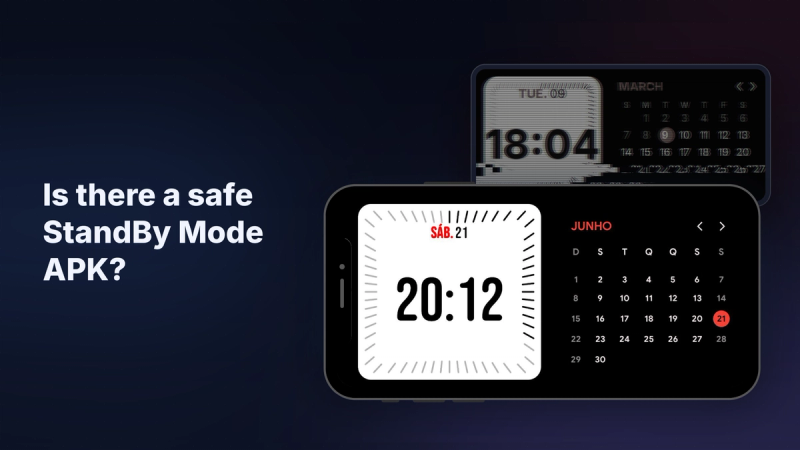
StandBy Mode APK: Is There a Safe One?
Looking for a StandBy Mode Pro APK or premium unlocked mod? There's no official APK, and the real app is free on Google Play. See what mods cost you.
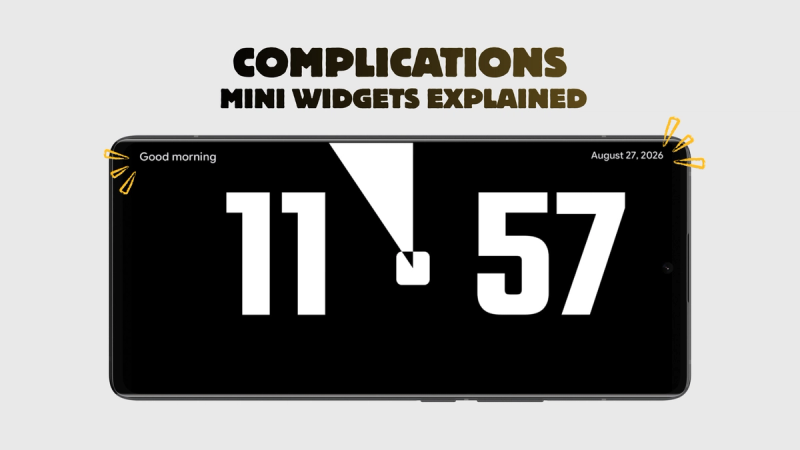
Complications: Mini Widgets Explained
Battery, next alarm, week progress: StandBy Mode complications put one extra fact in each top corner of your clock face, with no clutter. Add yours in seconds.
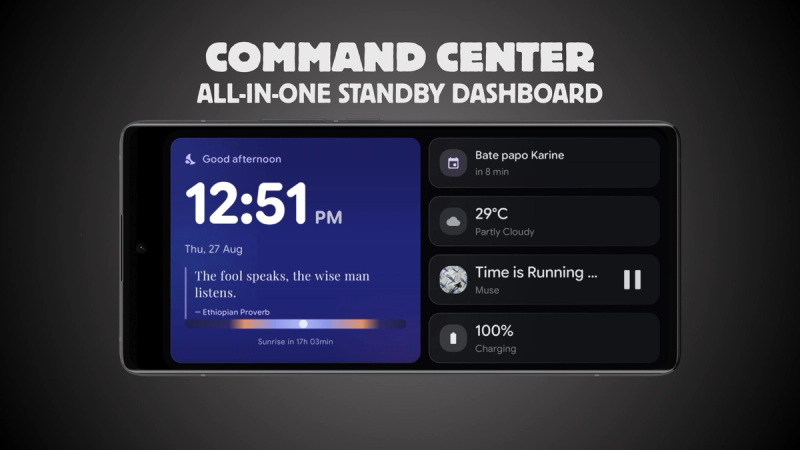
Command Center: All-in-One StandBy Dashboard
Clock, weather, agenda, audio and battery in one StandBy Mode dashboard. Promote any tile to hero size and keep the rest a glance away. Check out the Command Center.
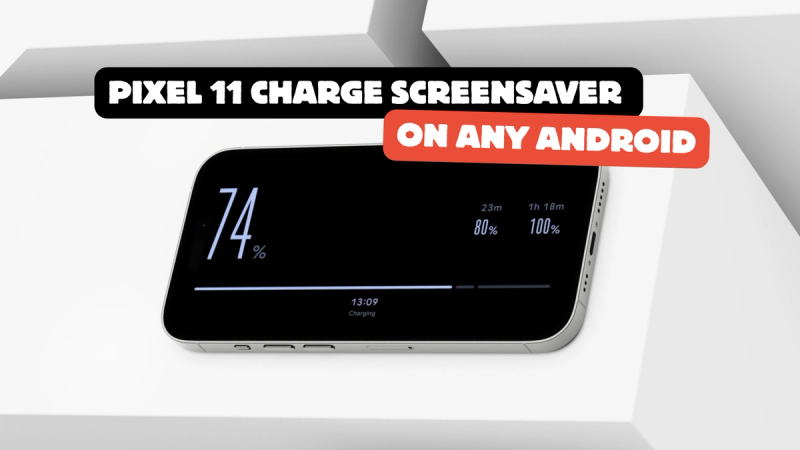
How to get the new Pixel 11 Charge screensaver on any Android device for free
Google's new Pixel 11 screensaver, Charge, turns your battery into the whole screen. Here is how to get the same thing on any Android, free. Set it up now.
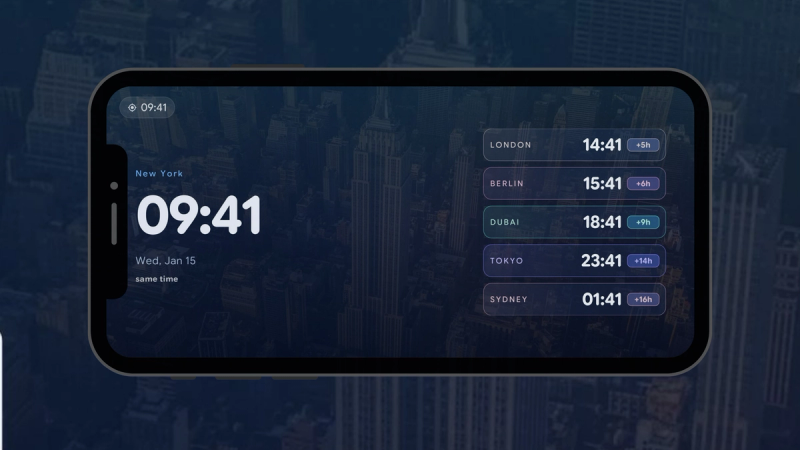
Stop Time-Zone Math with World Clock
Stop doing time-zone math before every call. StandBy Mode's World Clock widget keeps five cities on your phone, each labeled with the time gap.
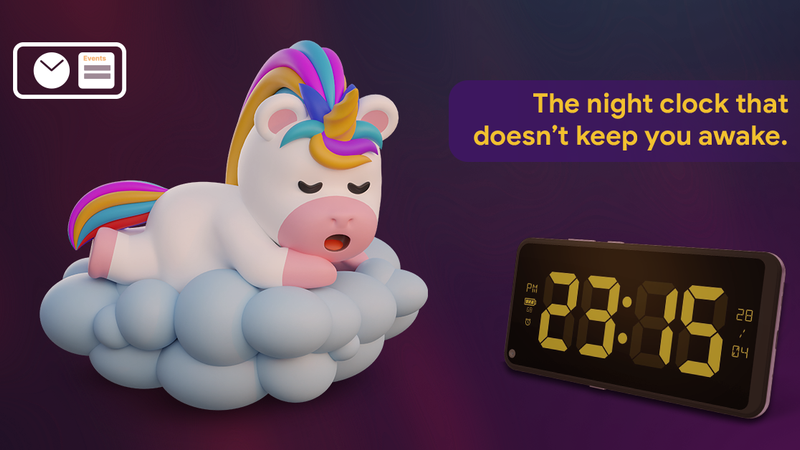
Set Up Night Mode in StandBy Mode
Turn a charging phone into a dim, nightstand clock. Set up Night Mode manually, automatically, or on a schedule. Try it now.
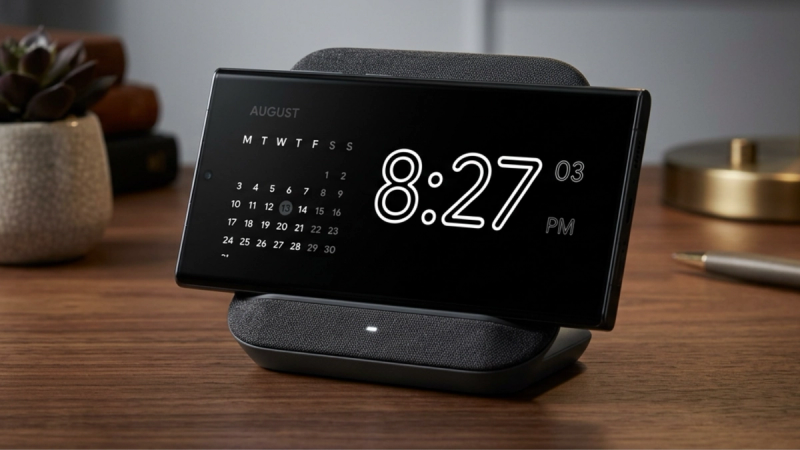
The AMOLED Clock is here
An AMOLED clock keeps your screen pure black, so it draws less power and less light at night. Meet the new one in StandBy Mode. Free.

Does StandBy Mode Cause Screen Burn-In?
Worried about leaving a clock on your OLED all night? See how Advanced Burn-in Protection mode keeps your screen safe. Set them up now.
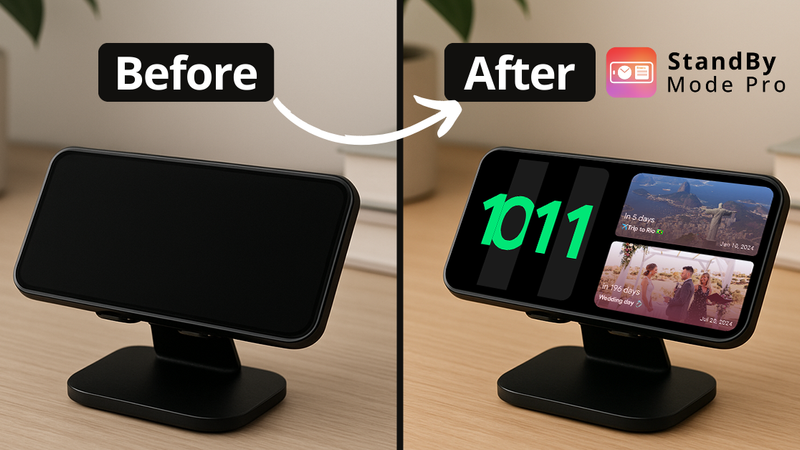
StandBy Mode on Android: How to get the (better) version of the iOS Display for free
Apple keeps StandBy for iOS. Android doesn't have to miss out. Here's how to get the charging-clock display, with many more clock faces and widgets than Apple offers.
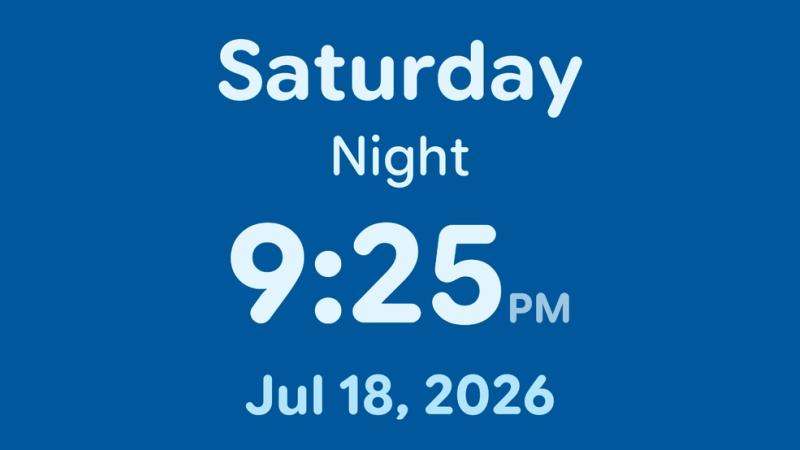
How to use the Dementia Clock for elderly care and accessibility
A practical guide to setting up StandBy Mode Pro as a calm, readable orientation clock for someone living with dementia or low vision.
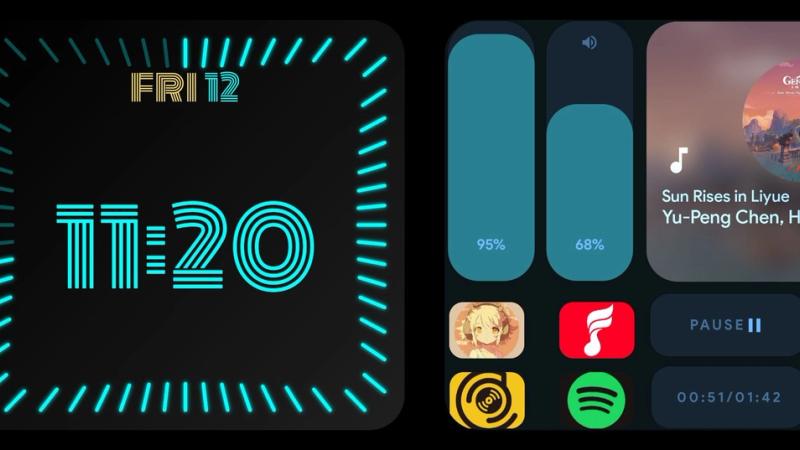
3rd-Party Widgets Tutorial
A quick guide to adding third-party widgets to Standby Mode Duo. Choose, change, resize, and pick from your best widgets.