
Karine Honma
Learn how StandBy Mode's Widget Rotator automatically switches Duo widgets, with custom intervals and manual control.
Customization is the backbone of StandBy Mode: dozens of clocks, widgets, and combinations possible through Duo mode, all built so you can turn the charging screen into exactly the panel you want to see every time you plug in. Inside that same customization logic sits a feature most people never notice: the Widget Rotator, which switches what's showing in a Duo panel on its own — the way you set it up.
Find out what the Widget Rotator is, how to set up automatic switching, how to switch manually without waiting for the interval, whether each Duo position runs independently, and whether the feature is free.
Yes, with the Widget Rotator. It isn't a setting inside Duo mode — it's a widget of its own, one of the options available when you fill a panel, right alongside clocks and calendars.
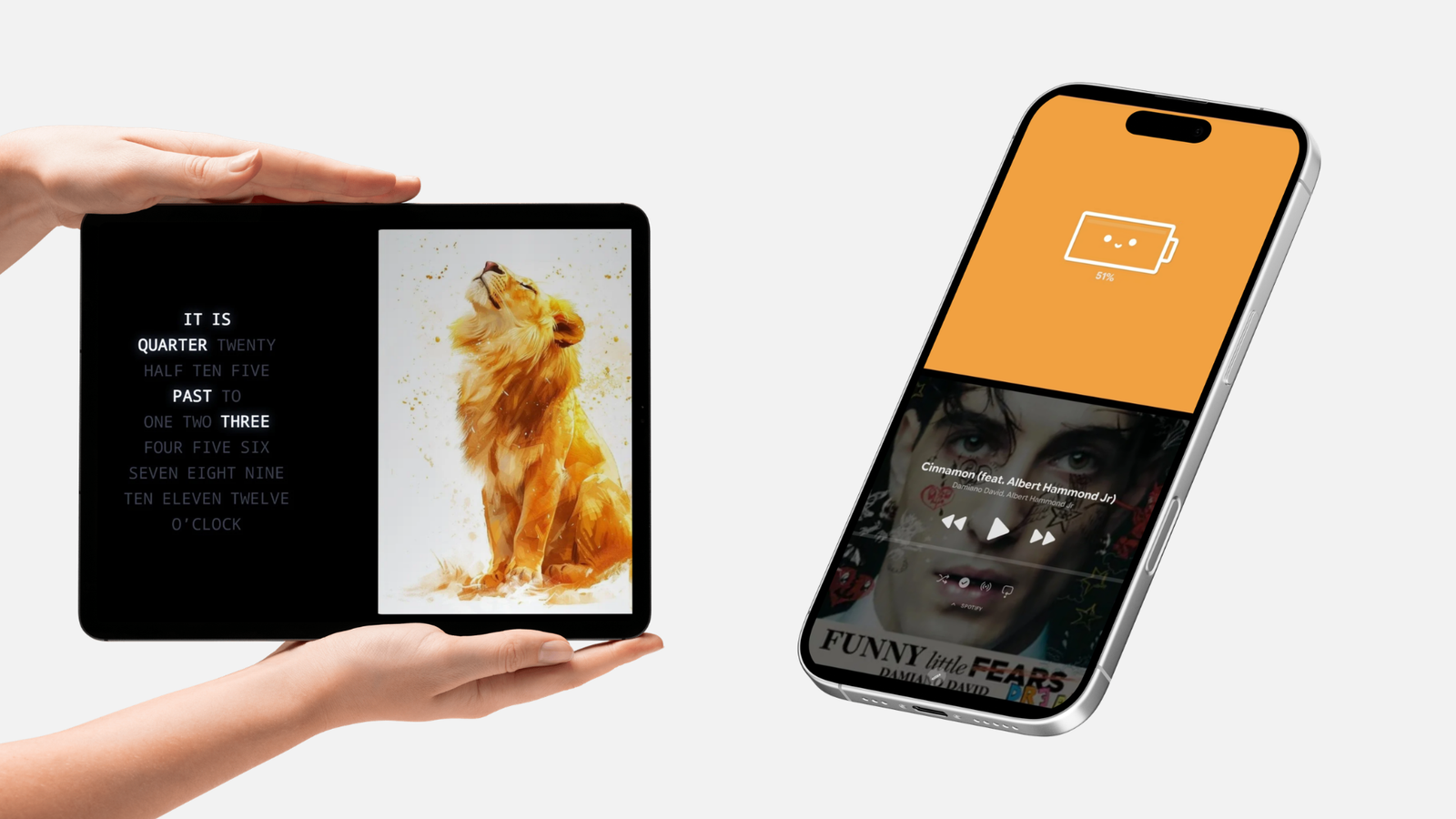
Instead of locking one widget into that spot, the Widget Rotator takes the position and alternates between the widgets you choose, at the interval you set. It's the closest thing to a screen that changes itself, with nothing to tap.
Any widget available for Duo mode can join the rotation — a clock, a calendar, the music player, or a third-party widget installed on the device. Display order and the interval between switches are both adjustable, so a panel can, say, alternate between the calendar and the music player every thirty seconds.
Open StandBy Mode and go to Duo mode among the layout options.
Add a widget by long-pressing any widget and tapping “+”, or by scrolling down to the “Customize Your Screen” screen, tapping “Add Widgets,” and then tapping “+.”
Pick the Widget Rotator instead of a single widget.
Select which widgets join the rotation and set the order between them.
Adjust the switching interval to whatever timing makes sense for that panel.
Yes. Tapping the left edge of the screen forces an immediate switch to the next widget in the list, without waiting for the configured interval to run out.
It's the part almost nobody discovers on their own — the Widget Rotator already handles automatic switching, but the manual tap gives you control on the spot, for whenever you want to see the next piece of information without waiting.
Yes. Each panel running the Widget Rotator keeps its own list and its own interval, independent of the other panels on screen.
That means in a two- or four-panel layout, one panel can alternate between weather and the calendar every minute, while another cycles through music and a third-party widget at a completely different pace — each position on its own clock.
No. The Widget Rotator is a Premium feature in StandBy Mode, alongside Segmented clocks, the Command Center, and more customization options.
Retroflip, another clock style, is free on its own. Matrix is also free in its main theme — only its other theme variations require Premium.
StandBy Mode already goes well beyond a clock: 100+ clock styles, Duo mode for pairing widgets side by side, Photo Frame to turn the device into a digital photo frame, Smart Weather Clocks to see the forecast right on screen, and now the Widget Rotator to let all of it keep changing on its own, the way you set it up.
If you haven't tried the app yet, that whole set of features is reason enough to give it a shot.
Want something added to it? Drop it on UserJot (standbymodepro.userjot.com) and vote on what others have suggested — that's how most of this app got built.

My work moves between two great passions: Content Marketing and Copywriting. I’m driven by a constant desire to keep learning and by honesty in everything I do. I’m passionate about discovering the power of words and well-crafted content. I’ve collaborated with agile startups and agencies with large client portfolios. Each experience has brought me new learnings, new challenges, and a lot of satisfaction — and coffee ☕. Here you’ll get to follow a bit of my professional journey. But if you want to know who I really am — the creative, curious, and restless Karine — let’s grab a coffee, online or in person.
