
Karine Honma
Turn an old Android phone into a desk clock. See what to look for in the screen and Android version, plus three phones that fit: Galaxy S7, Pixel 3, OnePlus 6.
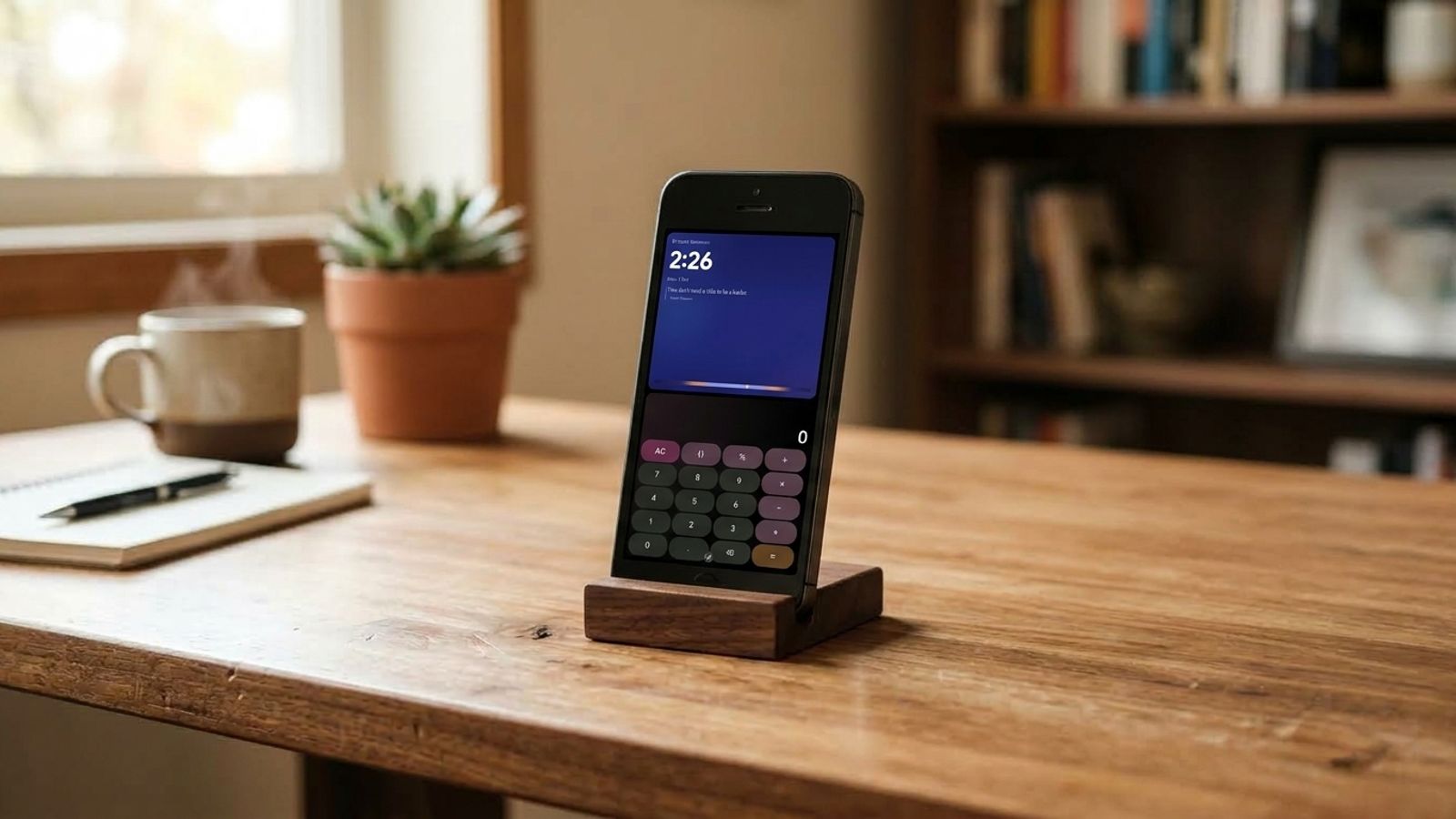
That phone sitting in a drawer doesn't have to become e-waste. With a charger and the right app, it turns into a desk clock with widgets.
But not every old phone gives the same result. The Android version and the screen type change a lot about what ends up on your desk.
Here's what to look for before picking which phone to retire as a display, with three real phones that meet the requirements.
Three criteria matter more than the brand: Android 7 or newer, an AMOLED or OLED screen, and a screen size that's comfortable to read from a distance. StandBy Mode Pro runs on Android 7 or newer, so that's the first filter, and it's worth checking the version in Settings before anything else.
The second criterion is the screen. On AMOLED panels, each pixel has its own light source and can be switched off individually, so a clock with a dark background leaves almost the whole screen off. On LCD screens, the backlight stays on behind the entire panel, so black never gets truly black. An LCD phone running Android 7 or newer meets the app's requirement, but an AMOLED screen is what delivers the dark clock look. Because it keeps pixels lit for hours, that screen also calls for care around burn-in, which StandBy Mode handles with its own protection.
The third criterion is size. A screen of about 5 inches or larger makes it easier to read the time and widgets from across a desk. That range is our recommendation, not an app requirement.
Three models combine an OLED or AMOLED screen with support for Android 7 or newer: the Samsung Galaxy S7, the Google Pixel 3, and the OnePlus 6. The details below come from public spec sheets.
The Galaxy S7 has a 5.1-inch Quad HD Super AMOLED screen (5.5 inches on the Edge), according to Wikipedia. It launched with Android 6.0.1 and was updated up to Android 8, so make sure your unit is already on Android 7 or newer.
The Pixel 3 has a 5.5-inch FHD+ OLED screen (6.3 inches on the XL), per Wikipedia. It launched with Android 9 and received updates up to Android 12, the longest support of the three.
The OnePlus 6 uses a 6.28-inch Optic AMOLED screen, according to GSMArena. It launched with Android 8.1 and can be upgraded to Android 11.
Once you've picked the phone, it can do more than tell time. With Command Center, a single screen brings together a clock, weather with an hourly forecast, calendar, audio controls, and battery status, like an information panel your old phone now delivers on its own. It's a Premium feature in StandBy Mode, and the rest of the app can be tried for free first.
Once you've chosen the phone, the setup guide shows how to make the app open on its own when charging and how to work around battery restrictions from brands like Xiaomi and Oppo.
To choose which old phone becomes your desk clock, check three things: Android 7 or newer, ideally an AMOLED or OLED screen, and a screen size that's comfortable to read from a distance. The Galaxy S7, Pixel 3, and OnePlus 6 all meet those criteria.
Want something added to the app? Leave your suggestion on UserJot (standbymodepro.userjot.com). That's how most of StandBy Mode Pro got built.
Want this on your phone? StandBy Mode Pro turns your charging phone or tablet into a clock and widget display. It runs on Android 7 or newer and is free to download, with in-app purchases.

My work moves between two great passions: Content Marketing and Copywriting. I’m driven by a constant desire to keep learning and by honesty in everything I do. I’m passionate about discovering the power of words and well-crafted content. I’ve collaborated with agile startups and agencies with large client portfolios. Each experience has brought me new learnings, new challenges, and a lot of satisfaction — and coffee ☕. Here you’ll get to follow a bit of my professional journey. But if you want to know who I really am — the creative, curious, and restless Karine — let’s grab a coffee, online or in person.
