
Carol Azevedo
Worried about leaving a clock on your OLED all night? See how Advanced Burn-in Protection mode keeps your screen safe. Set them up now.
Hello, everyone! This is one of the questions I get asked the most:
If I leave the same clock on my phone for long periods, is that going to burn my screen?
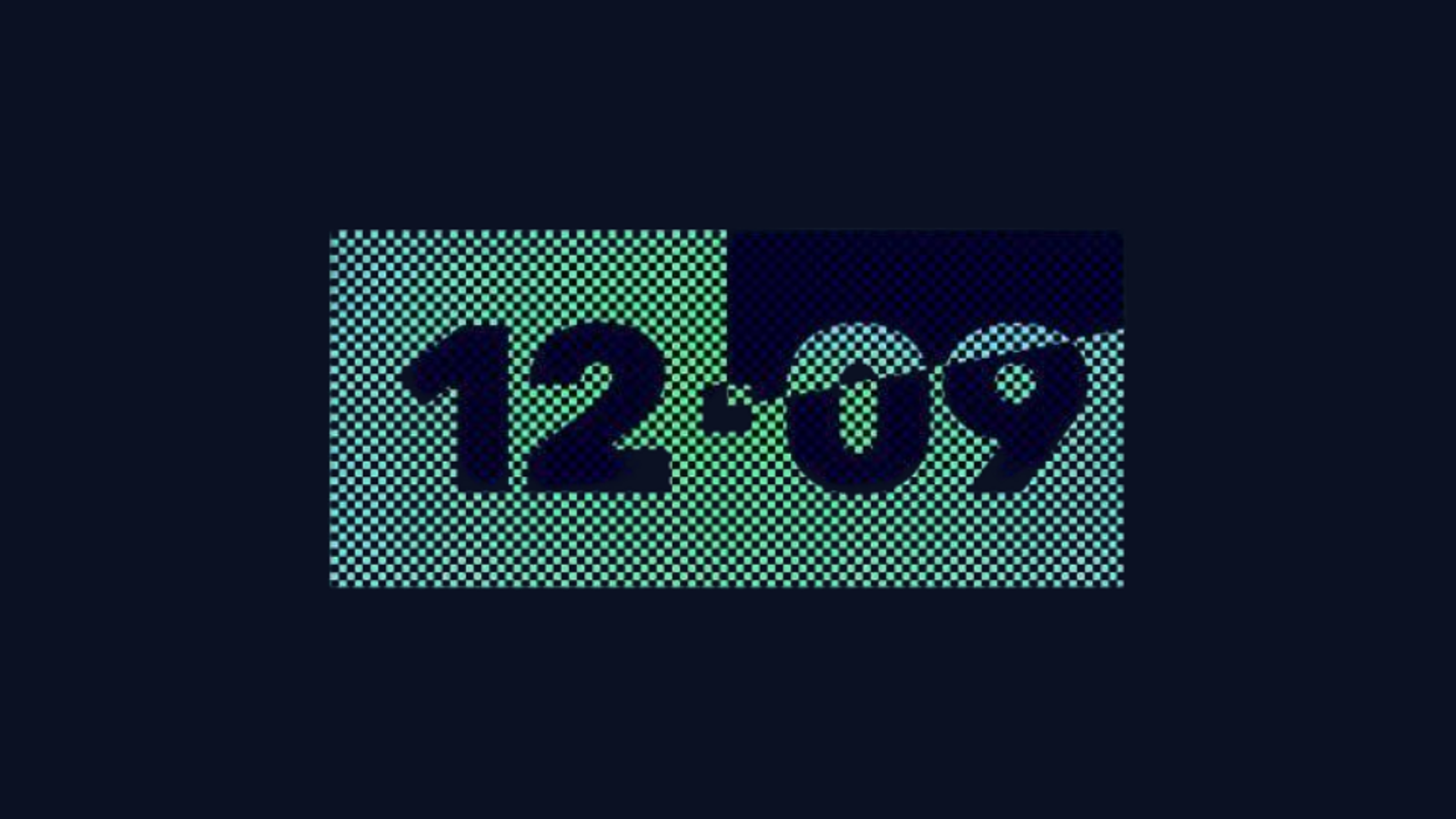
Short answer: No. StandBy Mode's Burn-In Protection includes shifting pixels in a faint checkerboard pattern every minute, so nothing sticks into your OLED (even if it's on all night).
Let's go a bit deeper, because I know a lot of you want to understand exactly how it works.
OLED burn-in happens when the same bright pixels stay lit for a long time. Two things make it dramatically less likely: lower brightness and pixel variation. That's exactly what Burn-In Protection is built around.
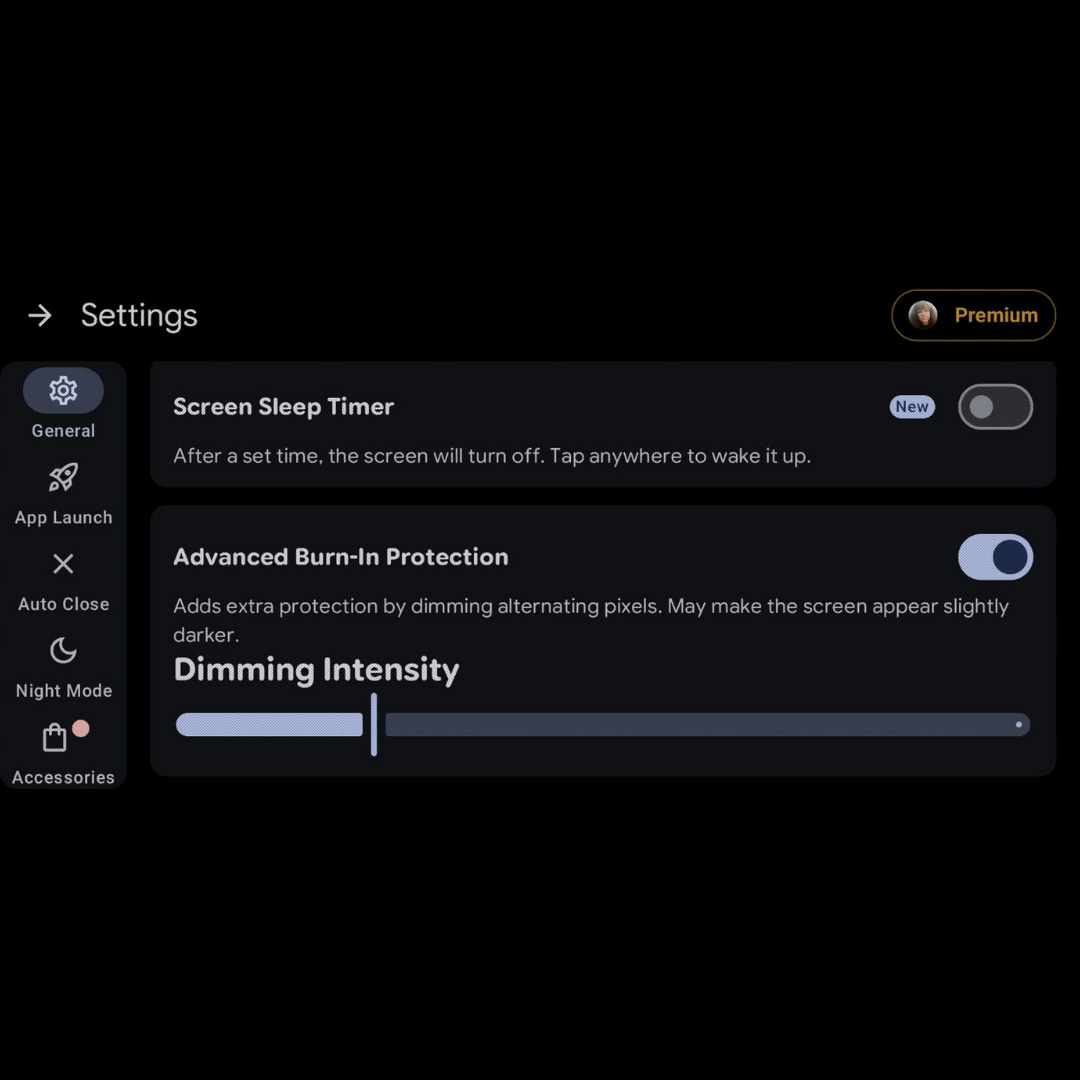
Turned off the sleep timer and skipped Burn-In Protection too? You'll probably still be fine. Modern OLED panels are a lot more resistant to burn-in than they used to be. But if you want the extra peace of mind for an all-nighter on the charger, Advanced Burn-In Protection is your ally.
Under the hood, the app quietly redraws your screen with a subtle checkerboard every 60 seconds. One minute it's pattern A, the next it's the inverted pattern B. To your eyes it just looks like a clock. To your OLED screen, no single pixel is ever lit at full brightness for long enough to etch in.
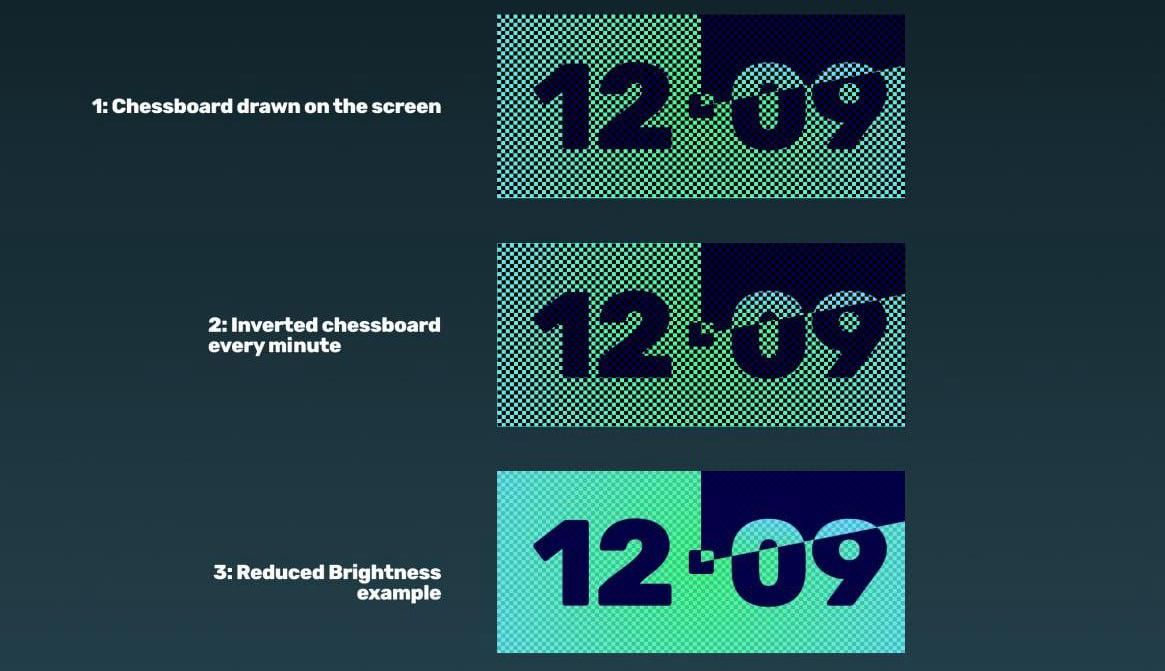
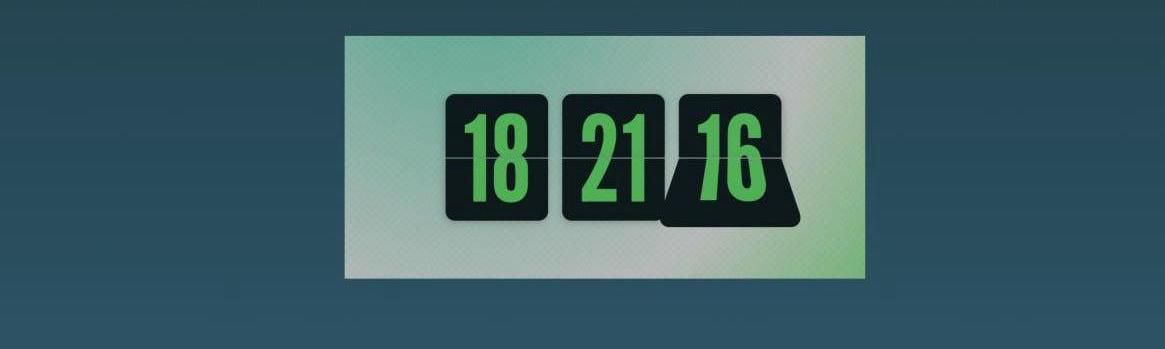
LCDs do not burn in, but they still benefit from this strategy, because lower brightness means less heat, less battery drain, and a more pleasant glow in a dark room. The same defaults work for you.
Leave your phone on the dock with confidence. Download StandBy Mode Pro and put your screen to work overnight, safely.
Hey, it's Carol here. I manage StandBy Mode's socials and support. If you've got questions about burn-in, or anything else, drop a comment or send me an email at support@zetabitapps.com.

Carol here! I manage Support and Marketing in the StandBy Mode App for more than a year now. I love talking about the app with people, because I enjoy tech, experiments and I've watched the app grow since the begining, back when Wesley (our dev/founder) and I were just friends (now we're also neighbours, gymbros and co-workers). Feel free to talk to me about the app or maybe some tips on what to do if you come to Brazil 🇧🇷



