
Carol Azevedo
That old Android phone in your drawer can be a smart display. Here is how to make it wake up on its own when charging, and keep the screen safe. Set it up now.
Hello, everyone! Carol here. There is probably an old Android phone in a drawer near you. Fully functional, but forgotten at some point in 2022.
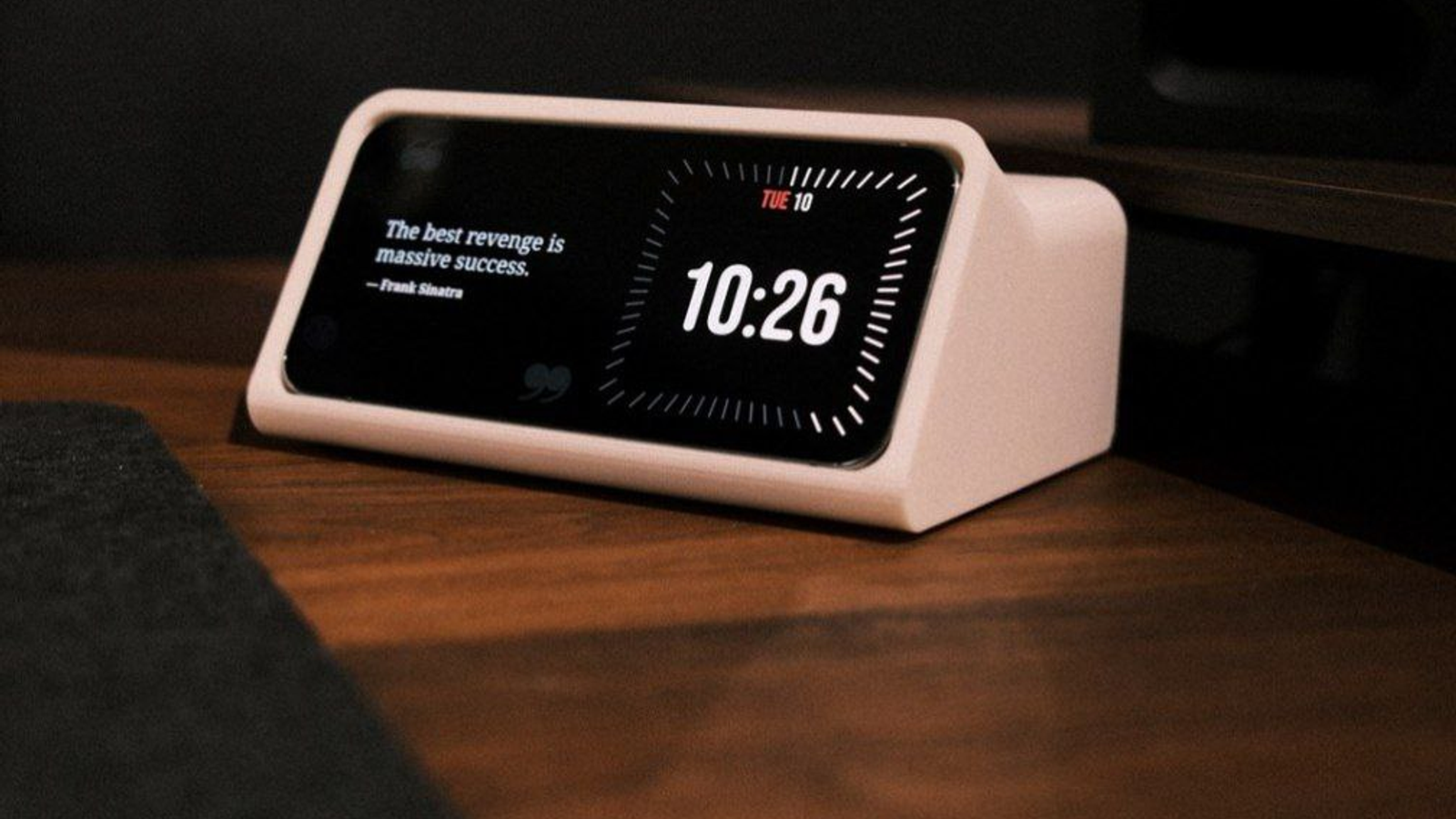
StandBy Mode is an Android app that turns a charging phone or tablet into a smart display: a clock, a weather screen, a photo frame, or a dashboard of widgets. It runs on Android 7.0 and newer, which is exactly why that drawer phone is a better candidate than you think. It does not need to be fast. It needs to sit still and stay plugged in.
Three things: a phone or tablet on Android 7.0 or newer, a charger it can stay plugged into, and a stand or dock to hold it. Wi-Fi is only required for the widgets that pull live data, like weather, the calendar or the music player. A clock face works with nothing connected at all.
That pair is the whole trick for a dedicated display phone. For the wider tour of clock faces, widgets and how this compares to the iPhone version, read StandBy Mode on Android.
Two separate things can cause this, and it's worth checking both:
If it's inconsistent rather than never working, that pattern usually points to background restrictions rather than a settings conflict.
Screen Sleep Timer is already on. After a period of inactivity, 20 minutes by default, it blacks out or turns the screen off entirely. It wakes on a tap, or on motion using the phone's sensors, which is the setting you want on a display that only needs to be readable when someone walks past it.
If you would rather keep the display on permanently, turn on Advanced Burn-In Protection. You will find it under Settings → General. It redraws the screen with a faint checkerboard every 60 seconds, so no pixel stays lit at full brightness long enough to etch into an OLED panel, and the Dimming Intensity slider controls how much it dims while doing that. The full explanation is in does StandBy Mode cause screen burn-in.
Yes. StandBy Mode also registers as an Android screensaver, the system feature Android calls Dream mode. You set it in your phone's Display settings, and your chosen screen appears whenever the phone docks or charges at the OS level, without the app sitting in the foreground. Which of the two to pick, and how they differ, is covered in your phone already has a screensaver mode.
The best part of this app is what people build around it. All of these started with a device that was doing nothing.
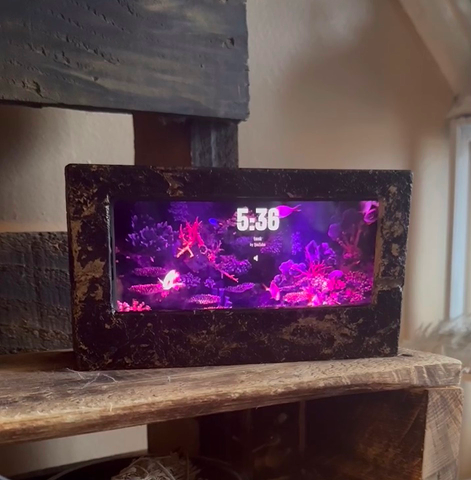
1. Nathalie built an aquarium-inspired frame. The display reads as decor first and a tablet second, which is the whole point. A frame around the screen hides the bezels better than any wallpaper can.
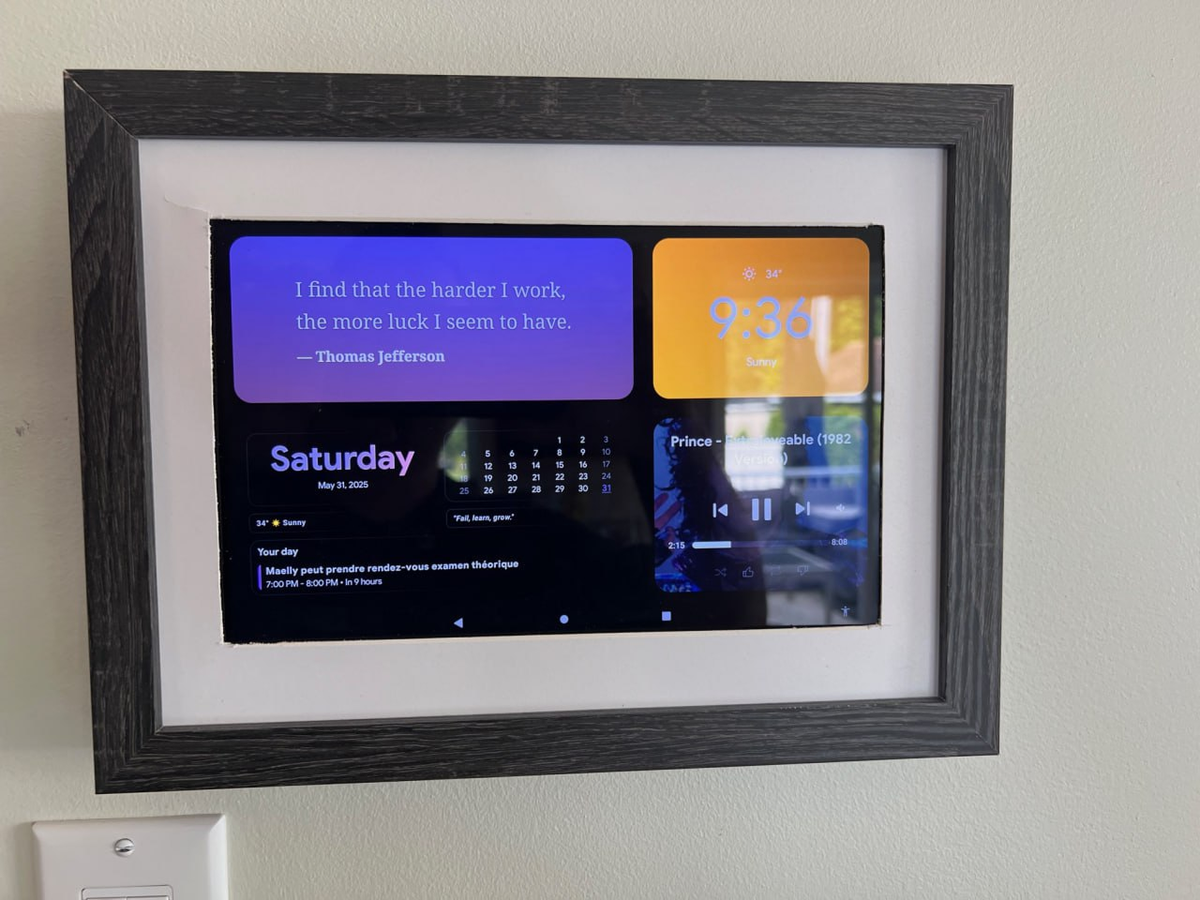
2. Richard wall-mounted his tablet. Agenda, weather and the music player on one screen, at eye level, permanently on. It is the closest thing to a wall-mounted smart display you can buy, except the hardware was already in the house.
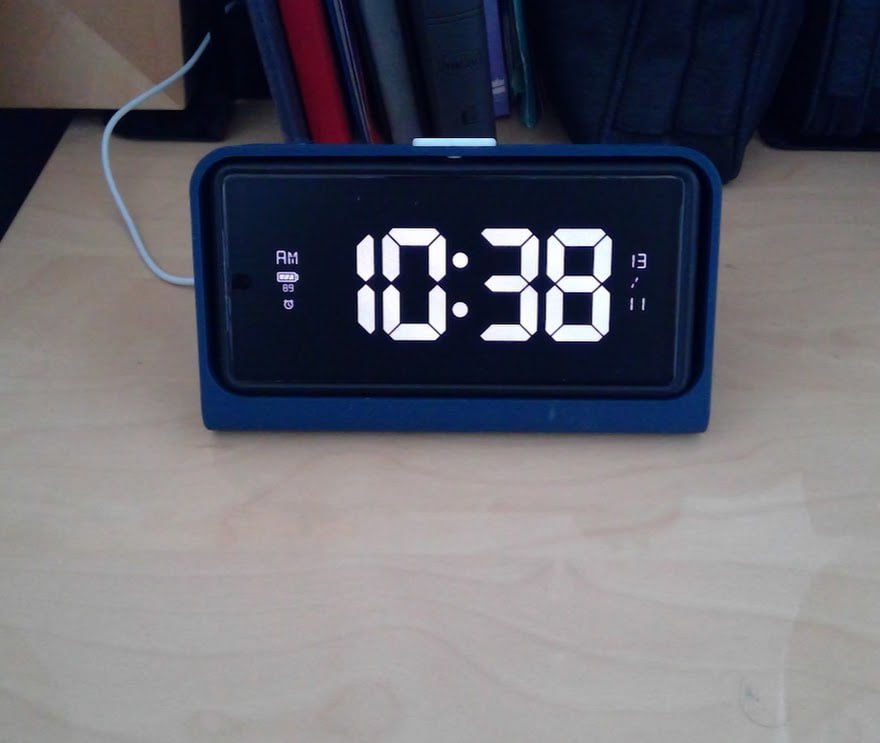
3. Mike 3D-printed a dock, and shared the model with the community. That is the most copyable idea here.
If you want the screen itself to be custom rather than the case, third-party widgets like KWGT let you design the layout yourself. The third-party widgets tutorial walks through adding them. Built something? Send it to me and I will feature it.
Any phone or tablet running Android 7.0 or newer, including Samsung Galaxy, Pixel, Motorola, OnePlus and Xiaomi devices. Android 12 and newer unlocks every visual effect. Speed is not a factor, because the display is a mostly static screen, so a phone that felt slow as a daily driver is perfectly fine here.
No. Wi-Fi is enough, and it is only needed for the widgets that pull live data, such as weather, the calendar or the music player. A clock face keeps working with no connection at all.
The display is designed to run while the phone is charging, so it is not pulling from the battery the way an always-on screen normally would. Quick Launch requires charging before it fires, specifically so the display never starts on its own and drains a phone you left somewhere.
No. StandBy Mode is free to download on Google Play, and the core display works without paying: clock faces, widgets, night dimming and auto-start on charge. A one-time Premium purchase or subscription unlocks the extra customization and removes ads.
StandBy Mode turns any charging Android phone or tablet into a smart display: clocks, widgets, a photo frame and ambient sound, all running on hardware you already own. Give that drawer phone a second life tonight.
Get StandBy Mode on Google Play
Questions about setting up an old phone, or anything else? Ask in the app or email me at support@zetabitapps.com. Feature ideas go to UserJot, where the roadmap gets voted on by the community.
Hey, it's Carol here. I manage StandBy Mode's socials and support, so if you have any questions, I'm here for you.

Carol here! I manage Support and Marketing in the StandBy Mode App for more than a year now. I love talking about the app with people, because I enjoy tech, experiments and I've watched the app grow since the begining, back when Wesley (our dev/founder) and I were just friends (now we're also neighbours, gymbros and co-workers). Feel free to talk to me about the app or maybe some tips on what to do if you come to Brazil 🇧🇷



