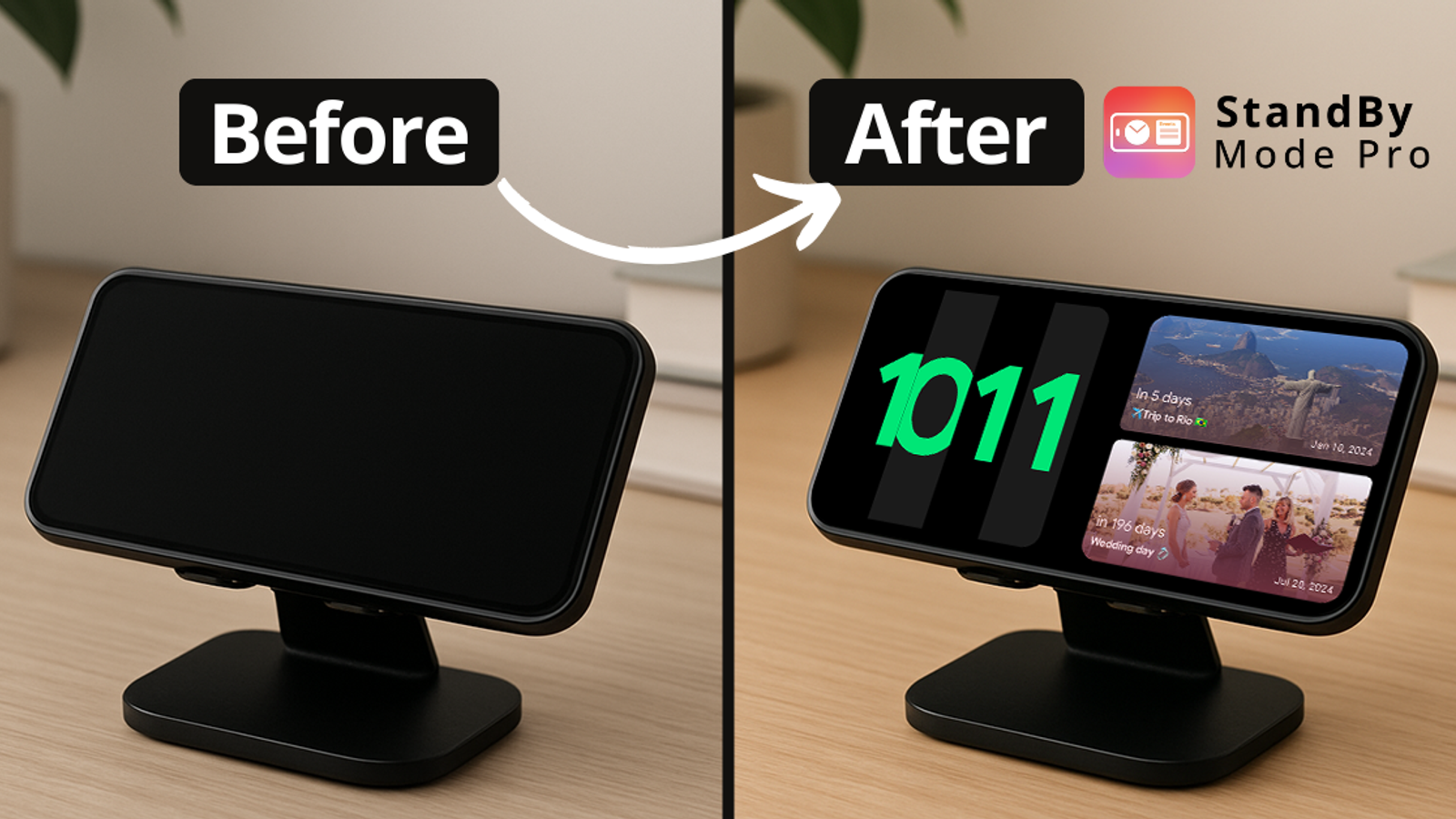

Carol Azevedo
Apple keeps StandBy for iOS. Android doesn't have to miss out. Here's how to get the charging-clock display, with many more clock faces and widgets than Apple offers.
StandBy Mode is an iOS 17 feature that, although useful, a lot of people don't understand. Once they do, it's quite simple: turn the phone sideways and put it on a charger, and it stops being a blank phone and starts being a smart display.
On Android, the number one option for Standby is the app StandBy Mode Pro. It started in 2023, when the iOS feature was launched, but it doesn't just copy the idea. It goes well beyond what iOS offers, with more clock faces, more widgets, and far more control over when and how the display turns on and off.
On the iPhone, StandBy activates when the phone is charging and set on its side. You get views you swipe between: widgets, a photo frame, and a full-screen clock in a handful of styles. At night it shifts to a dim red tint so it doesn't light up the bedroom. Apple has added small interactive touches since launch, but it's still a fixed, single-trigger experience.
The Android version starts from the same idea and then keeps going, because it isn't limited to what Apple ships:
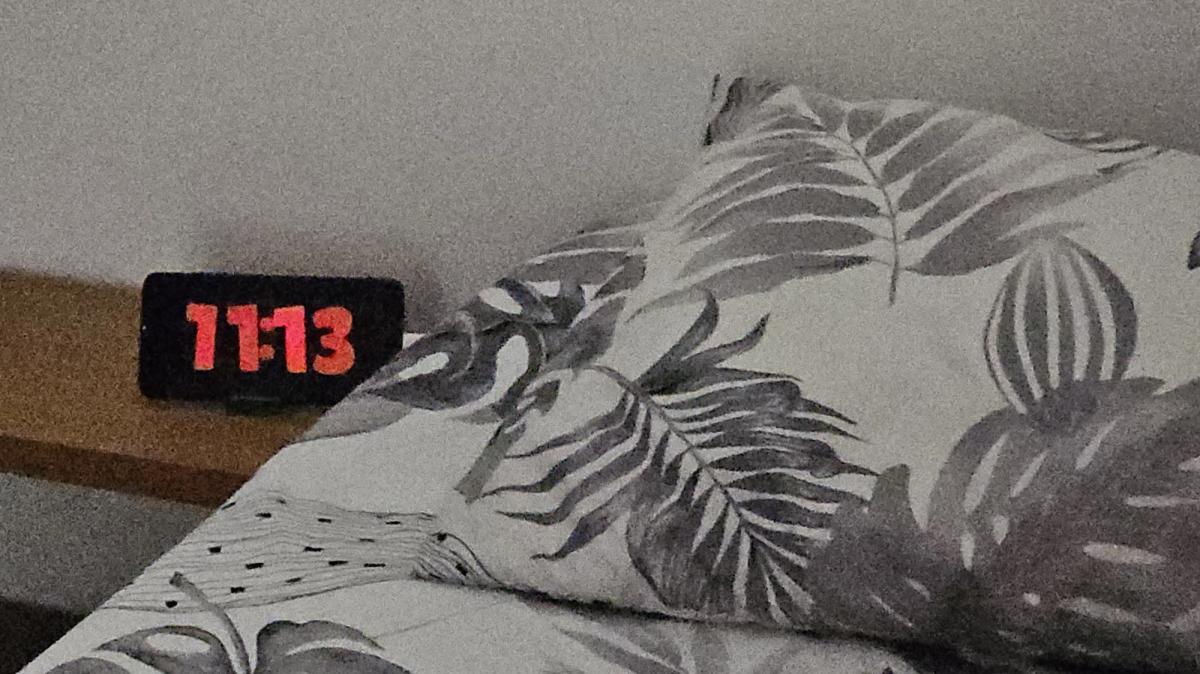
1. Nightstand. A large flip clock, Night Mode on a sunset-to-sunrise schedule, rain sounds, and a screen sleep timer so the display goes dark once you're asleep.
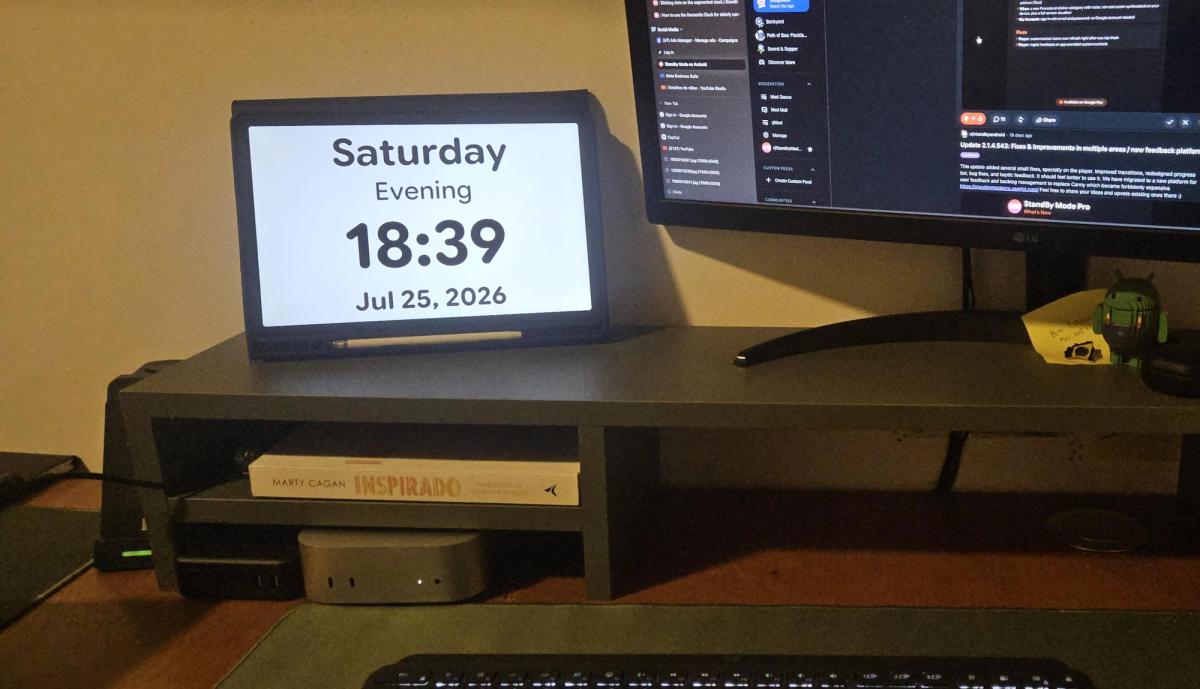
2. Desk. Clock plus calendar plus a Pomodoro timer, with battery and next-alarm complications in the top corners. The phone stops being a distraction and starts being a second monitor.
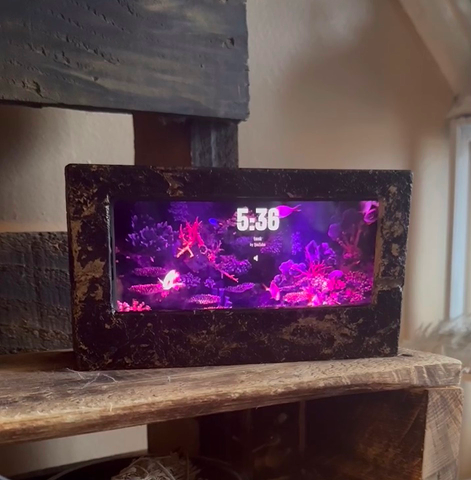
3. Kitchen or living room. Photo slideshow from a chosen album, weather in the corner, brightness turned up. An old phone becomes a digital picture frame you already own.
Not built into Android itself, it's natively an Apple feature. But StandBy Mode Pro recreates it on any Android phone, and adds clock faces, widgets and settings the iPhone doesn't have.
No. The app is free and the core standby display — clock faces, widgets, night dimming, auto-start on charge — works without paying. A one-time Premium purchase unlocks the extra customization, additional features, and removes ads.
Yes. Quick Launch always requires charging first, so it won't turn on and drain your battery from other triggers alone. On top of that, you can also require wireless charging, the lock screen, the screen turning off, a specific Wi-Fi network, or a schedule — five conditions to combine, versus the iPhone's fixed charging-plus-lock-plus-landscape rule.
No — it's designed to run only while the phone is charging, so it isn't pulling from your battery the way an always-on screen normally would. Quick Launch's charging requirement exists specifically to prevent unexpected battery drain.
On AMOLED screens, advanced burn-in protection shifts the displayed image slightly and periodically, so a static clock or widget doesn't leave a permanent ghost. Night Mode also keeps overnight brightness low, which further reduces the risk.
Anything running Android 7.0 or newer — Samsung, Pixel, Xiaomi, Motorola, OnePlus and all the other Android phones are supported.
Ready to try it? Get StandBy Mode Pro free on Google Play and give your charging phone a second job.
One more thing worth mentioning: the roadmap for StandBy Mode Pro is shaped directly by community votes on UserJot, and our team stays closely involved in feature requests and support. It's part of why the app has grown well beyond a simple StandBy clone.
Thanks for reading, and see you in the next post!

Carol here! I manage Support and Marketing in the StandBy Mode App for more than a year now. I love talking about the app with people, because I enjoy tech, experiments and I've watched the app grow since the begining, back when Wesley (our dev/founder) and I were just friends (now we're also neighbours, gymbros and co-workers). Feel free to talk to me about the app or maybe some tips on what to do if you come to Brazil 🇧🇷



