Anonymous
Smart displays cost roughly $100 to $250. See what an old phone with StandBy Mode Pro costs instead, and what a dedicated display adds.
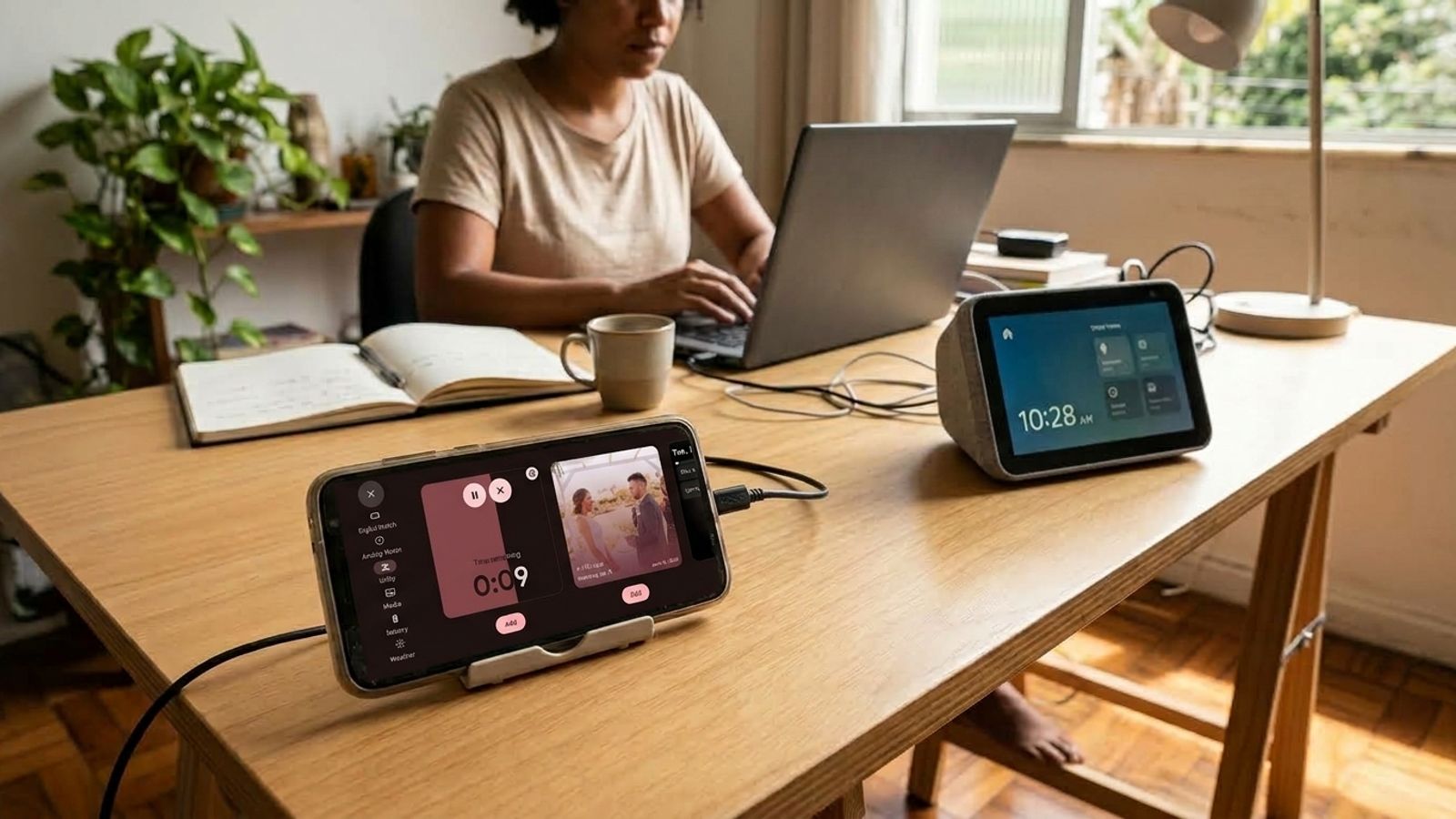
Small and mid-size smart displays run roughly $100 to $250 at list price. If you have an old phone sitting in a drawer, the same job on your desk can cost much less.
But price is only one difference. A dedicated display does things a phone running a clock app doesn't, and it helps to know which ones before you spend.
Here is the price range for dedicated displays, the real cost of using an old phone with StandBy Mode Pro, and what each option gives you.
Small and mid-size models run roughly $100 to $250 at list price. That range covers the Echo Show 5, 8, and 11, according to 9to5Toys, and the 2nd-gen Nest Hub, which sits at the low end on the Google Store. During sales, like the early October 2026 ones, the Echo models dropped by up to 40%.
If you already own the phone, the hardware costs nothing. StandBy Mode Pro is free to download, with in-app purchases. According to the app's setup guide, you need Android 7 or newer, a charger, and a stand. The stand is the only item you might have to buy, and the community has already shared a 3D-printed dock with open design files.
Premium is optional and unlocks features like Command Center. There's an annual subscription with a 3-day free trial and a lifetime purchase with no trial, and both come with a refund window of up to 7 days. Check the current price on Google Play and add the cost of a stand if you buy one. That total is the real cost on the phone side.
Voice, sound, and home control. The 2nd-gen Nest Hub has a speaker, three microphones, and a voice assistant, plus built-in Thread and Chromecast, according to the Google Store. StandBy Mode handles the clock and widgets, such as time, weather, calendar, and media controls, and not voice commands or home automation.
It depends on what you want to see on your desk. For time, weather, calendar, and music, and with a spare phone, the hardware is already paid for and the cost is the app and a stand. For voice commands and home control, a dedicated display is the way to go, and entry-level models sit at the low end of that range. Without a spare phone, the price advantage disappears, because you'd have to buy a device for this.
Compare what you'd use on your desk every day. For a clock, weather, and calendar, an old phone does the job. For voice and a connected home, only a dedicated display does.
Want something added to the app? Leave your suggestion on UserJot (standbymodepro.userjot.com). That's how most of StandBy Mode Pro got built.
Want this on your phone? StandBy Mode Pro turns your charging phone or tablet into a clock and widget display. It runs on Android 7 or newer and is free to download, with in-app purchases.
