3 Fun Clocks You Can Pick in StandBy Mode

Karine Honma
A clock you have to decode, one drawn by marching ants and one inside falling green code. Three fun clocks in StandBy Mode and where each one works best.
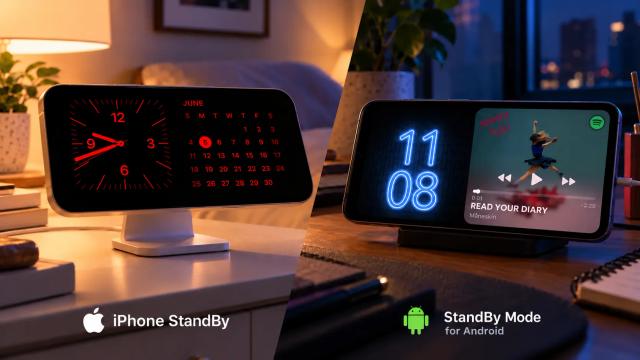
StandBy Mode is an Android app that turns your phone into a smart display while it charges.
Most clocks are designed to tell you the time as quickly as possible.
These three make it a little more interesting.
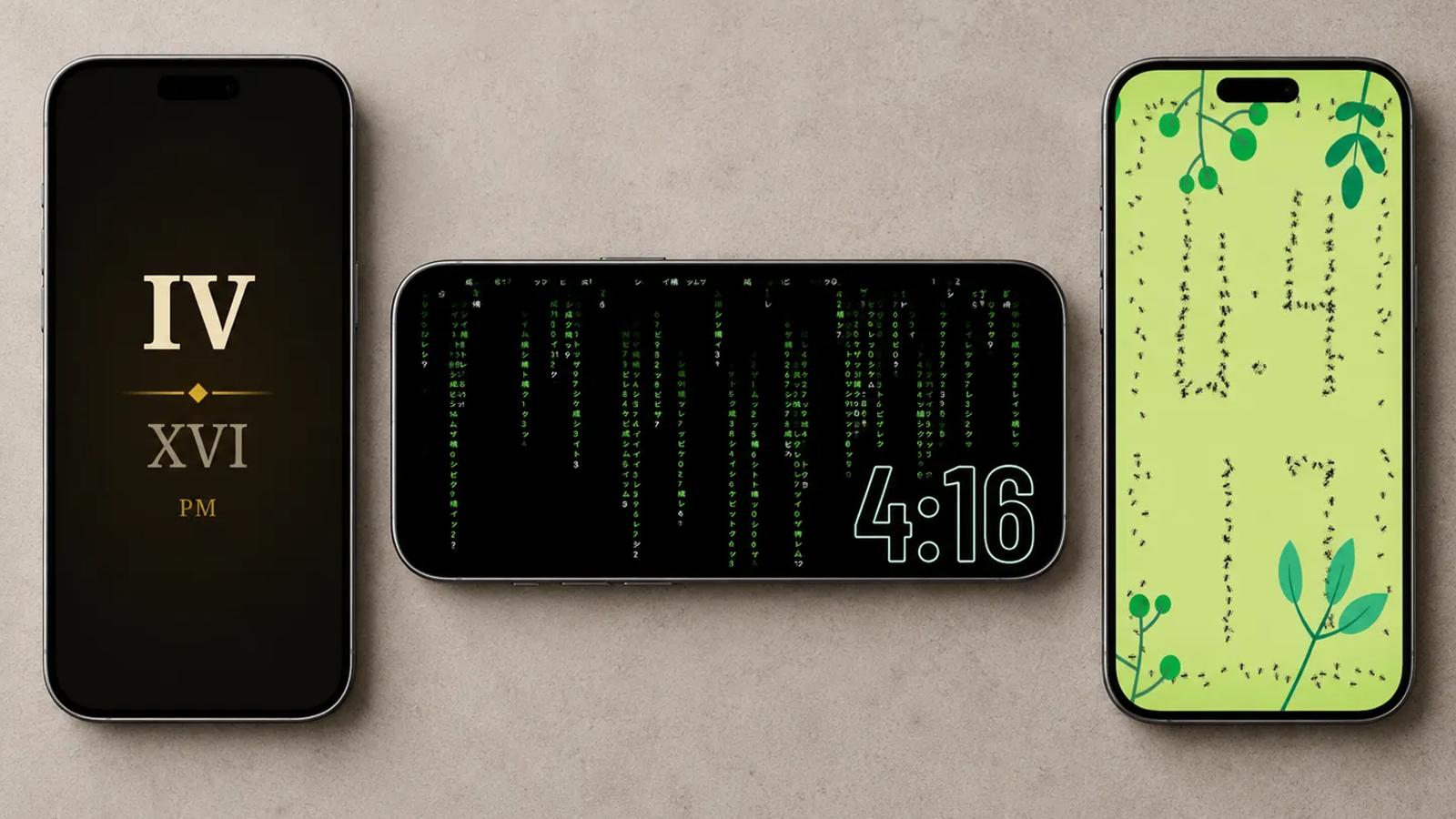
Roman Clock Duo turns the time into Roman numerals. Ant Clock rebuilds the digits with marching ants. Matrix Clock Duo puts the time inside falling green code.
And each one works better in a different setup.
The Clocks
Roman Clock Duo
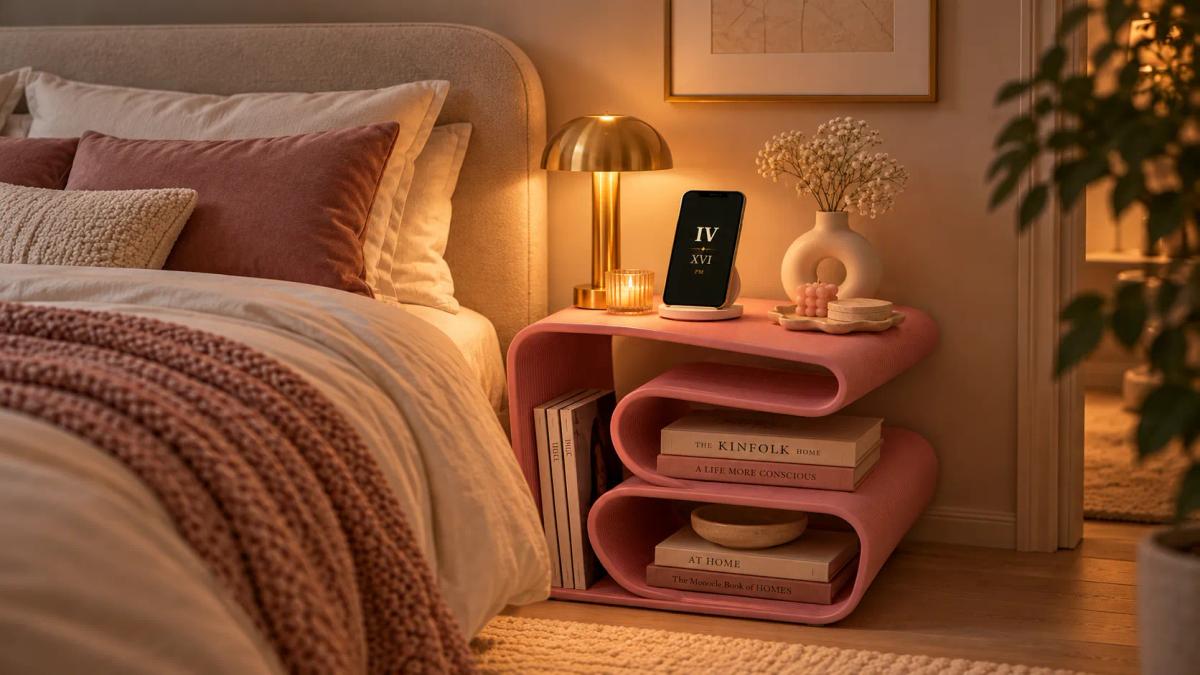
Roman Clock Duo shows the hour in large Roman numerals, with the minutes underneath in a dimmer tone. A thin gold line and diamond divide the two, while a warm glow sits behind the numbers on an almost-black background.
The fun part is having to decode it.
IV over IX is 4:09. Later in the hour, you might get XLVII for 47 or LIX for 59.
After a while, you stop thinking about it. Until then, checking the time becomes a tiny puzzle.
The dark design also makes Roman Clock Duo a good fit for a nightstand.
Pair it with Timer on the other side of Duo and you can keep saved timers — like 5 or 50 minutes — one tap away.
Ant Clock
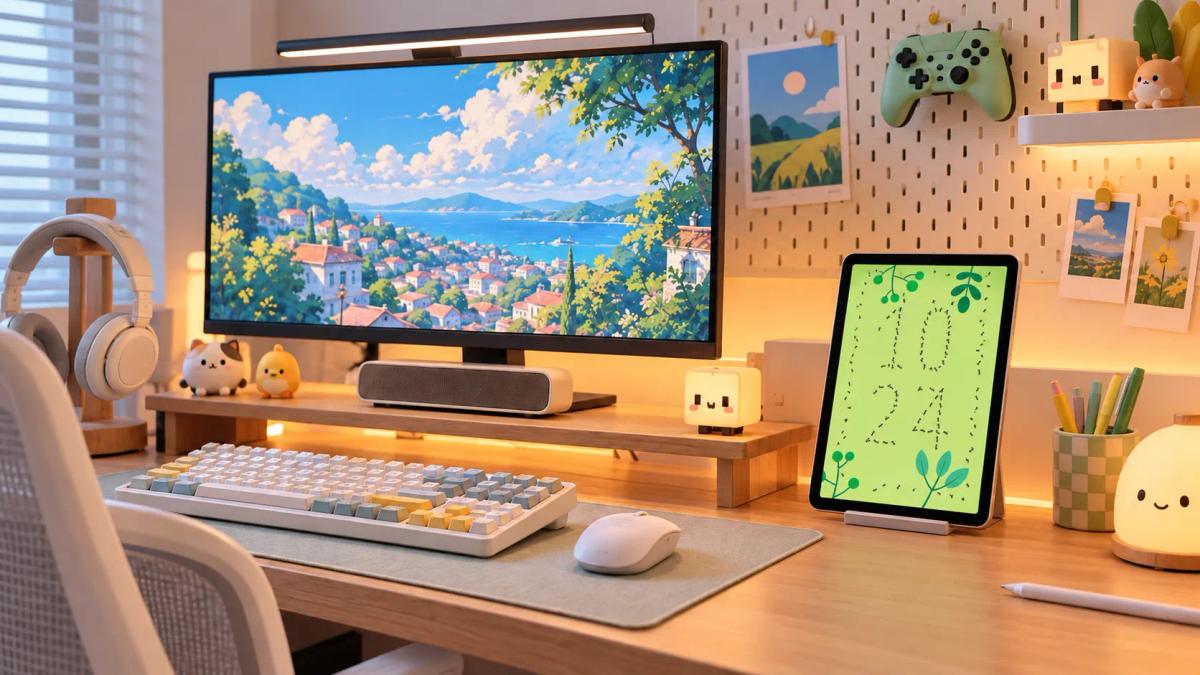
Ant Clock is exactly what it sounds like: tiny ants form the time.
Each digit is made from lines of ants on a light green background, surrounded by illustrated leaves and branches. A few ants wander around on their own.
Then the minute changes.
The ants leave their positions and regroup to build the new time.
It’s the kind of clock you end up watching even when you already know what time it is.
The brighter background makes it a better fit for a desk, kitchen or kid’s room during the day. In a dark bedroom, Roman Clock Duo is the calmer option.
Ant Clock is a full-screen clock, so it takes over the display instead of sharing it with another Duo widget.
Matrix Clock Duo
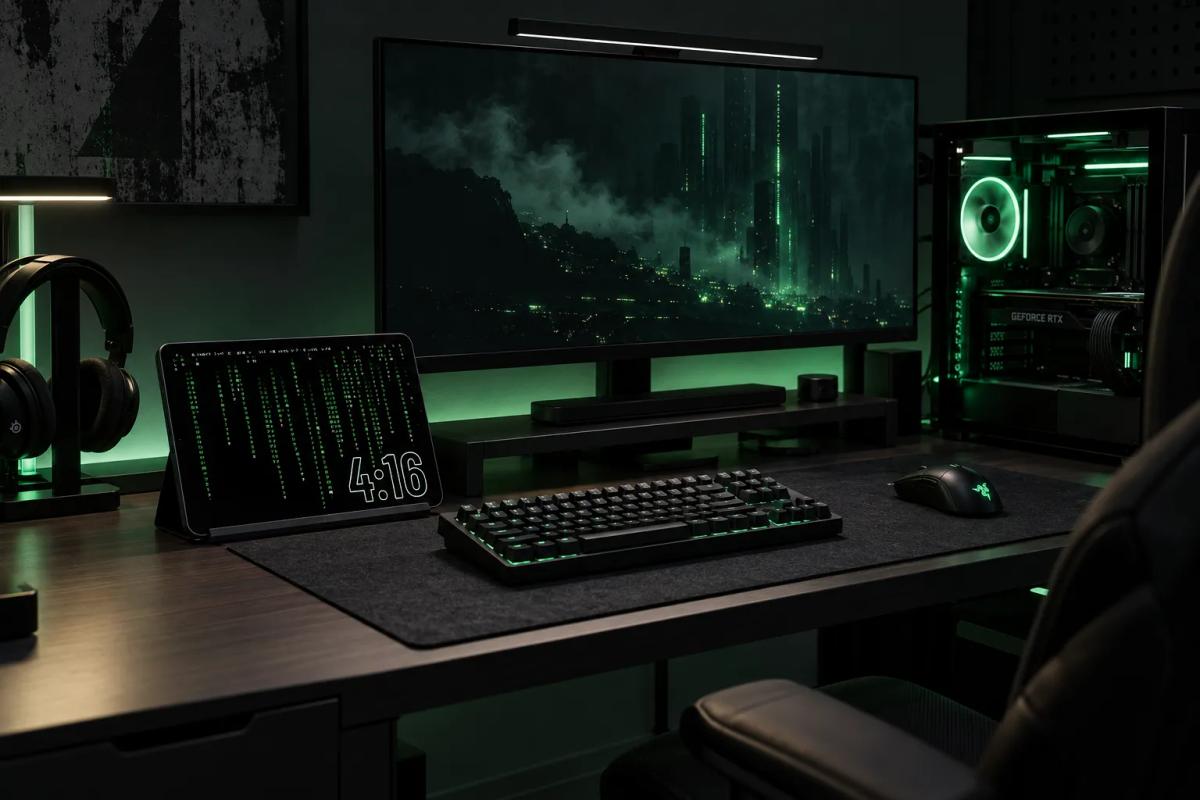
Matrix Clock Duo is the one people are most likely to notice on your desk.
Columns of green characters and numbers fall continuously down the screen, while the time stays visible at the bottom in large outlined digits.
Yes, the inspiration is obvious.
If you use it inside Duo, the second panel matters.
A darker widget keeps the Matrix look going. Try weather, battery information or another clock with a black background.
A bright panel next to it changes the effect completely.
Can’t decide which Duo clock to keep on your screen?
You don’t have to.
Use Widget Rotator in one of your Duo panels and add both Roman Clock Duo and Matrix Clock Duo to the rotation.
You can choose their order and how long each one stays on screen before switching.
That way, your desk clock can change throughout the day without you replacing the widget manually.
Ant Clock works differently because it is a full-screen clock, so it does not join the Duo rotation.
How to Set Up Roman Clock Duo and Matrix Clock Duo
Both clocks can be added to a Duo panel:
- Open StandBy Mode.
- Go to Duo.
- On an empty panel, tap Add Widgets, or long-press the panel.
- Search for the clock by name.
- Tap Add widget.
Want them to alternate automatically? Add Widget Rotator to the panel instead, then choose Roman Clock Duo and Matrix Clock Duo for the rotation.
How to Set Up Ant Clock
Ant Clock uses the full screen.
Open StandBy Mode and swipe through the full-screen clock styles until you reach Ant Clock.
Because it takes over the display, you don’t need to add a second widget or configure a Duo panel.
Want a Duo Clock to Take Over the Screen?
If you like Roman Clock Duo or Matrix Clock Duo but occasionally want a larger view, try Yoga mode.
Yoga mode expands your main Duo widget when the screen is idle. Tap the display and the second widget comes back.
It gives you the larger clock when you’re just glancing at the screen without giving up your two-widget setup.
Which Clock Should You Pick?
Want something dark and understated for your nightstand? Try Roman Clock Duo.
Want something playful to leave running during the day? Try Ant Clock.
Want your desk to look like it belongs inside a 1999 sci-fi movie? Matrix Clock Duo is the obvious choice.
Or put Roman and Matrix in Widget Rotator and stop choosing.
Have a clock idea you’d like to see in the app? Tell us on UserJot. Most of the app’s screens started as user suggestions.
Turn your phone into a smart display while it charges.

About Karine Honma
My work moves between two great passions: Content Marketing and Copywriting. I’m driven by a constant desire to keep learning and by honesty in everything I do. I’m passionate about discovering the power of words and well-crafted content. I’ve collaborated with agile startups and agencies with large client portfolios. Each experience has brought me new learnings, new challenges, and a lot of satisfaction — and coffee ☕. Here you’ll get to follow a bit of my professional journey. But if you want to know who I really am — the creative, curious, and restless Karine — let’s grab a coffee, online or in person.