StandBy Mode ProStandBy Mode Pro
4.6顆星(30.4K)1M+ 下載次數

把你的 Android 變成智慧時鐘顯示器
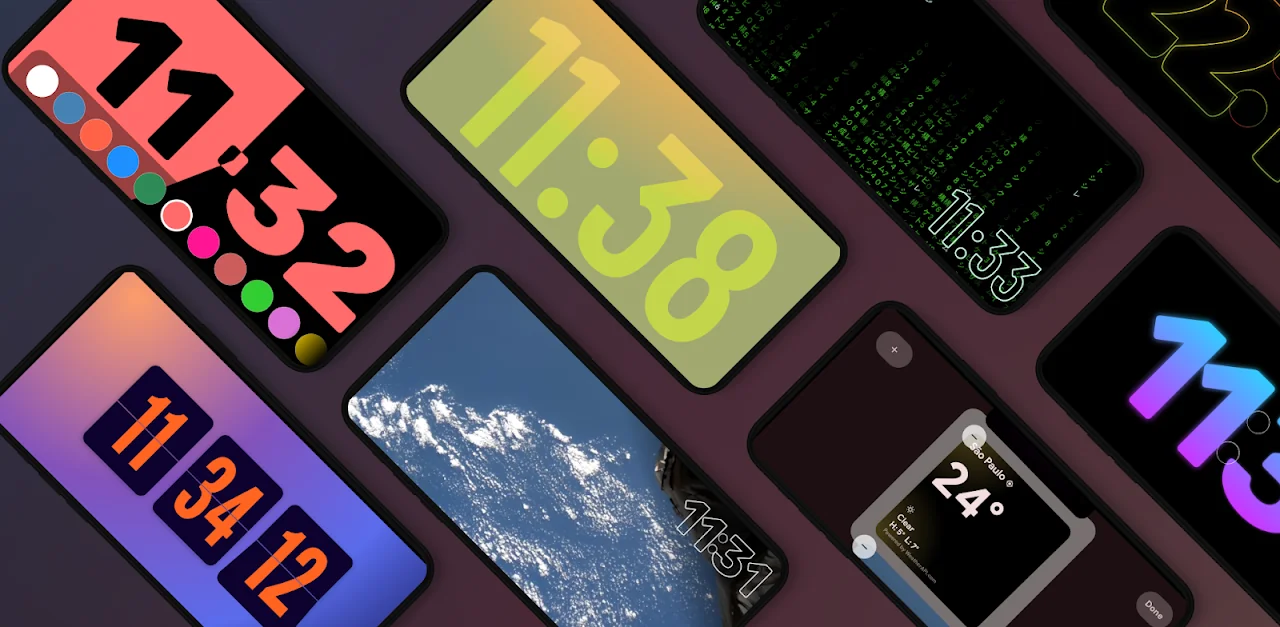
StandBy Mode Pro clock faces and widgets

把充電中的手機橫向立起,StandBy 便會接手。從 100 多款時鐘錶面中挑選,放上任意應用程式的小工具,展示你的相片,或把它當成螢幕保護程式。iPhone StandBy 能做的一切,加上它做不到的一大堆。

免費下載。提供一次性解鎖選項。

免費下載

你的床頭時鐘能做的一切

100+ 時鐘錶面、任意應用程式的小工具,以及讓桌上或床頭時鐘出色的種種細節。

  • 任意應用程式小工具

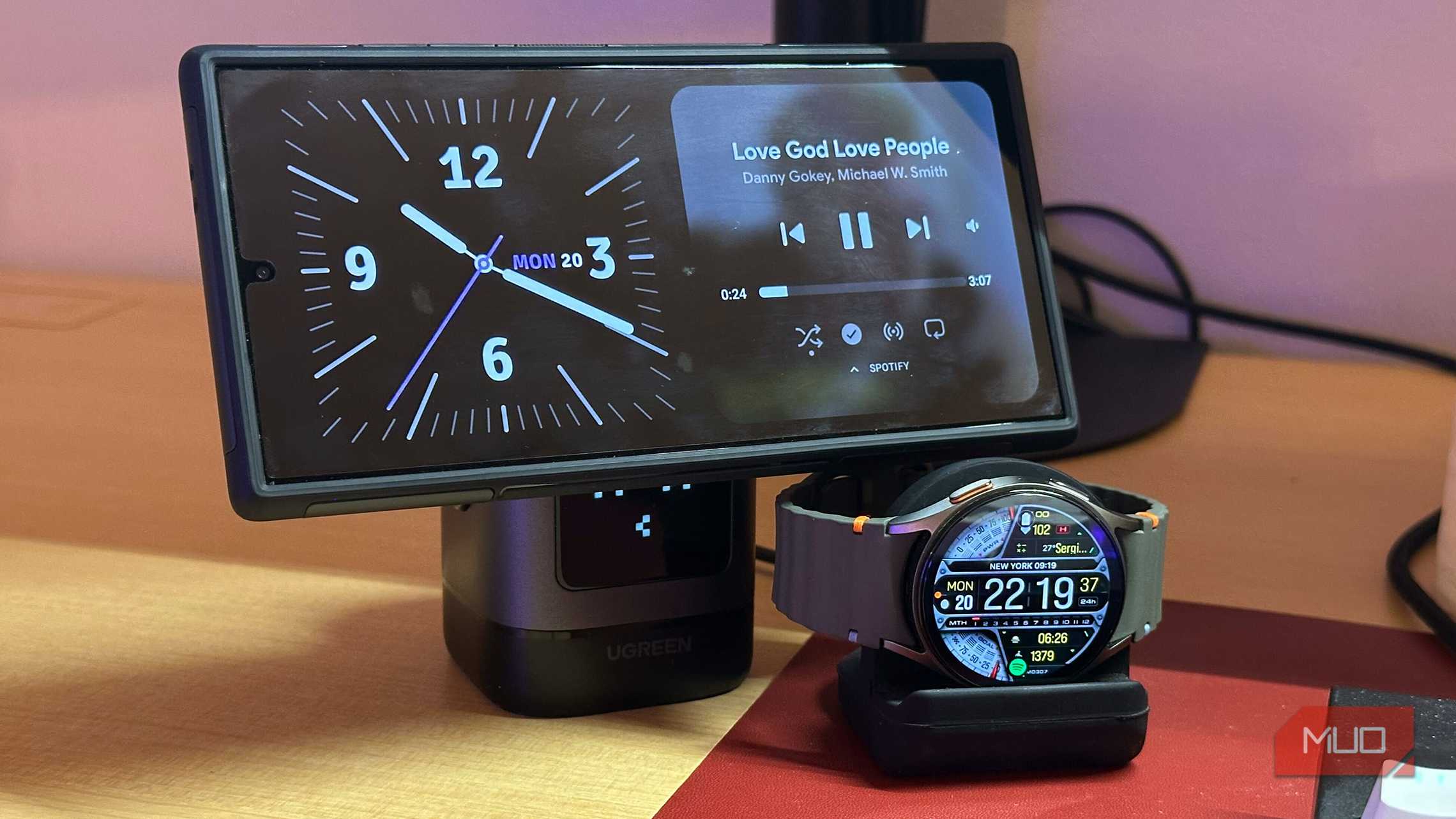
    同時顯示兩個或四個小工具,其中一個可來自你手機上的任意應用程式。Spotify、你的行事曆、智慧家庭,你用什麼都行。

  • 100+ 時鐘錶面

    翻頁、霓虹、矩陣、像素、指針等等。調整顏色、字型與動畫,直到它看起來就是你的。

  • 夜間模式

    天黑後轉為暗淡的紅色調。凌晨三點看時間,不會滿眼強光。

  • 相片相框模式

    在時鐘之間展示你的相片。它從你的相簿或 Google 相簿取得,從不把人臉裁掉。

  • 媒體控制

    直接在螢幕上播放與切換 Spotify、YouTube Music 或 Deezer。無需解鎖。

  • 充電時自動啟動

    插上電源,轉成橫向,StandBy 便會自行開始。立起來擺好即可停止。

  • 防烙印保護

    整夜開著也沒關係。每分鐘輕微移動一次像素,讓你的 OLED 不會烙印。

  • Vibes Radio

    用 lo-fi、劈啪作響的壁爐,或你自己的循環影片營造氛圍。

  • 手機與平板

    在床頭的手機上,或牆上的平板上,都恰到好處。橫向或直向,兩者皆宜。

這還只是精簡版。其餘的都在應用程式裡。

免費試用

看看你的螢幕會變成什麼

直接來自應用程式的真實 StandBy 畫面——時鐘、天氣、你的行事曆、通知等等。
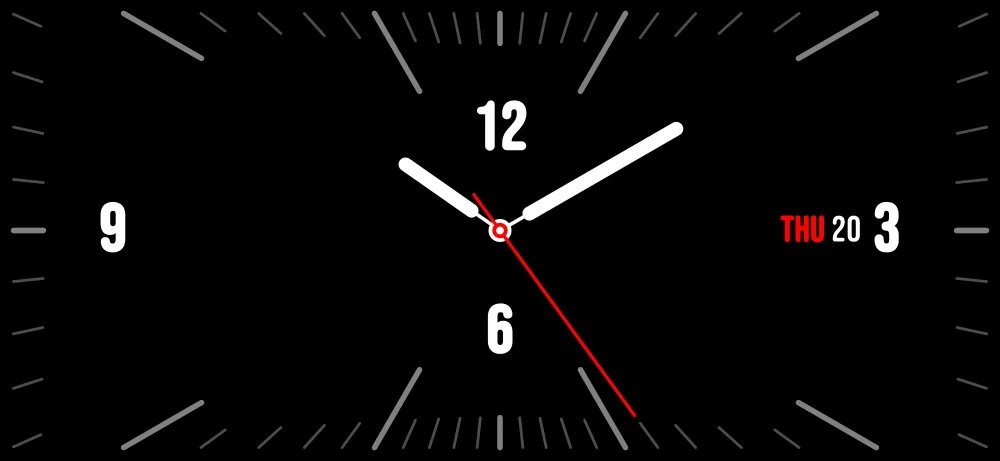
Edge-to-edge analog StandBy clock with a clean black face
滿版指針時鐘
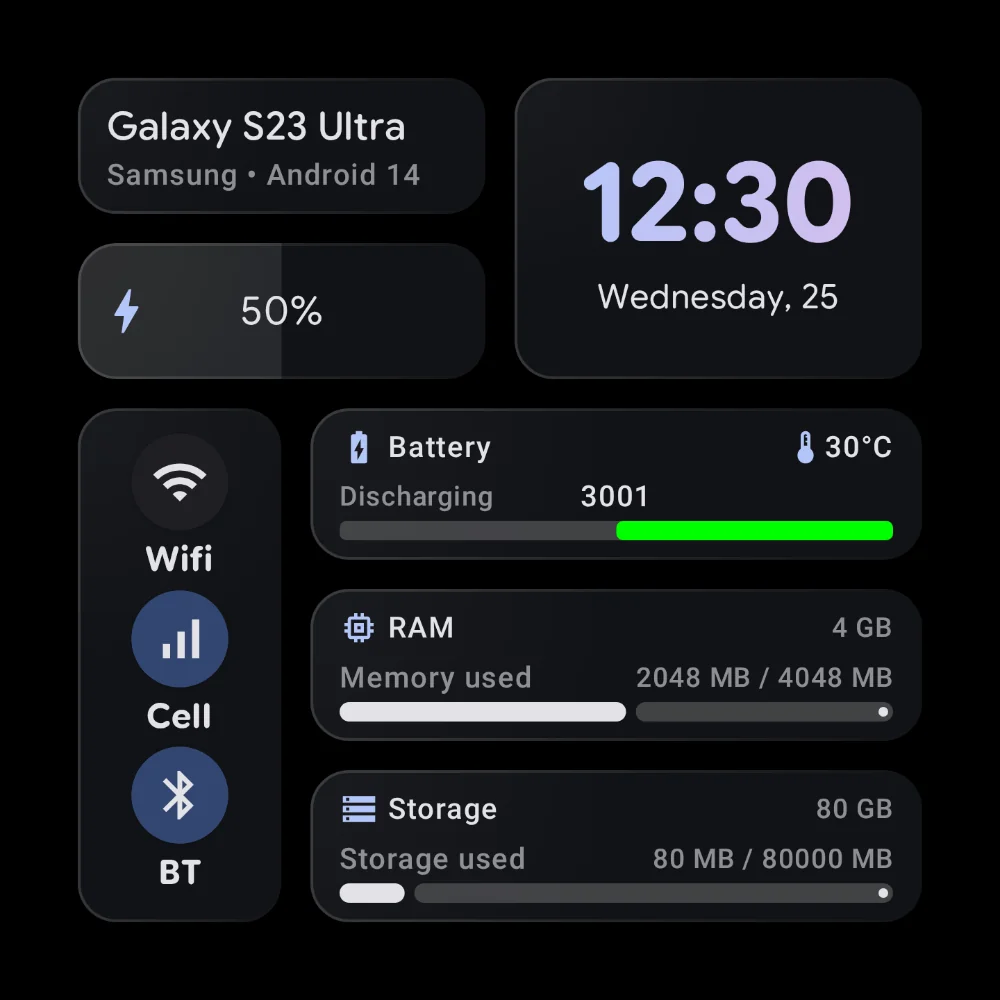
StandBy system dashboard with phone model, battery, RAM and storage
手機狀態一處盡覽
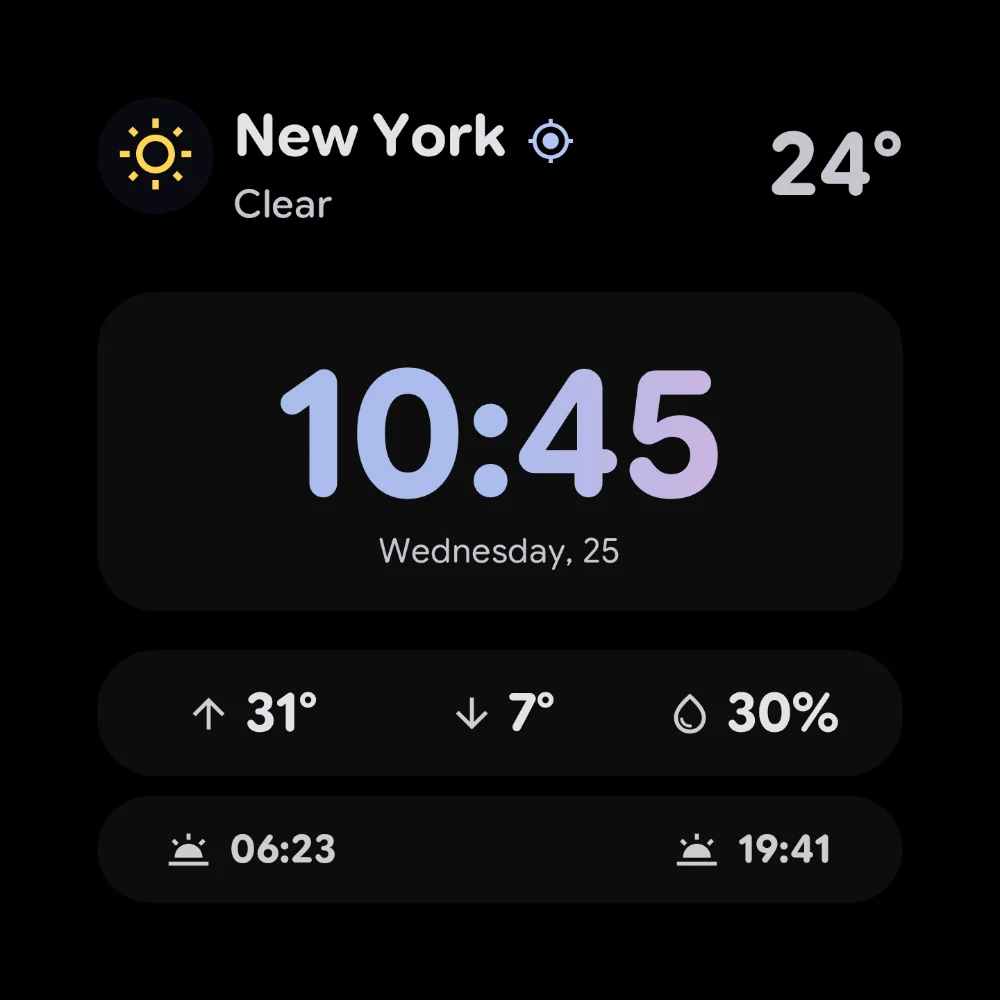
StandBy screen combining a large clock with weather stats
時鐘天氣二合一
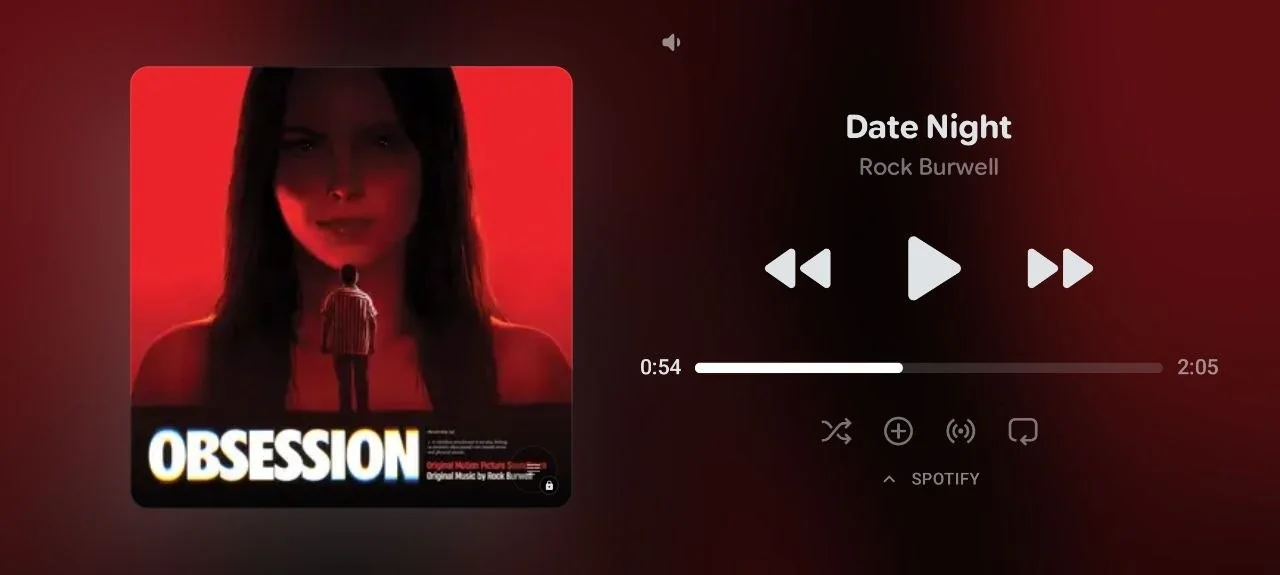
Full-screen StandBy media player showing album art, progress and playback controls
全螢幕播放中
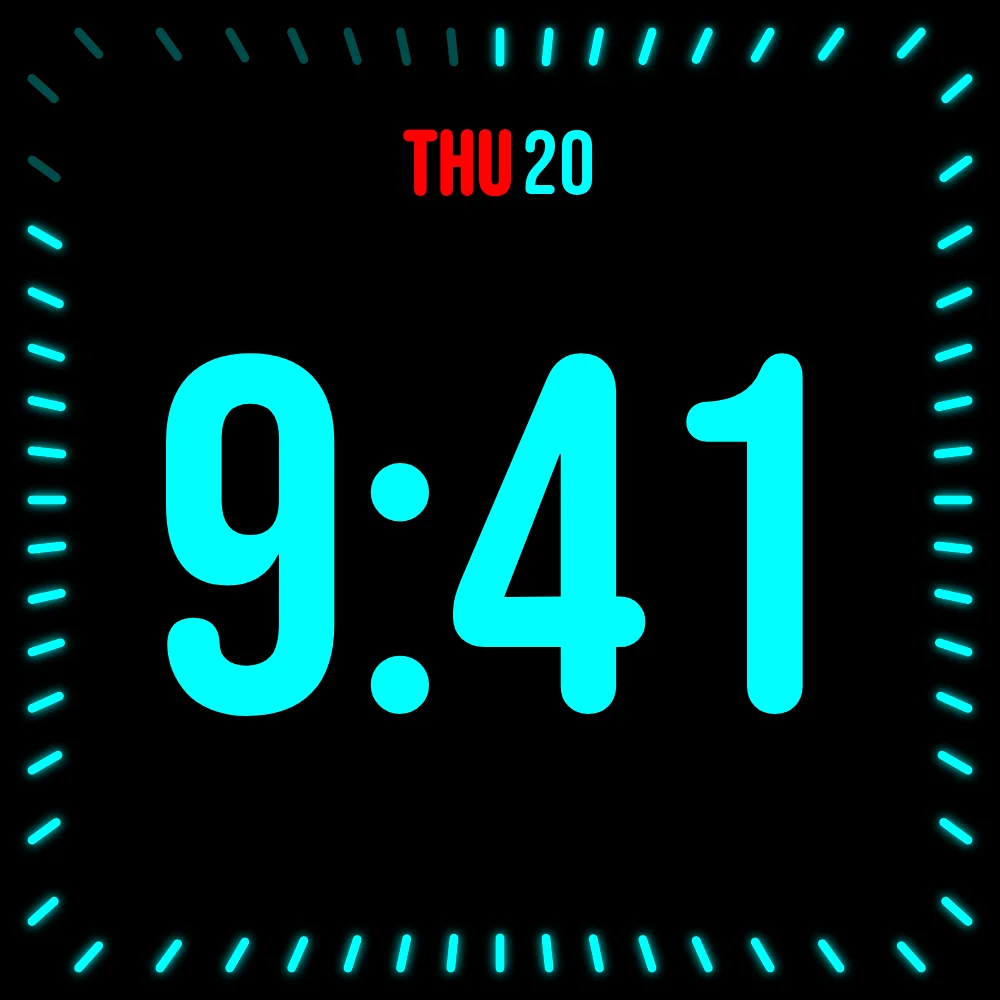
Neon cyan digital StandBy clock with a glowing radial tick ring
霓虹電光時鐘
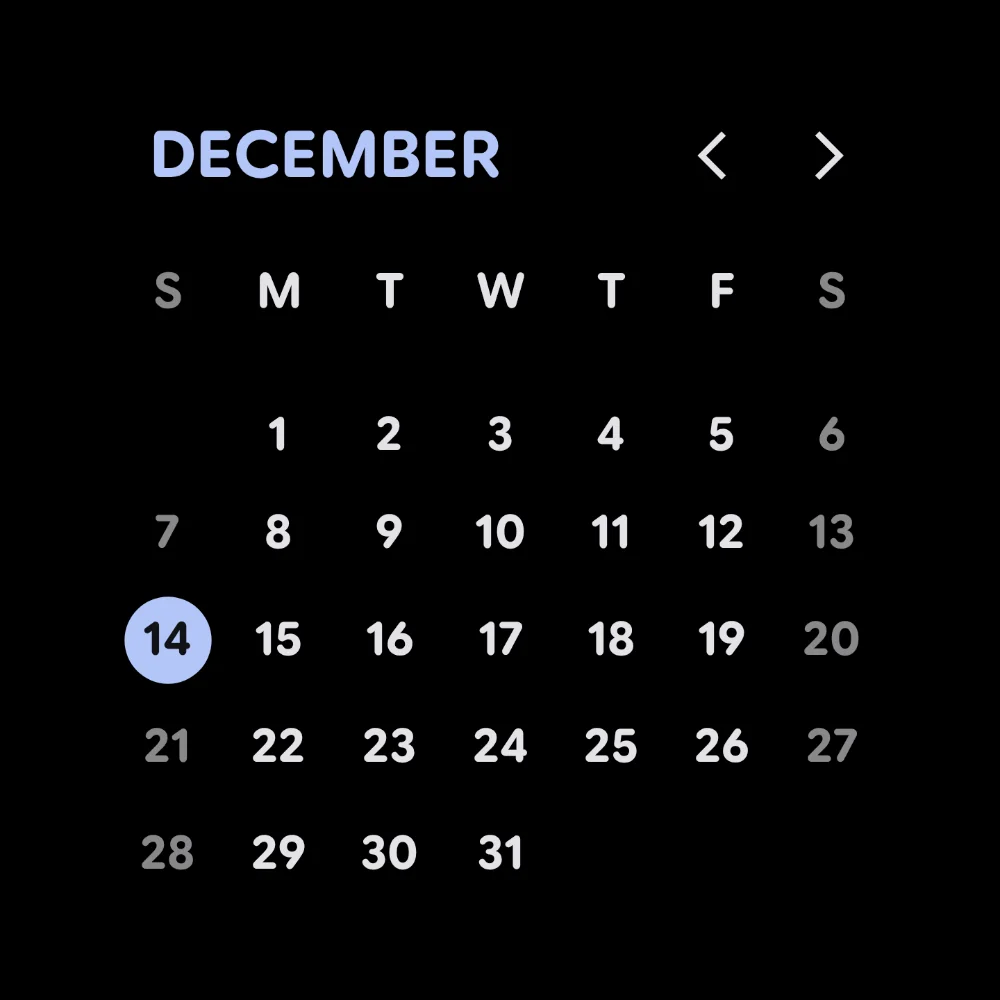
StandBy full-month calendar with today highlighted
整月一覽無遺
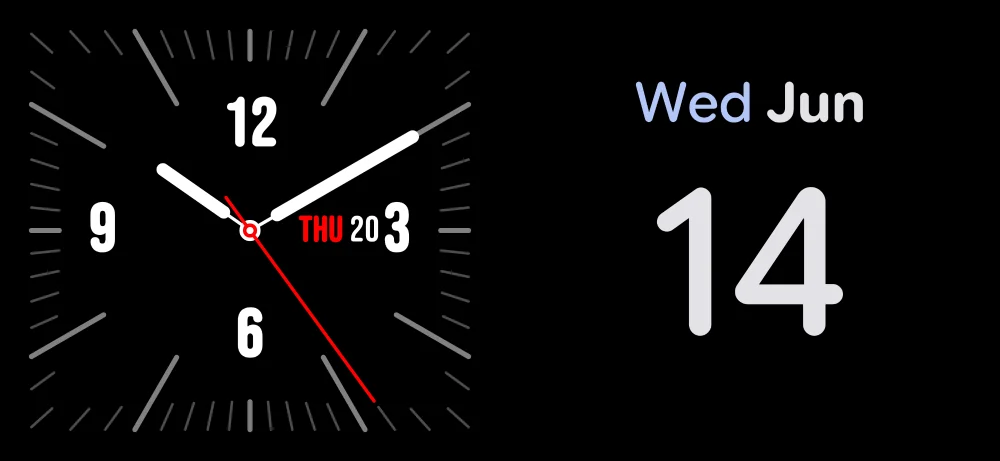
StandBy Duo showing a black analog clock and a mini calendar side by side
兩個小工具並排
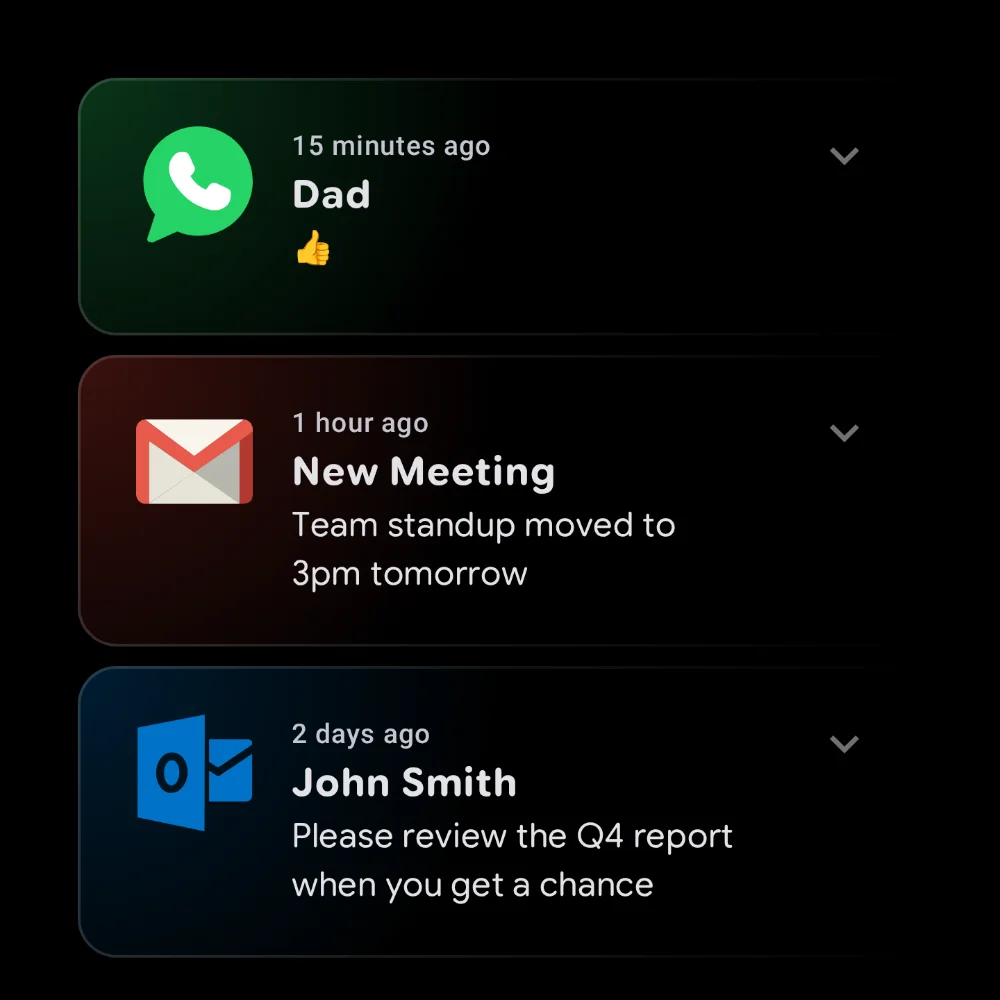
StandBy notifications widget stacking recent messages
通知一眼掌握
還有更多探索應用程式中的每款時鐘、小工具和模式

人們如何評價它

來自 Google Play 的五星評論,原文引用。

“It turns your phone into a premium smart display while charging. The UI looks clean, modern, and very polished… What I like most is the level of customization—layouts, styles, brightness/night settings, and controls are all flexible without being confusing.”
Google Play 評論 ·
“A phone shouldn't just sit on the nightstand charging with no other purpose… a night mode that doesn't drain the life out of the phone.”
Google Play 評論 ·
“Works very well and it's beautiful, the one purchase is great, i'm tired of subscriptions!”
Google Play 評論 ·
“Beautiful app. Even when it's free version, you still have a lot of options and customizations. The animation is smooth.”
Google Play 評論 ·
“really like that you can apply precise conditions on when AOD should be activated and pixel burn protection… Lots of widgets, so you can make quite customisable AOD.”
Google Play 評論 ·
“it helps me repurpose my old devices in to something meaningful. I had installed a magnetic holder in kitchen and old phone rest on it. My mom uses it for recipes, music, timers, clocks and calls.”
Google Play 評論 ·
在 Google Play 閱讀全部評論

人們用它創造什麼

來自社群的真實佈置:3D 列印底座、掛牆平板,以及 KWGT 自訂版面。

常見問題

可以。StandBy Mode Pro 支援三星 Galaxy、Google Pixel、Motorola、OnePlus、小米以及幾乎所有執行 Android 7 或更新版本的手機與平板。Android 12+ 可解鎖全部視覺效果——少數效果在舊版本上無法使用。

核心應用程式免費下載、免費使用:時鐘錶面、相片展示、媒體控制與防烙印保護。一次性 Premium 解鎖會增加進階時鐘、即時天氣與更深入的自訂,並移除廣告——付一次錢,永久擁有。這次購買有助於支持新時鐘與功能的開發。

很少成為問題——StandBy Mode Pro 主要在你充電時執行。任何恆亮螢幕都會用一些電,但夜間模式能把耗電維持在很低的水準。

不會。StandBy Mode Pro 每分鐘以淡淡的棋盤方式移動像素,因此即便整夜開著,也不會有任何東西烙進你的 OLED。

不需要。像安裝其他應用程式一樣從 Google Play 安裝即可 — 無需 root,無需帳號,沒有繁瑣的設定步驟。插上充電器,把手機轉成橫向,就完成了。

能讓它成為你自己的空間大得多。不是一個固定時鐘或三星的 Daily Board 版面,而是 100+ 錶面、任意應用程式小工具、相片、天氣與媒體控制,隨你喜好排布——在任何 Android 手機或平板上。

給你的床頭換個更好的時鐘

免費下載。提供一次性解鎖選項。在 Google Play 取得。

在 Google Play 取得