
Karine Honma
We picked 7 favorite Android animations and widgets, from clocks and music to photos, battery stats, and a couple almost nobody finds.
An Android charging screen can be a lot more than a clock sitting still. In StandBy Mode, every Duo mode panel can become almost anything — a stylish clock, a photo in motion, music, memes, and more. Here are 7 animations and widgets to put on your screen while your phone charges.
Check out seven different widget options for your charging screen: battery, digital clock, analog clock, music, photo animation, meme, and games.
Yes. StandBy Mode lets you add different widgets and animations to the screen while your phone charges, either fullscreen or combined in Duo mode. Here are 7 we picked as favorites — some obvious, some hardly anyone finds.
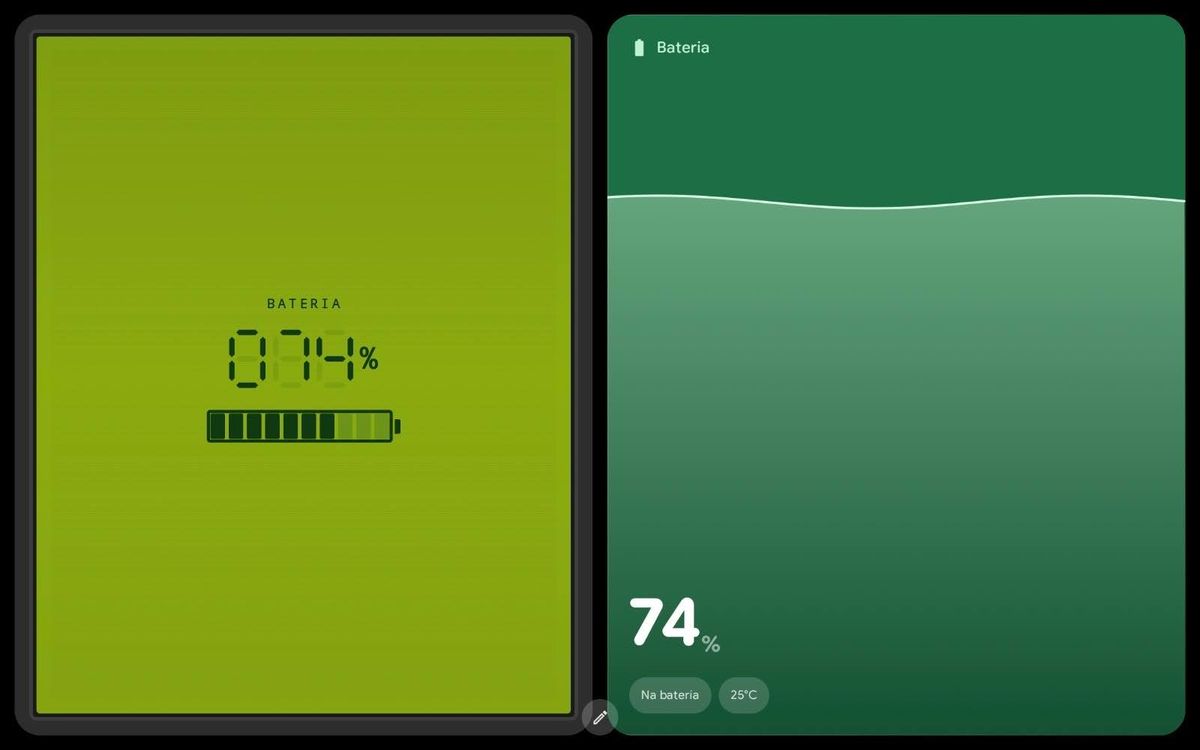
The Battery widget shows charge percentage in giant numerals, the time left to a milestone you set, and the time to reach 100%. Inspired by the Pixel charging screen, it offers Pixel, Material, and Neon styles to choose from, and you can hide the clock if you'd rather see just the number.
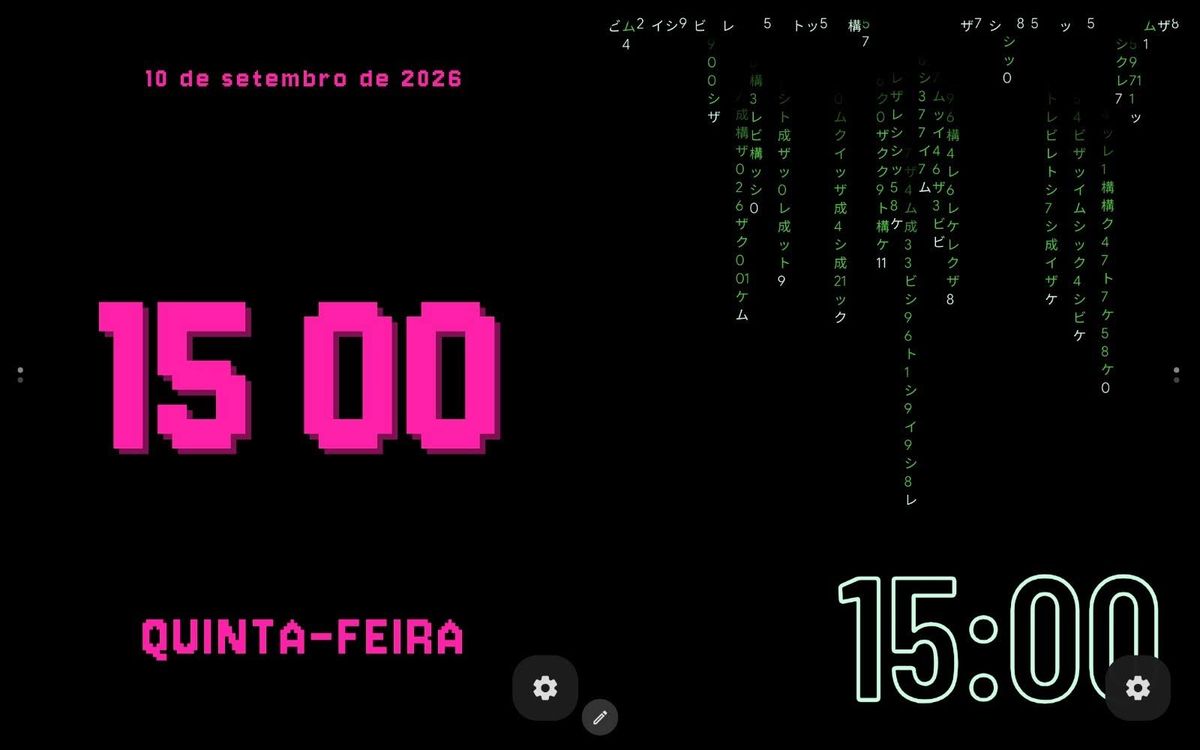
StandBy Mode's digital clocks span styles like neon, solar, matrix, and more, with fully customizable colors, fonts, and animations. Placed in a Duo panel, the digital clock shares space with another widget without losing readability.
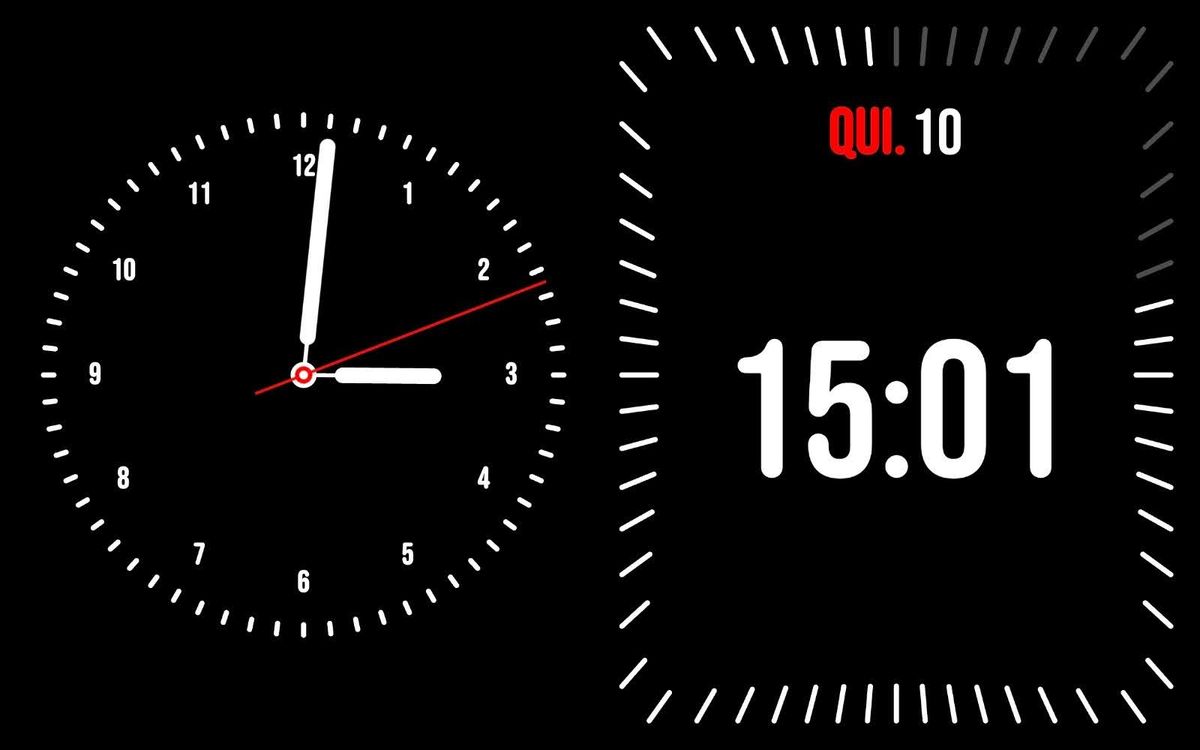
For a classic hands-and-dial look, an analog clock style is also available among the app's clock faces. Like the digital ones, it accepts color and visual customization, and works both fullscreen and inside a Duo panel.
The music widget controls playback right from the charging screen, with support for Spotify, YouTube Music, Apple Music, and other apps. Beyond play and pause, you can like or skip tracks and adjust shuffle and repeat without unlocking your phone.
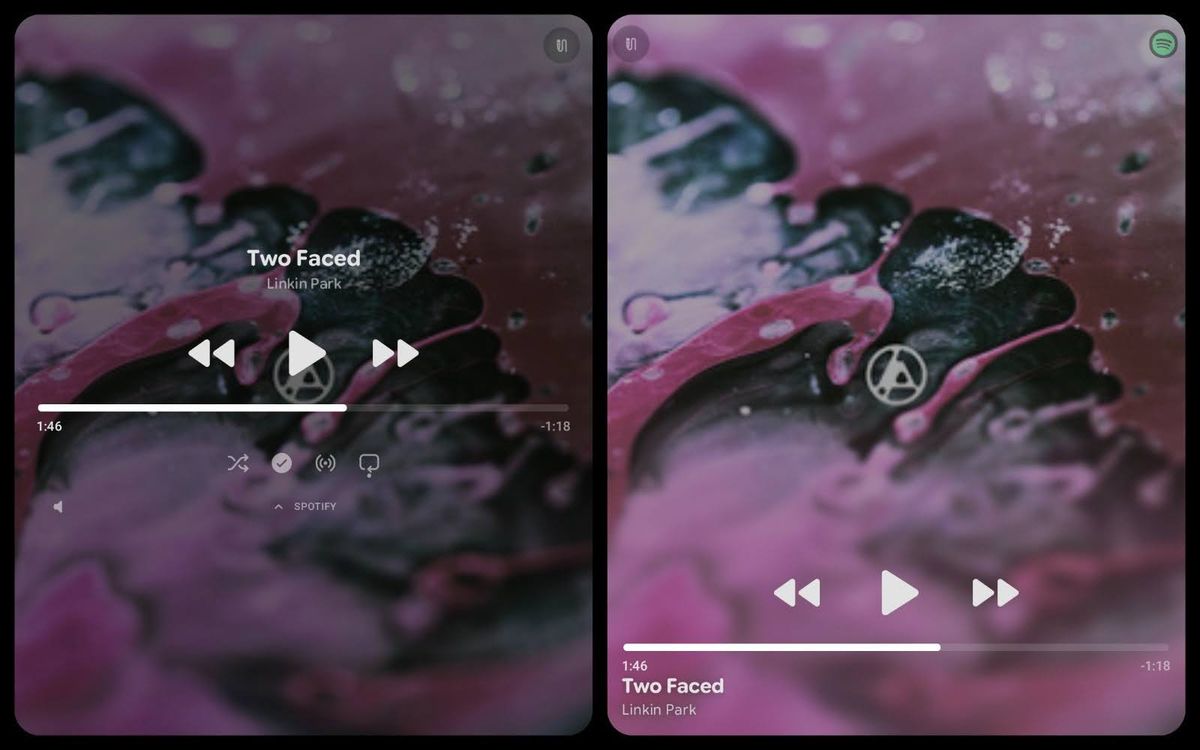
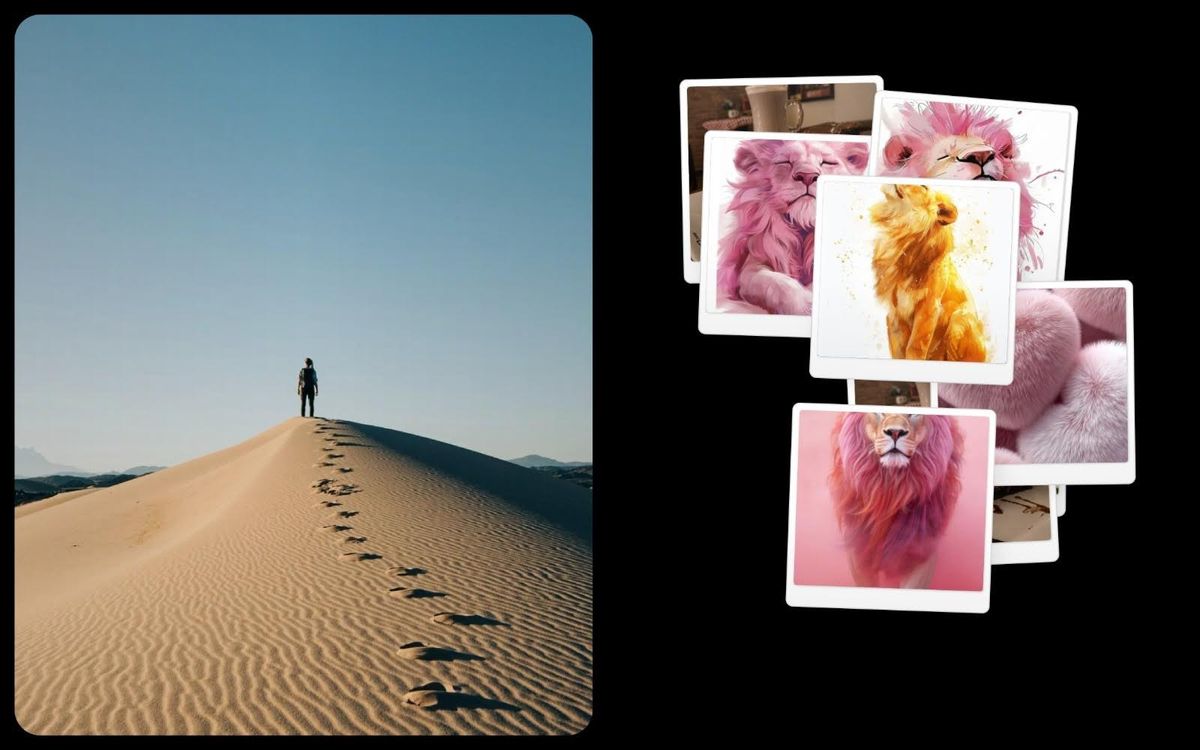
Photo Slide & Frame mode turns the charging screen into a digital photo frame, pulling pictures from your gallery or Google Photos. AI automatically detects faces to keep the framing right in every photo shown.
You can also put a GIF on screen — including classic internet memes — instead of a more serious widget. It's a way to make a Duo panel more fun, next to a clock or another widget.
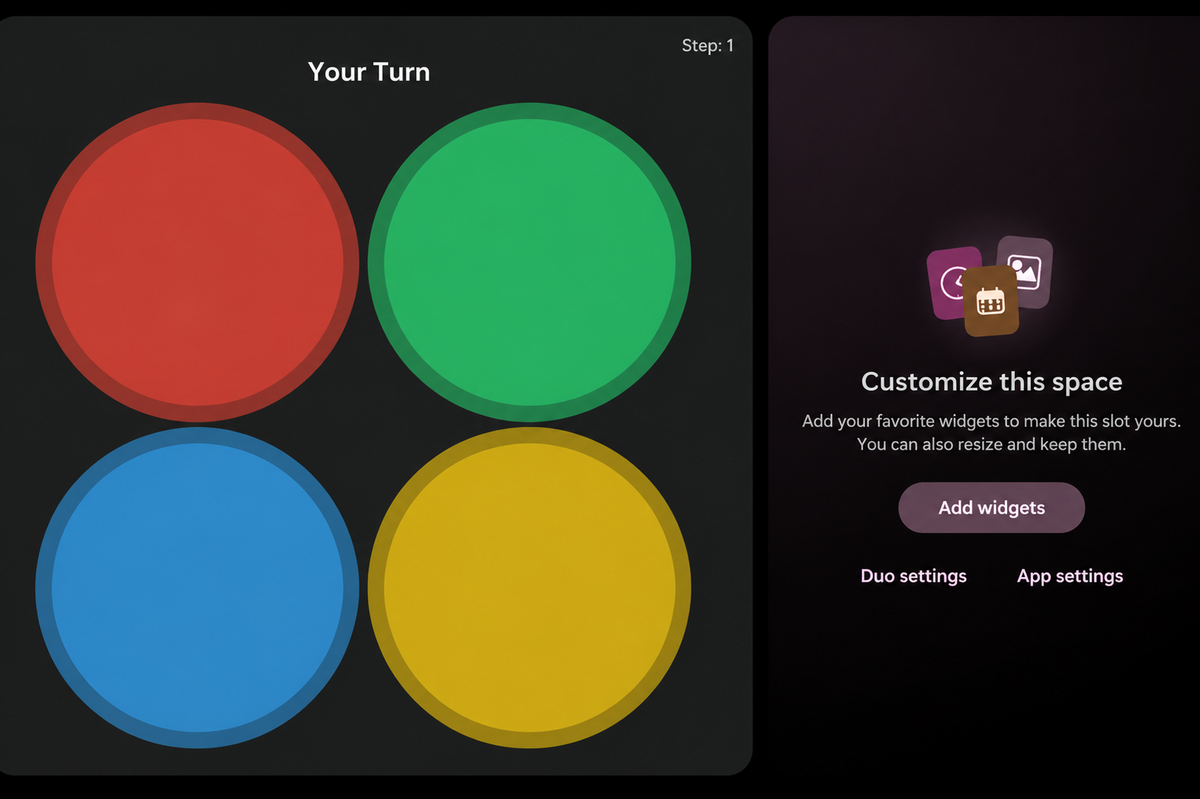
The Games widget brings a Simon-style memory mini-game: a color lights up on screen, you tap it, and the sequence plays back again with one more color added each round. It's a way to pass charging time, testing how far your memory goes.
From the giant battery number to a memory game that tests how many colors you can hold onto, StandBy Mode's charging screen offers seven ways to use that idle time — on their own or combined in Duo mode.
Want something added to this list? Drop it on UserJot (standbymodepro.userjot.com) and vote on what others have suggested — that's how most of this app got built.
Get StandBy Mode free on Google Play →

My work moves between two great passions: Content Marketing and Copywriting. I’m driven by a constant desire to keep learning and by honesty in everything I do. I’m passionate about discovering the power of words and well-crafted content. I’ve collaborated with agile startups and agencies with large client portfolios. Each experience has brought me new learnings, new challenges, and a lot of satisfaction — and coffee ☕. Here you’ll get to follow a bit of my professional journey. But if you want to know who I really am — the creative, curious, and restless Karine — let’s grab a coffee, online or in person.



