
Carol Azevedo
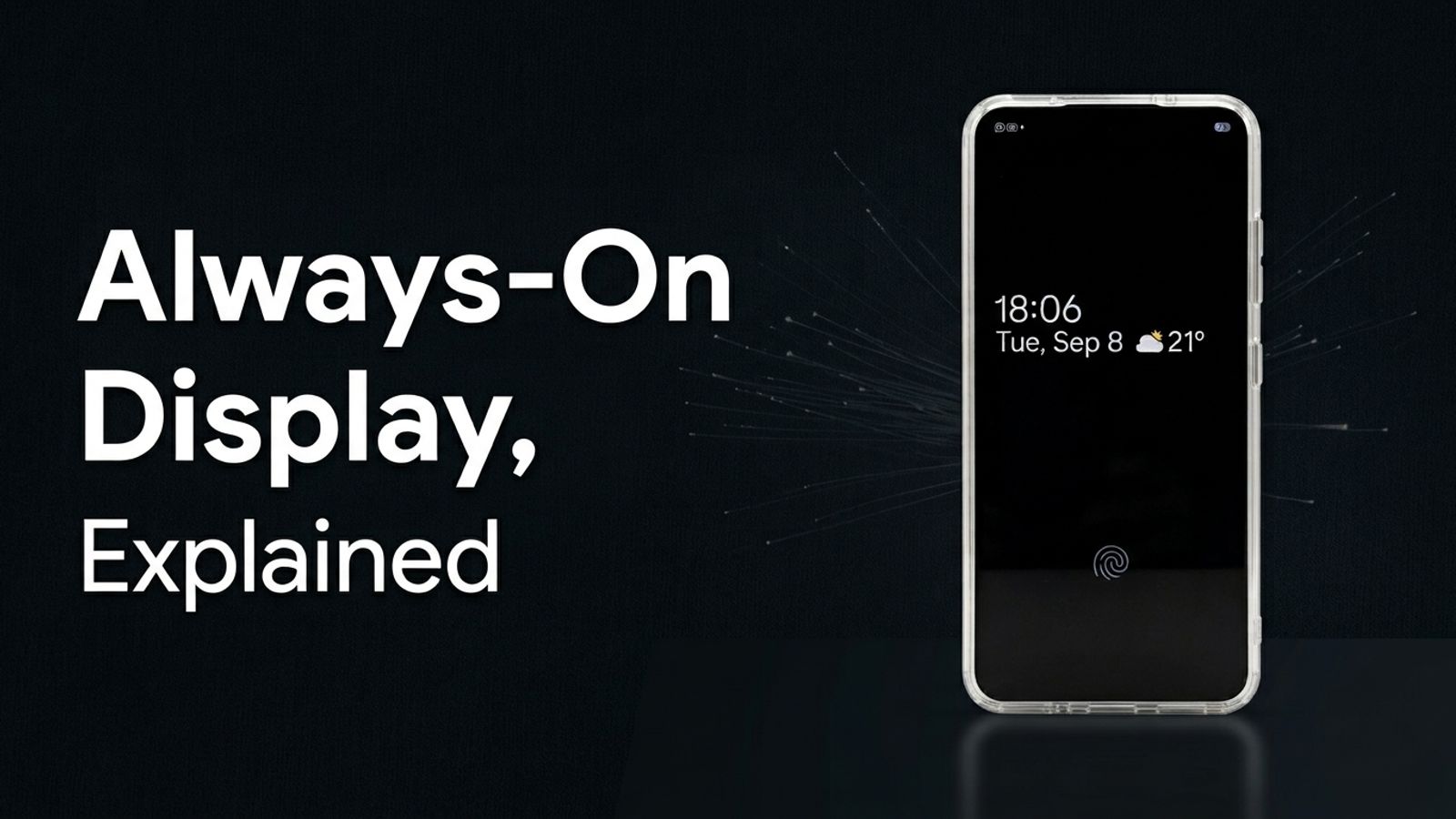
Always on display shows the time and notifications without unlocking your phone. See how it works, how Samsung's version differs, and when an app helps.
Always On Display is a low-power screen mode that shows a small amount of information (the clock, the date, notification icons, sometimes battery level) while your phone is locked.
It exists because OLED screens can light up individual pixels instead of the whole panel. So the phone lights up only the pixels it needs (the numbers of the clock, for example) and leaves the rest of the screen black. That's why it barely touches your battery on phones with OLED panels.
Two things follow from that: it only works well on OLED (or AMOLED) screens, and it only shows a little bit of content at a time. That second part is exactly what pushed a whole category of apps into existence.
On the hardware side, nothing changes. The phone still has one screen. What changes is how the software drives it:
That combination is what keeps power draw low enough to leave the screen "on" all day. On non-OLED (LCD) screens, the backlight can't turn off pixel by pixel, so true always on display isn't really possible there. That's part of why it's still a phone-by-phone feature instead of an Android standard.
Samsung was one of the first Android brands to ship this at scale, and it's still the one most people mean when they say "always on display." You'll find it at Settings → Lock screen → Always On Display on most Galaxy phones.
Samsung's version lets you:
It's clean and it does the job. It's also limited to what Samsung built. If you want something different, like a bigger clock, a photo, widgets, or the same setup on a phone that isn't a Galaxy, the built-in version can't help.
No. Always on display is a locked-screen clock built into some phones. StandBy Mode is a separate app, and it does a lot more than show the time.
StandBy Mode is an Android app that borrows the battery-saving concepts behind always on display and builds a full smart display around them: 100+ clock faces, widgets from any app, a photo frame mode, and more.
It's not tied to a lock screen the way Samsung's AOD is, and it's not tied to one phone brand either. It works on Android 7 and up (Android 12+ unlocks every visual effect), on Samsung Galaxy, Pixel, Motorola, OnePlus and Xiaomi phones and tablets. It also has its own burn-in protection, shifting pixels every minute so nothing sits static on the screen for too long, the same concern that made manufacturers cautious about always-on screens in the first place.
A few of the AMOLED-friendly touches built in, if you want to go further than just picking a dark clock face:
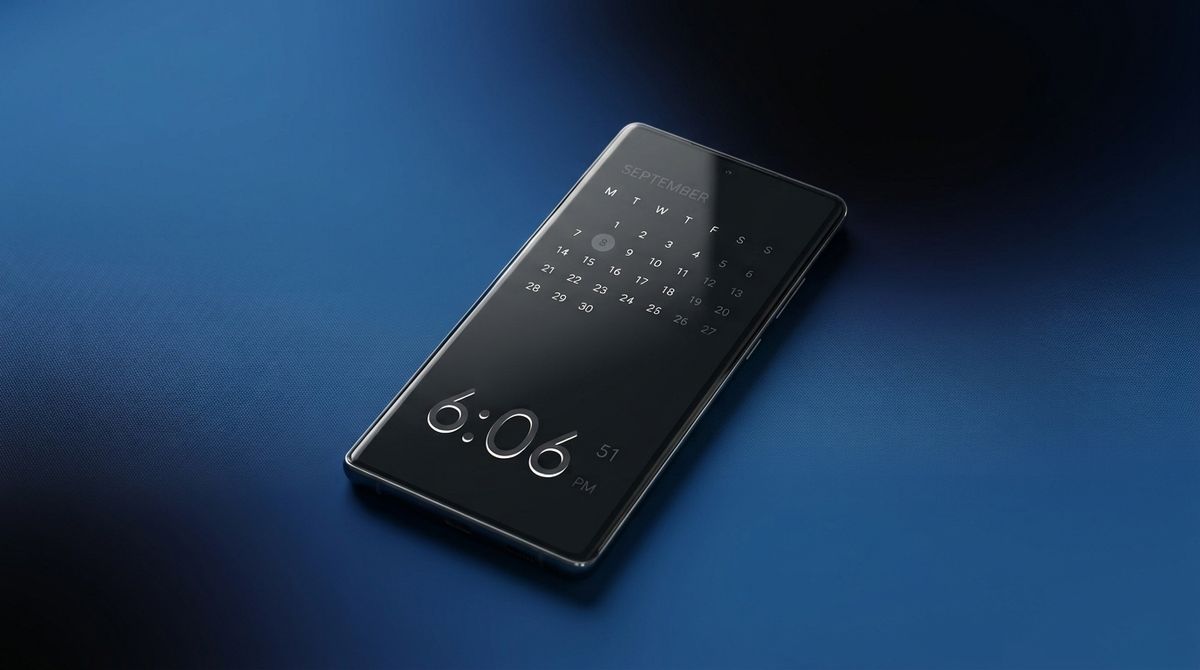
So: if your phone's built-in always on display already does what you need, keep using it. If you want more customization, or your phone doesn't have the feature at all, that's what StandBy Mode is for. It's the same idea covered in more depth in our guide to StandBy Mode on Android.
No. It depends on the phone having an OLED (or AMOLED) screen and the manufacturer building the feature in. Plenty of phones with OLED screens still don't ship it.
Not by design. It only lights up a small number of pixels at low brightness, so on OLED screens it uses very little power. Apps that add always on display should follow the same principle.
Yes, through an app. StandBy Mode works on Android 7 and up and adds a full smart display, including clock faces, widgets and a photo frame, even on phones without a built-in version.
Want an always on display with more than one clock style? StandBy Mode is free to download on Google Play
Hey, it's Carol here. I manage StandBy Mode's socials and support, so if you have any questions about the app, drop a comment or send me an email (at support@zetabitapps.com). I'll sort it out with you.

Carol here! I manage Support and Marketing in the StandBy Mode App for more than a year now. I love talking about the app with people, because I enjoy tech, experiments and I've watched the app grow since the begining, back when Wesley (our dev/founder) and I were just friends (now we're also neighbours, gymbros and co-workers). Feel free to talk to me about the app or maybe some tips on what to do if you come to Brazil 🇧🇷



