
Carol Azevedo
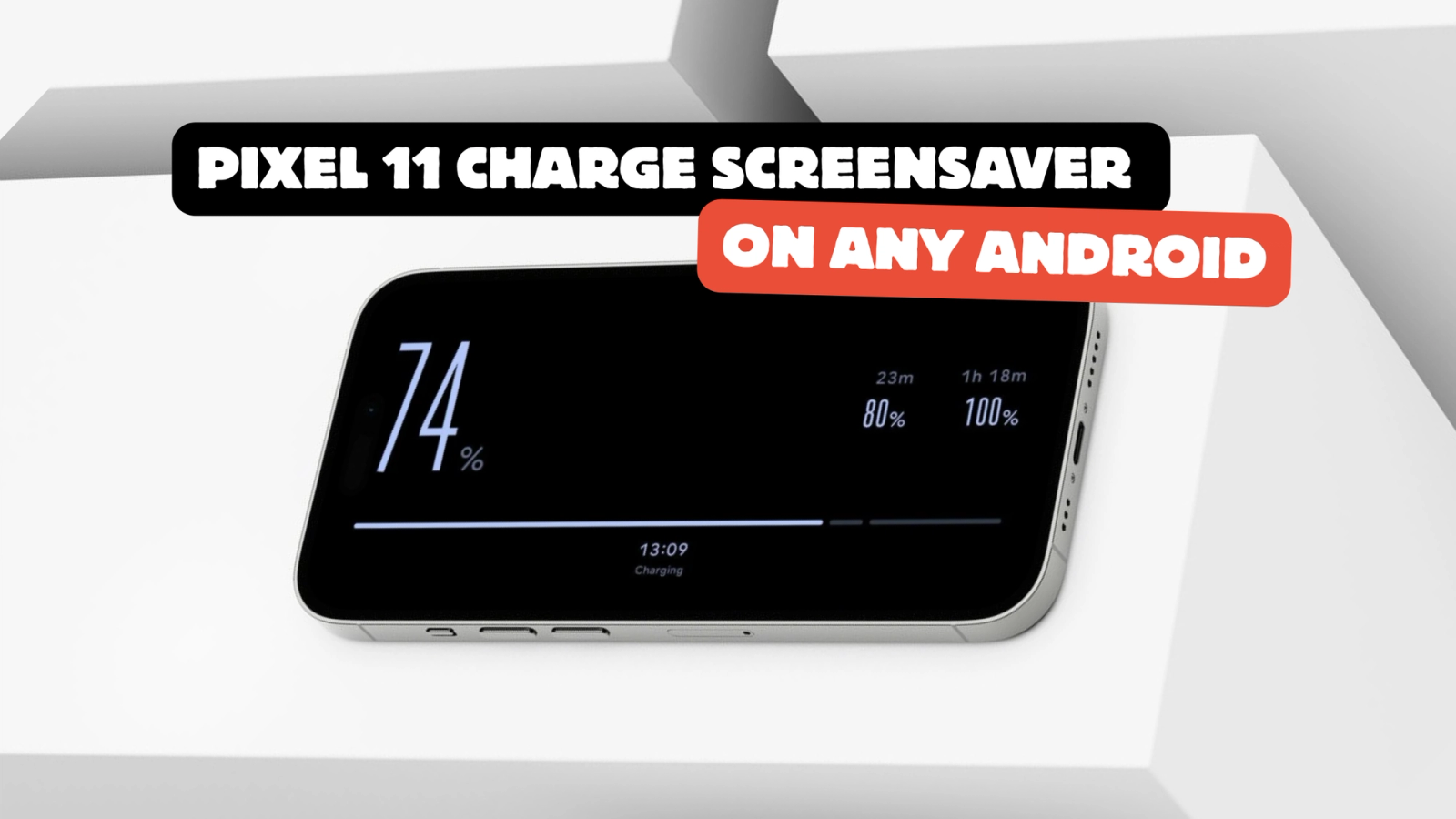
Google's new Pixel 11 screensaver, Charge, turns your battery into the whole screen. Here is how to get the same thing on any Android, free. Set it up now.
Google just added a new screensaver to the Pixel 11. It is called Charge, and it turns your battery percentage into the entire screen.
Good News: you do not need to own a Pixel 11 to get it. StandBy Mode has the same thing, and we call it the Charging Screen. It runs on any Android phone or tablet with Android 7.0 or newer, and it is free.
StandBy Mode is an Android app that turns a charging phone or tablet into a smart display. Wesley built it in 2023 after the launch of iOS 17 StandBy, and it has grown a long way past a single clock since then.
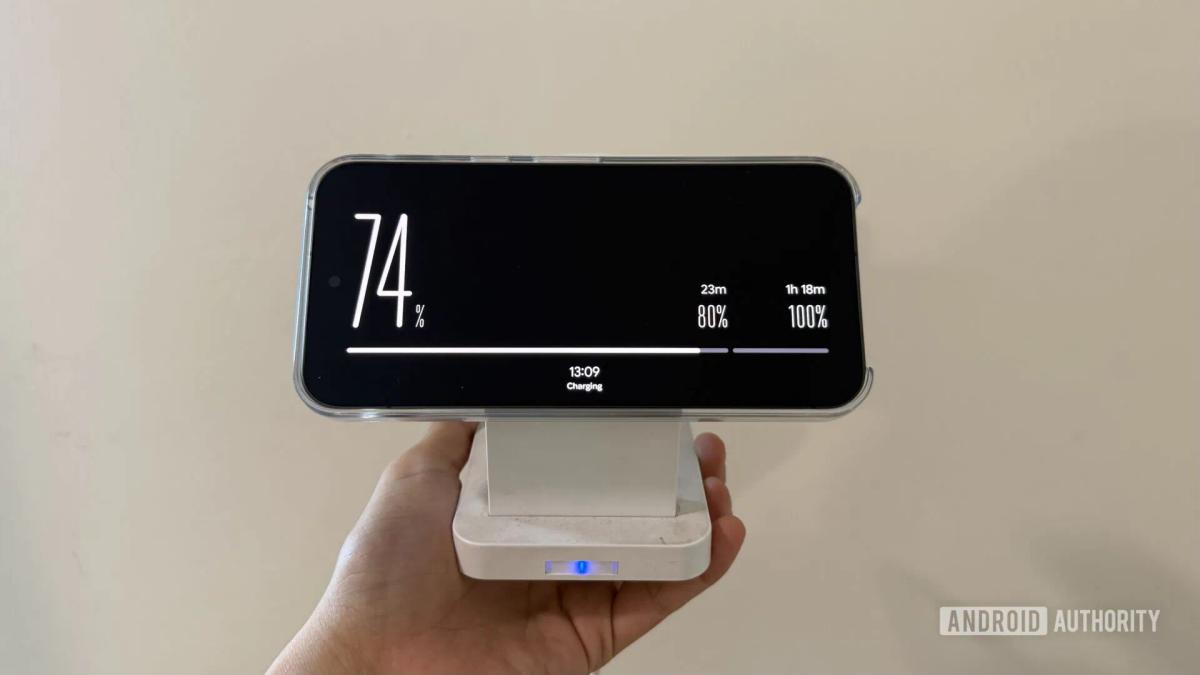
Charge is a new Pixel 11 screensaver style that shows your battery level in large, bold type with a progress bar running along one edge of the screen. Smaller markers show where 80% and 100% sit on that bar, and the time sits at the bottom in a smaller font. It works in portrait and landscape, and you can set it to appear on any charge or only on wireless charging.
It was spotted by Android Authority on the Pixel 11 series. It has not shown up on older Pixels yet, including the Pixel 10 XL, and Google has not said whether it will.
Three steps, about a minute.
Pick one, not both. Standby Mode's Quick Launch and the Android screensaver are both triggered while your phone is charging, so turning on both puts two things in charge of the same moment.
So when is the screensaver the better pick? Some manufacturers are aggressive about closing apps that run in the background, and that can stop Quick Launch from working on your phone. If Quick Launch is not reliable for you, use the native Android screensaver instead. Here is how to set it up.
Not so far. Android Authority found Charge on the Pixel 11 series and did not see it on older devices, including the Pixel 10 XL. Google has not confirmed whether it will roll out further. StandBy Mode's Charging Screen works today on any Android phone or tablet running Android 7.0 or newer.
StandBy Mode runs on Android 7.0 and newer, on phones and tablets, including Samsung Galaxy, Pixel, Motorola, OnePlus and Xiaomi. Android 12 and newer unlocks every visual effect. There are 2M+ downloads and a 4.6 rating on Google Play.
Yes. The Charging Screen is free in StandBy Mode, with no Premium unlock and no trial. StandBy Mode itself is free to download on Google Play, and the Premium unlock that exists for other screens helps us to keep developing new features like this one.
Yes. Unplugged, the Charging Screen switches to an on battery state and turns the number red with a low battery warning when you are running out.
Yes, that is what Duo is for. Put the Charging Screen on one side and a clock, your calendar, the music player or any third-party widget on the other. Here is the third-party widgets tutorial if you want to pull in a widget from another app.
Btw, it's Carol here. I manage StandBy Mode's socials and support. If you like this screen, let me know on support@zetabitapps.com. I love hearing (or reading) comments from you all :)
Want something added to it? More colors, a percentage-only mode, whatever it is: put it on UserJot and vote. User feedback is how most of this app got built.
Turn any charging phone or tablet into a smart display, with 100+ clock faces, any-app widgets and now the Charging Screen.
Get StandBy Mode on Google Play
Questions go to me, Carol, in the app or at support@zetabitapps.com.

Carol here! I manage Support and Marketing in the StandBy Mode App for more than a year now. I love talking about the app with people, because I enjoy tech, experiments and I've watched the app grow since the begining, back when Wesley (our dev/founder) and I were just friends (now we're also neighbours, gymbros and co-workers). Feel free to talk to me about the app or maybe some tips on what to do if you come to Brazil 🇧🇷



