
Carol Azevedo
Turn a charging Android phone into a pomodoro app. StandBy Mode's Pomodoro screen runs 25-minute work blocks right on your lock screen. Set it up now.
You sit down to work, and your phone is right there. One glance turns into ten minutes gone. You've probably tried a pomodoro technique app before, downloaded it, used it twice, forgot about it.
Good News: StandBy Mode already has one built in. Check it out:
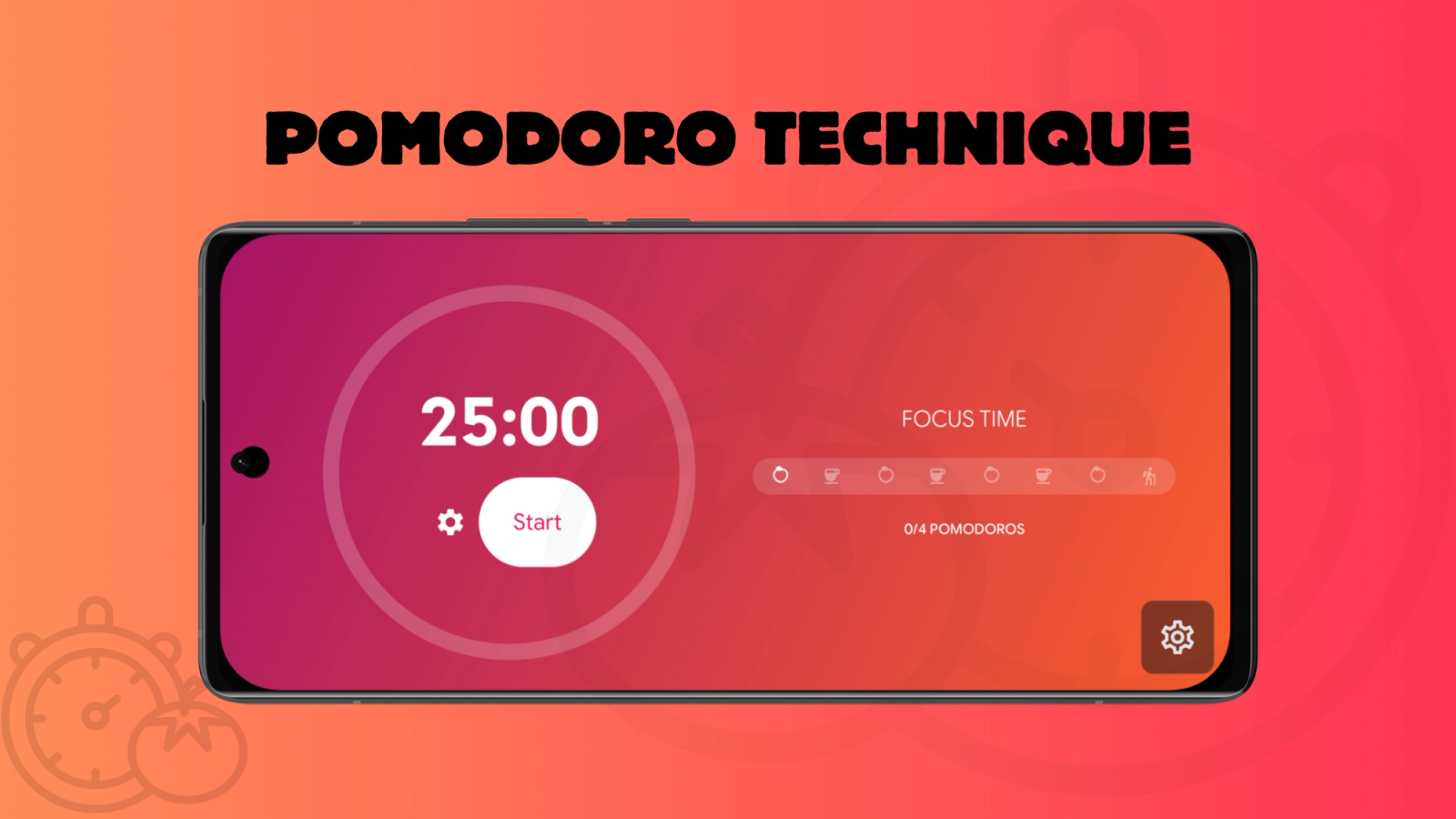
The Pomodoro technique is a time management method: you work in focused 25-minute blocks, then take a short break. StandBy Mode is an Android app that turns a charging phone or tablet into a smart display, and its Pomodoro screen brings that exact rhythm to your lock screen, no separate app required.
The core process of the Pomodoro technique is five steps:
That's the entire method. Each 25-minute block is called "a pomodoro", and Cirillo's rule is that an interrupted block doesn't count, you start it over. StandBy Mode's Pomodoro screen ships with this rhythm already set: 25 minutes of work, a 5-minute short break, and a 15-minute long break.
Pomodoro is one of the Timers & Productivity screens in StandBy Mode. Prop your phone up while it charges, add the Pomodoro widget, and you've got a dedicated focus timer sitting in front of you.
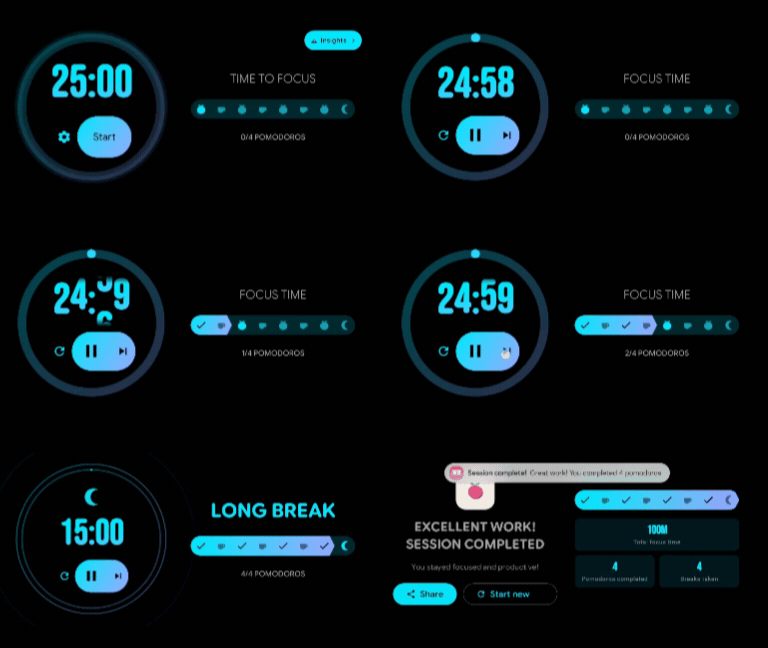
It starts with the classic pomodoro rhythm already set up: 25 minutes of work, a 5-minute short break, and a 15-minute long break. Tap the screen once to pause, tap again to resume.
Here's the Pomodoro widget in motion:
"Helps me concentrate and put the phone down." That's the kind of note I get from people who use StandBy Mode for focus work, and it's exactly what the Pomodoro screen is built for.
The default schedule works out of the box, but nothing about it is fixed. Long-press the screen, then tap the gear icon on the bottom-right to open the Pomodoro settings. From there you can adjust:
Pomodoro isn't the only Timers & Productivity screen. Timer Fullscreen and Stopwatch Fullscreen cover the moments you need a countdown or a stopwatch instead of a work block, and Todo List sits right next to your timer so the task you're working on stays in view. If you want the timer and the task list on screen at the same time, building a Duo layout walks through pairing two widgets. And if your setup is more about the display itself than the timer, my guide to getting StandBy Mode running on Android covers the full setup from scratch.
"Pomodoro" is Italian for tomato. Francesco Cirillo named the method after the tomato-shaped kitchen timer he used to time his first study sessions in the late 1980s. The name stuck, which is why a single 25-minute work block is still called a pomodoro, and why almost every focus timer on the Play Store has a tomato somewhere in its icon.
Francesco Cirillo invented the Pomodoro technique in the late 1980s, while he was a university student in Rome. He couldn't concentrate on his studies, so he bet himself he could focus for just a few minutes without stopping, grabbed the first timer in his kitchen (the tomato one), and it worked. He spent years refining it into a full method and has been teaching it since the 1990s.
For most people, yes, but it isn't magic. A 2025 scoping review covering 32 studies and roughly 5,270 participants found that time-structured Pomodoro intervals improved focus, reduced mental fatigue, and beat self-paced breaks on sustained task performance.
Taking structured breaks helps. Having a timer decide when to stop, instead of you deciding mid-task, removes one decision. The 25 minutes itself is not sacred, and Cirillo has always said to adapt it. That's why the Pomodoro screen lets you change the work and break lengths instead of locking you into 25/5/15.
StandBy Mode turns any charging Android phone or tablet into a smart display: clocks, widgets, photo frame, and a proper focus timer, all in one place.
Get StandBy Mode on Google Play
Questions about Pomodoro or anything else? Ask in the app or email me at support@zetabitapps.com.
Hey, it's Carol here. I manage StandBy Mode's socials and support, so if you have any questions, I'm here for you.

Carol here! I manage Support and Marketing in the StandBy Mode App for more than a year now. I love talking about the app with people, because I enjoy tech, experiments and I've watched the app grow since the begining, back when Wesley (our dev/founder) and I were just friends (now we're also neighbours, gymbros and co-workers). Feel free to talk to me about the app or maybe some tips on what to do if you come to Brazil 🇧🇷



