
Carol Azevedo
Rain, white noise, lofi streams and calm video scenes for your nightstand. See how Vibes turns a charging Android phone into an ambient display. Try it tonight.
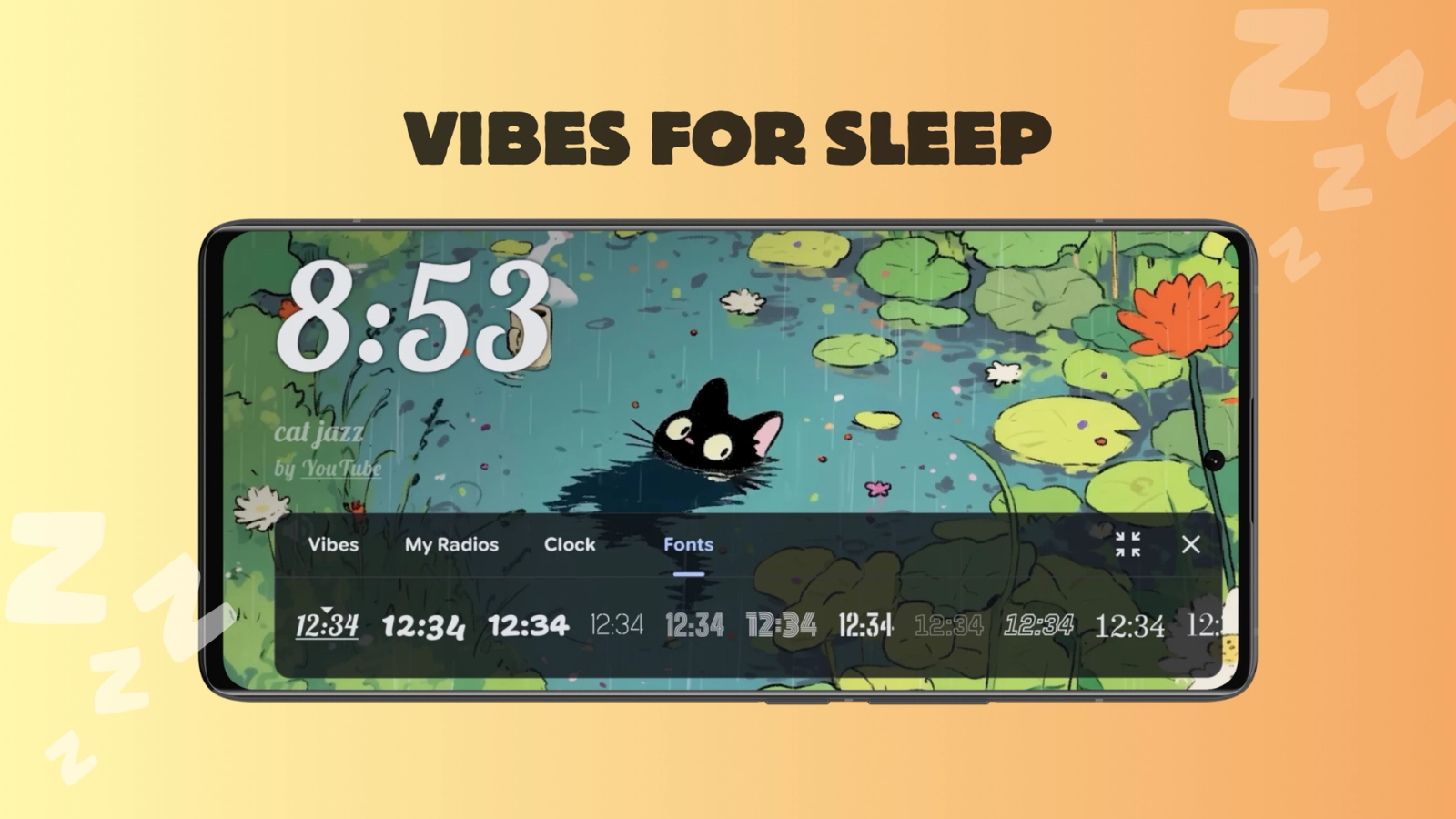
The half hour before bed is the worst time to stare at a bright, busy phone. StandBy Mode is an Android app that turns a charging phone or tablet into a smart display, and Vibes is the mode that makes that display calm: an ambient background, gentle sound and an optional clock. Pick a station (a curated YouTube scene, a lofi radio stream, or a sound synthesized on your device like rain or white noise), set a stop timer, and let the room wind down with you.
Vibes is built into StandBy Mode, free on Google Play, so you can have rain playing on your nightstand in under a minute. If the app is new to you, start with our guide to StandBy Mode on Android.
Vibes is not stuck in one layout. Run it Fullscreen and the scene takes over the whole screen, edge to edge. Or add it to Duo and it shares the screen with a second widget, so you get the ambience on one side and a clock, the player or your next event on the other. Same stations, same settings, two very different looks.
Here is Vibes running in Duo:
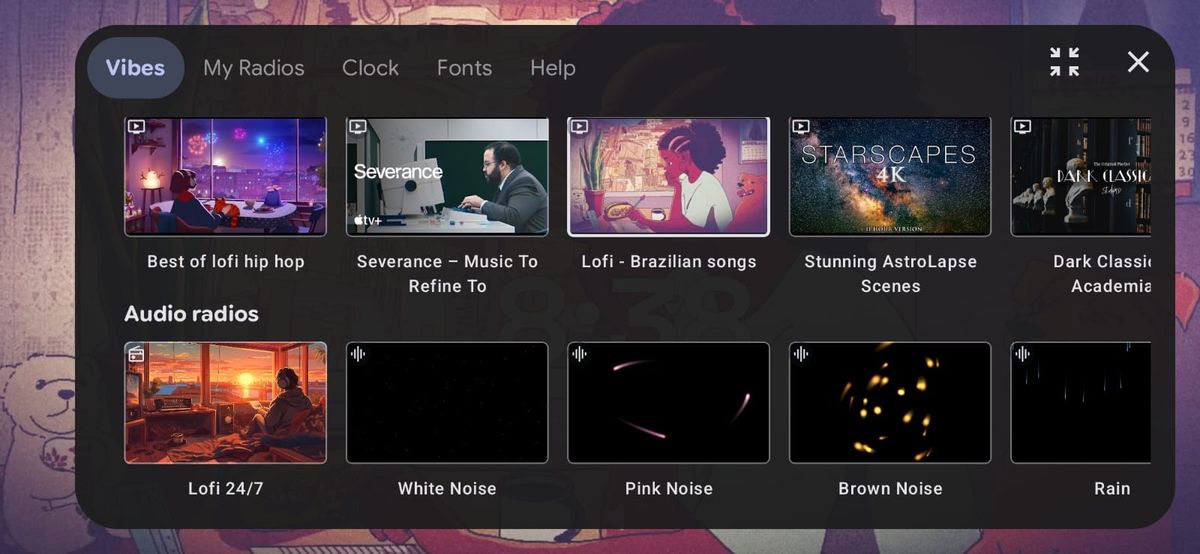
Vibes offers three kinds of stations, each with its own feel:
The procedural stations are the quiet stars of Vibes. Nothing is streamed and nothing is a recording. The audio is synthesized on your phone in real time, so it never loops and never repeats. That tell-tale seam that makes a looped rain video suddenly obvious at 2 AM simply is not there.
The eight stations are White Noise, Pink Noise, Brown Noise, Rain, Ocean Waves, Fireplace, Wind and Stream. Pink and brown noise shift the energy toward lower frequencies, which many people find warmer than classic white noise. White Noise and Rain are free, the other six come with Premium.
Only if you want it to. The stations have a "Stop sound after" timer: pick a duration and the sound stops on its own once you are asleep. Leave the timer off and the station plays until you pause it.
Have a favorite ambience video? Paste its YouTube link and it becomes a station right next to the built-in ones. Free accounts can add two custom vibes, Premium removes the limit.
Overlay a clock in any of six positions, top or bottom, aligned left, center or right, so it never fights the visuals. Font, outline style and size are all configurable. Or skip the clock entirely and let the scene carry the screen.
Btw, it's Carol here. I manage StandBy Mode's socials and support. Tell me which station you leave on overnight, I am collecting the best bedtime setups. E-mail me at support@zetabitapps.com.
Your nightstand can be the calmest place in the house. Download StandBy Mode free on Google Play and try the Rain station tonight.
Questions go to me, Carol, in the app or at support@zetabitapps.com. Want a station that is not there yet? Ask for it on UserJot, the roadmap is voted by the community.

Carol here! I manage Support and Marketing in the StandBy Mode App for more than a year now. I love talking about the app with people, because I enjoy tech, experiments and I've watched the app grow since the begining, back when Wesley (our dev/founder) and I were just friends (now we're also neighbours, gymbros and co-workers). Feel free to talk to me about the app or maybe some tips on what to do if you come to Brazil 🇧🇷



