
Carol Azevedo
Battery, next alarm, week progress: StandBy Mode complications put one extra fact in each top corner of your clock face, with no clutter. Add yours in seconds.
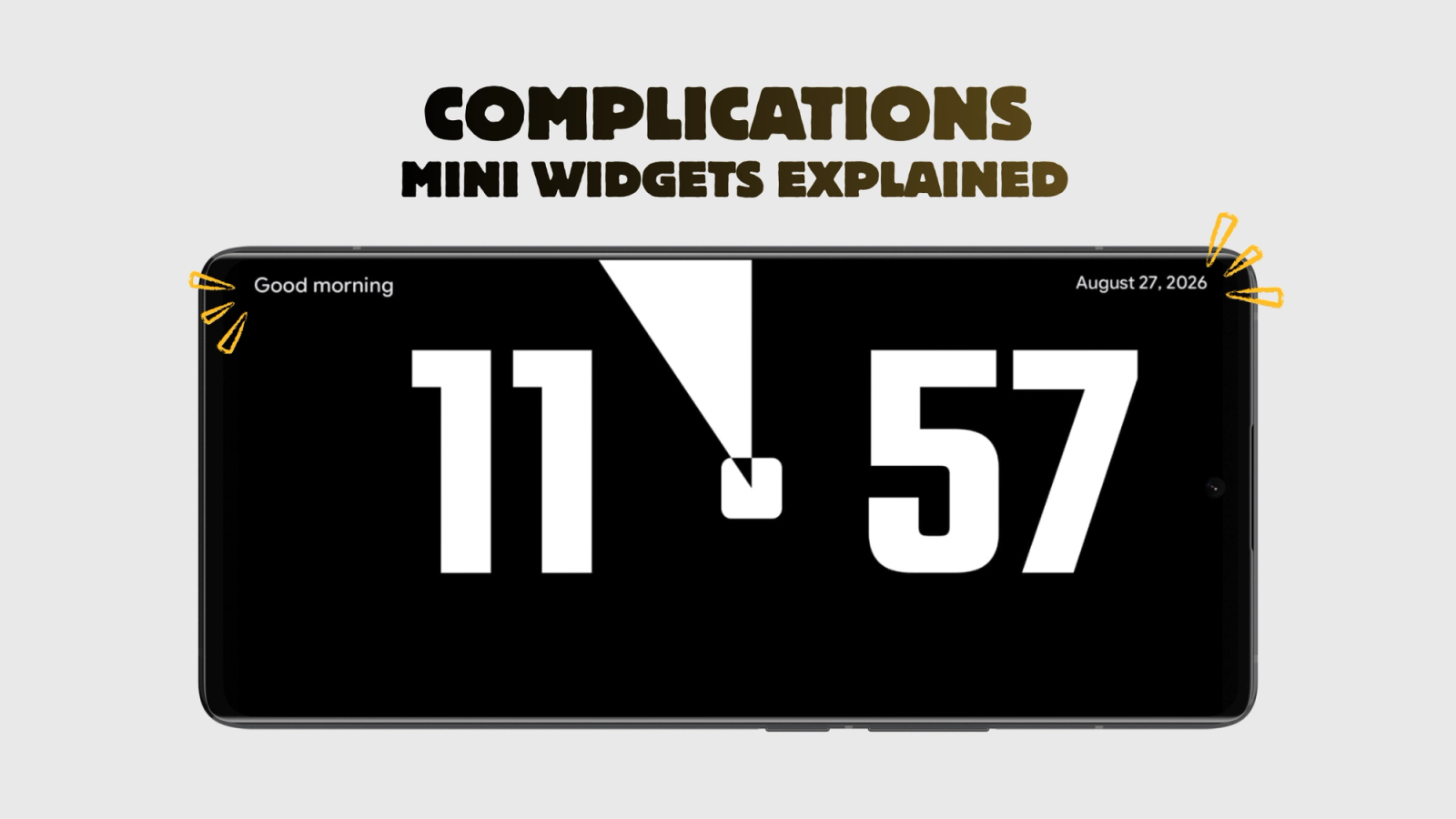
Hello, everyone! Your clock face looks great, and then you want one more thing on it: the battery level, or proof that tomorrow's alarm is really set. StandBy Mode is an Android app that turns a charging phone or tablet into a smart display, and complications are how you add that one extra fact without giving up the screen. They are two small slots at the top corners of your widget, and each slot shows a single glanceable readout. The name comes from watchmaking, where the little sub-dials on a watch face are called complications too.
But it is not at all complicated. Here's a quick look at them in action:
New to the app? Start with our guide to StandBy Mode on Android, then come back here and dress up your clock face.
There are 17 complications to choose from in StandBy Mode, grouped in five families:
Most screens in StandBy Mode support complications, including every clock face. The exceptions are Schedule, Settings, Timer Fullscreen, Notification Mini, Countdown Duo, Todo List, Command Center, Alarms and the six third-party
slots. On those screens the corner slots simply do not appear, because the widget already fills the space with its own information.
Complications are not the same thing as Android widgets. If you want a full widget from another app on your display, follow the third-party widgets tutorial instead.
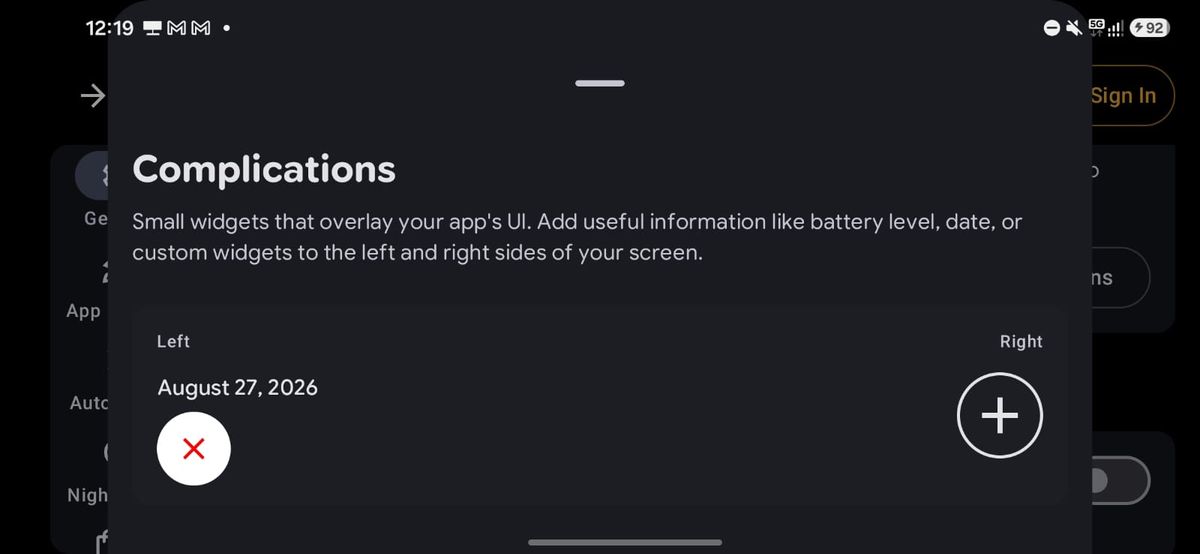
It's that simple.
The left and right slots are independent, so a battery on one side and the next alarm on the other is a perfectly normal setup.
Btw, it's Carol here. I manage StandBy Mode's socials and support. If a complication is not showing up where you expect it, e-mail me at support@zetabitapps.com and tell me which widget you are on. Drop a comment too if you have a combo worth stealing. :)
Prop your charging phone sideways and StandBy Mode turns it into a smart display with 100+ clock faces, widgets from any app and a photo frame. Download StandBy Mode free on Google Play.
Questions go to me, Carol, in the app or at support@zetabitapps.com. Want a complication that does not exist yet? Ask for it on UserJot, the roadmap is voted by the community.

Carol here! I manage Support and Marketing in the StandBy Mode App for more than a year now. I love talking about the app with people, because I enjoy tech, experiments and I've watched the app grow since the begining, back when Wesley (our dev/founder) and I were just friends (now we're also neighbours, gymbros and co-workers). Feel free to talk to me about the app or maybe some tips on what to do if you come to Brazil 🇧🇷



