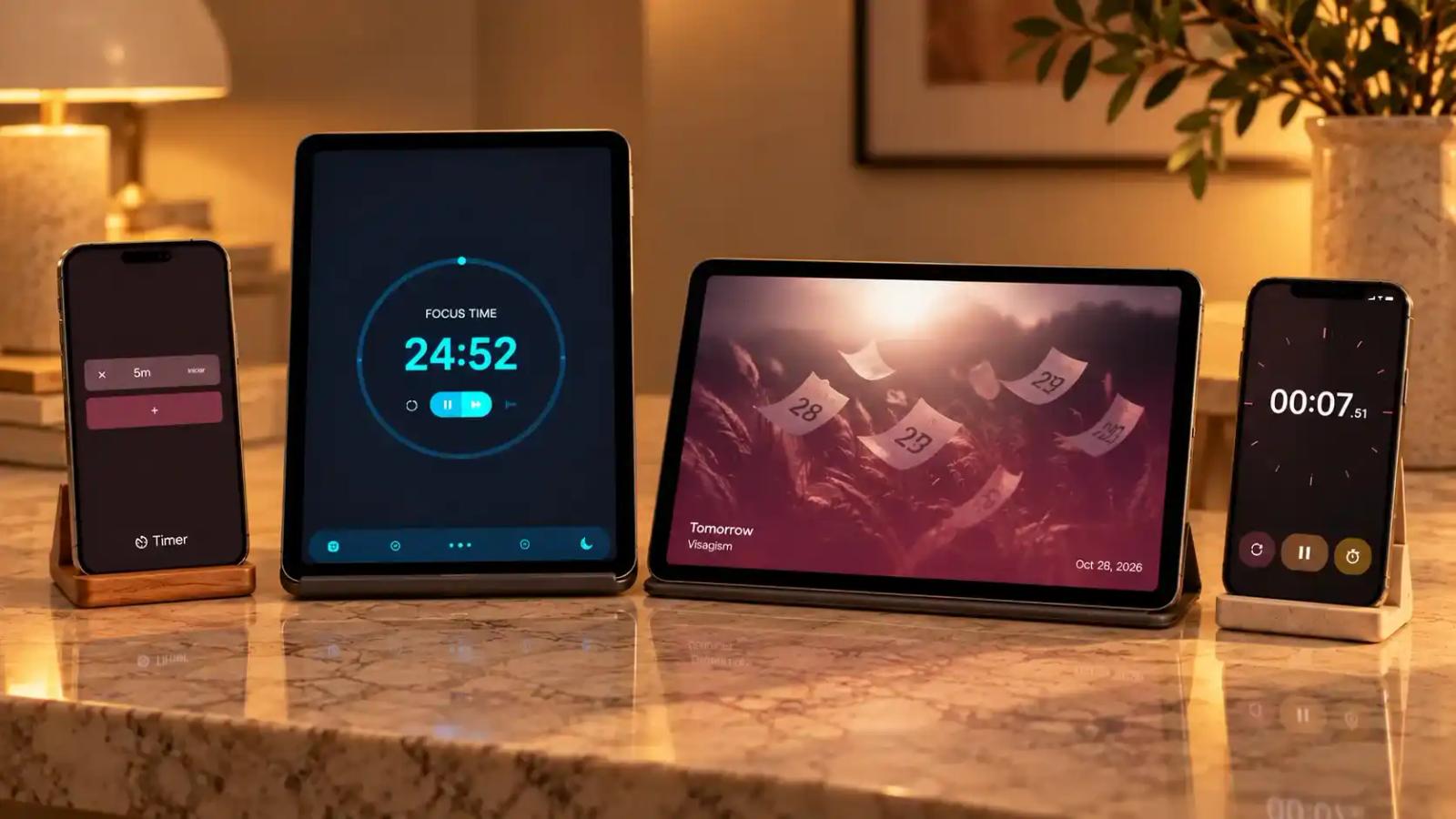
04 timers you can set up on Standby Mode

Karine Honma
Timer, Stopwatch, Pomodoro and Countdown Duo: see how to put a fullscreen timer on your Android and which one to use for studying, cooking, working out or waiting for an event.
They say no experience is unique, so let's see if I'm the only one who's been through these:
- Spending 3 hours straight focused on the computer and forgetting to even drink water
- Setting a timer for the exact amount of time I have for housework
- Forgetting an important event because the calendar reminded me at the last minute (and losing money because of it)
- Getting completely mixed up trying to track my pace while running
It's true that every Android has a clock app with a stopwatch or timer, but they're never intuitive, or they close when you turn off the screen (even with background activity allowed).
That's why I swapped my Realme's native app for these 4 StandBy Mode widgets. They didn't change my life, but you know that lifesaver you only miss when something goes wrong, like a small-claims court for life's tiniest problems? That's it.
A summary of each one
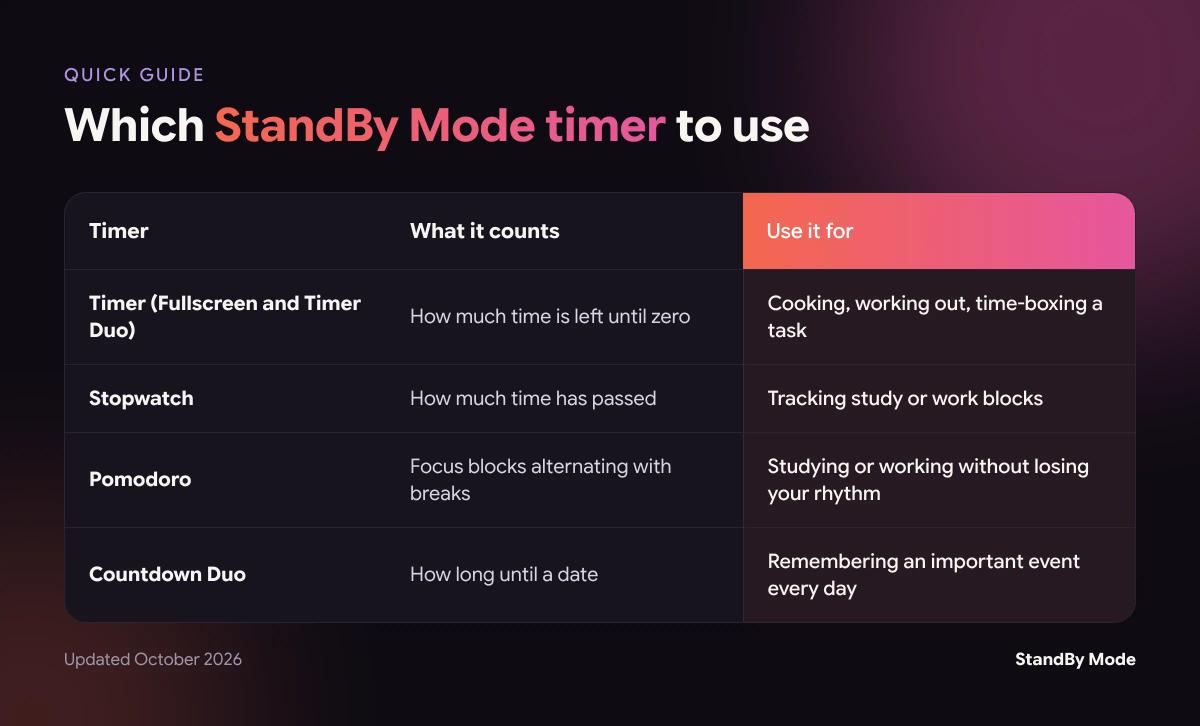
Timer: a fullscreen countdown
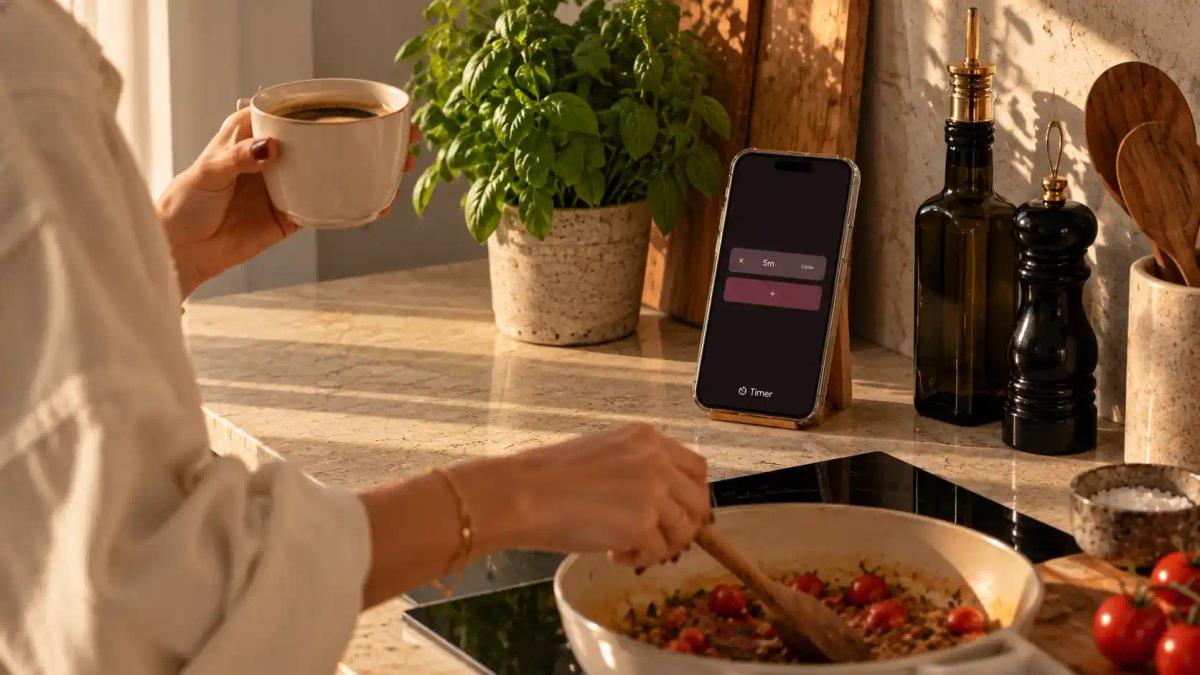
The Timer Duo is in the Utility screens and shows a big countdown you can read from across the room. It's what you want when your hands are wet or sweaty, whether you're working out, cooking or doing any task you need to time.
It shows "Time remaining" in large digits, with pause and cancel buttons, and leaves the other panel free. When it ends, it plays a little tune that won't wake the dead, so it doesn't give you the kind of scare that makes you want to yell at someone.
Stopwatch: how much time has passed
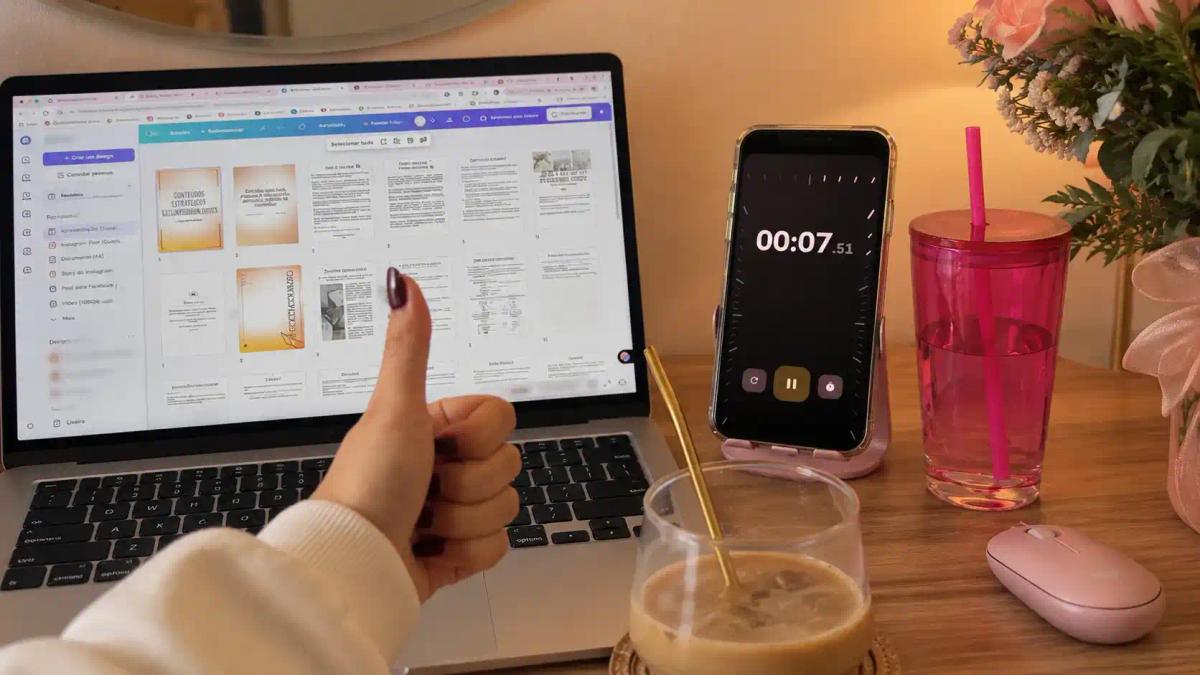
The Stopwatch does the opposite of the Timer: it starts at zero and counts up. It works well for tracking how much time you spent on each subject or task, without deciding beforehand how long it will take.
An extra tip: if you have ADHD and struggle to keep track of time, timing your tasks is a good way to understand where your time goes, so you can manage it better.
One combination that works is the Stopwatch next to the To Do List: one tracks the block, the other shows what you'll study next.
I use it a lot when I need to price freelance work by the hour: I start it, and for each new task I create a block so I don't forget. It's more accurate than checking my phone when I start and then forgetting to do the same when I finish.
Pomodoro: focus and breaks at the right pace
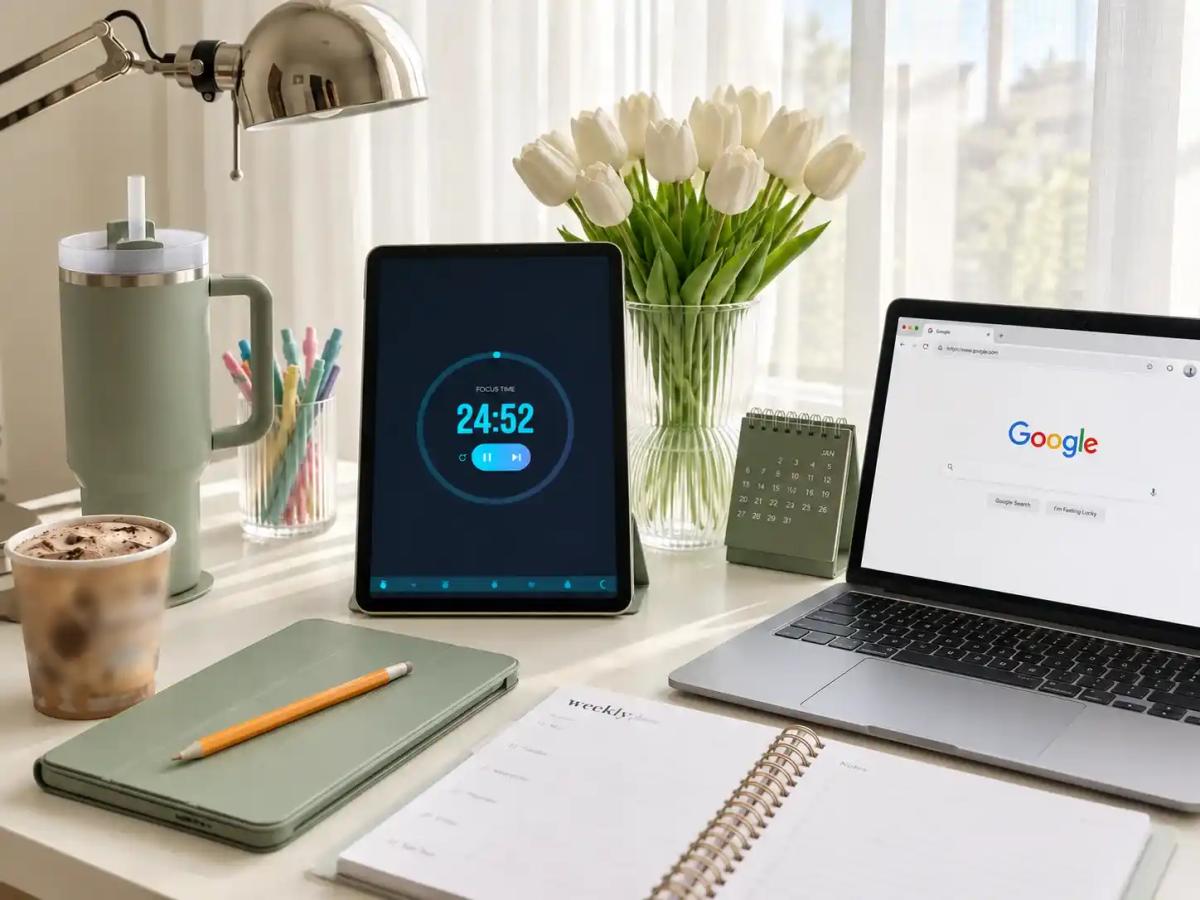
The Pomodoro alternates focus blocks with breaks. The default is 25 minutes of work, a 5-minute short break and a 15-minute long break. One tap on the screen pauses it, and another resumes it.
To adjust it, long-press the screen and tap the gear in the bottom right corner. There you can change the length of each block, choose whether the next one starts automatically, turn the alarm and the per-second tick on or off, and switch themes, including pure-black versions for AMOLED screens.
It's perfect for anyone who loses track of time while studying or working, because it makes you take a break at the time you set and clear your head. Okay, sometimes I just ignore the alarm and restart the counter, but that's a story for another post.
Countdown Duo: how long until the big day
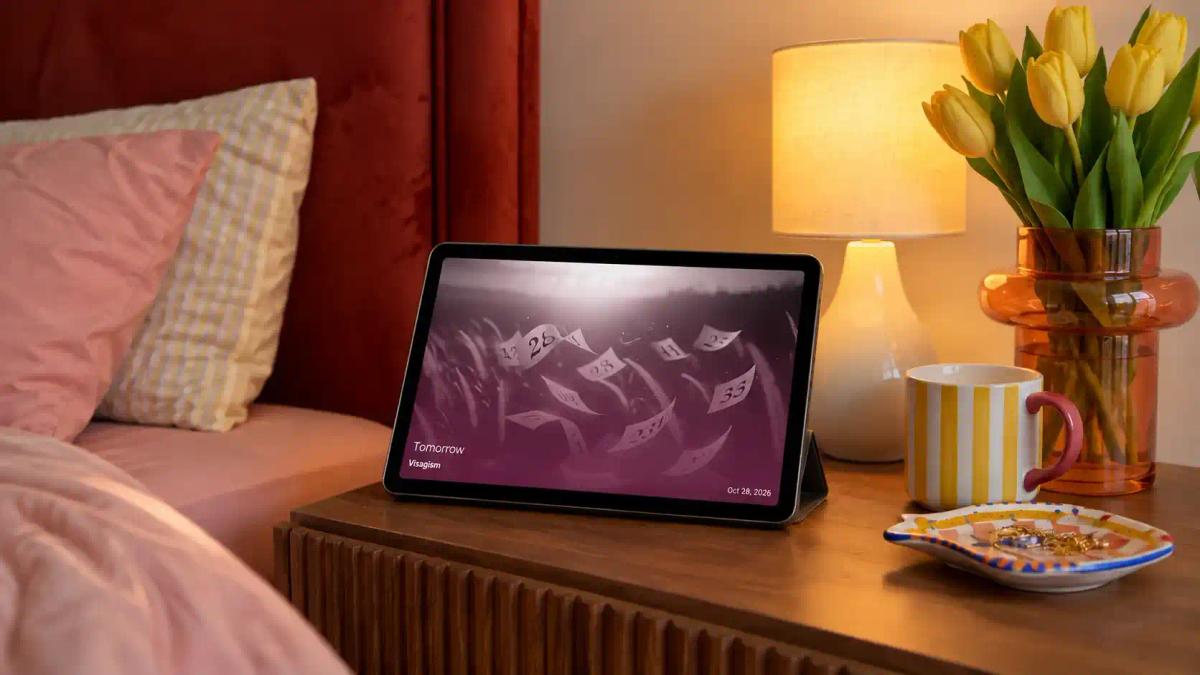
The Countdown Duo counts the time until a date you choose: a trip, an exam, a concert. Since it sits on your charging screen, you see how much time is left every time you plug in your phone, with no calendar reminder and no notification 30 minutes before, when it's already too late.
On your nightstand, it works well next to a clock. On your desk, next to the calendar, so you can see the event within the month.
It helps me most with plays or events I buy tickets for months in advance, in the heat of an impulse purchase, and then forget about. Trust me, I've lost a lot of money on tickets that expired because I forgot the date. The calendar does send a notification, but it's very easy to ignore it in the middle of everything and lose track.
Timer combinations in Duo
Duo lets you pair two timers, or a timer and another widget. Some combinations that work:
- Pomodoro + Timer Duo: Pomodoro counts down to your next break, and Timer Duo counts down to when you stop for good. The step-by-step is in the post on how to stay focused while studying.
- Stopwatch + To Do List: timed study blocks and tasks on the same screen.
- Timer Duo + music player: for timed workouts.
- Countdown Duo + clock: on your nightstand, so you wake up knowing how much time is left.
Save each combination as a Space and switch between them by swiping three fingers to the side.
Fewer distractions while the timer runs
A fullscreen timer loses its purpose if notifications keep popping up over it. StandBy Mode's Focus mode lets you choose which notifications can appear while the app is open.
Still feel like something's missing in the app, like another kind of timer or a different way to track time? If so, leave your suggestion on UserJot. That's where the community votes on what the app gets next.
Download the app at the link below and enjoy everything StandBy Mode has to offer.

About Karine Honma
My work moves between two great passions: Content Marketing and Copywriting. I’m driven by a constant desire to keep learning and by honesty in everything I do. I’m passionate about discovering the power of words and well-crafted content. I’ve collaborated with agile startups and agencies with large client portfolios. Each experience has brought me new learnings, new challenges, and a lot of satisfaction — and coffee ☕. Here you’ll get to follow a bit of my professional journey. But if you want to know who I really am — the creative, curious, and restless Karine — let’s grab a coffee, online or in person.