
Karine Honma
Always-On Display FAQ covering battery drain, privacy risks, Android compatibility, AMOLED support, and customization options.
Always-On Display is one of Android's most requested features, and also one of its most misunderstood. (most questions about it come down to three fears: it'll drain the battery, it'll expose your privacy, or your phone simply doesn't have it.)
Here are the most common questions about Always-On Display's battery use, privacy, and compatibility, answered directly before any explanation.
Yes, but not much. On AMOLED screens, the drain typically stays under 1% of battery per hour, the equivalent of 10% to 15% over a full day of use, according to SlashGear's roundup on Always-On Display battery usage, which combines the original figure Samsung published when the feature launched with more recent independent tests. The technical reason is simple: on AMOLED screens, each pixel has its own light source and can be switched off individually, so showing just the time and a few icons costs very little energy compared to keeping the whole screen lit.
Yes, the drain changes a lot depending on when the feature actually shows up on screen. Swapping the "Always" mode (shown continuously) for "Tap to Show" (lights up only when you tap the screen) or "As Scheduled" (shown only during set hours) cuts down how long AOD stays active, and battery use drops with it. Setting brightness manually instead of leaving it on auto helps too, since auto brightness tends to skew brighter in inconsistent lighting.
Yes, proportionally more than on a phone. According to Wear OS's own official documentation, keeping Always-On Display on is called out as one of the factors that cuts battery life the most, and Google recommends turning it off as one of the first steps to extend the watch's battery. The gap makes sense: a smartwatch's battery is a fraction of a phone's, so the same drain in absolute terms weighs a lot more as a percentage.
It can be, depending on what you leave visible. The risk isn't the feature itself, but the content it exposes: since the screen stays visible at all times, any notification set to show there, sender, message preview, can be seen by anyone glancing at your phone, warns Total Defense in its privacy guide on the feature. The fix isn't turning Always-On Display off — it's controlling what it shows: hiding notification content on the lock screen handles most of the risk without giving up the feature.
StandBy Mode's privacy policy is explicit about this: "everything possible is processed directly on your device, not on our servers." Without signing in, the app collects no personally identifiable information. If you do create an account, the email and profile data from Google sign-in are used only to restore your Premium purchase; location is used only to fetch weather, without identifying the user; and the policy states directly: "we do not sell your data to third parties." The only sharing happens with essential service providers — Firebase and Qonversion for account and purchase data, the weather provider, and AdMob for ads in the free version.
No. The OS-level feature has been on Samsung phones since the Galaxy S7 line, reached OnePlus starting with the 8/9 series, exists on OPPO and Realme phones with AMOLED screens, on Xiaomi models running MIUI 12 or newer, and on Google Pixel too, according to XDA Developers' rundown of Always-On Display support on Android. Outside that list, availability comes down to the maker and the model.
The most common reason is screen technology. The feature depends on an AMOLED or OLED panel, because each pixel on those screens has its own light source and can be switched off individually, that's what lets the display show just the time without lighting up the whole screen. LCD screens can't do that: since they rely on a backlight that stays on at all times, there's no way to switch off individual pixels, so native Always-On Display simply doesn't run on those phones.
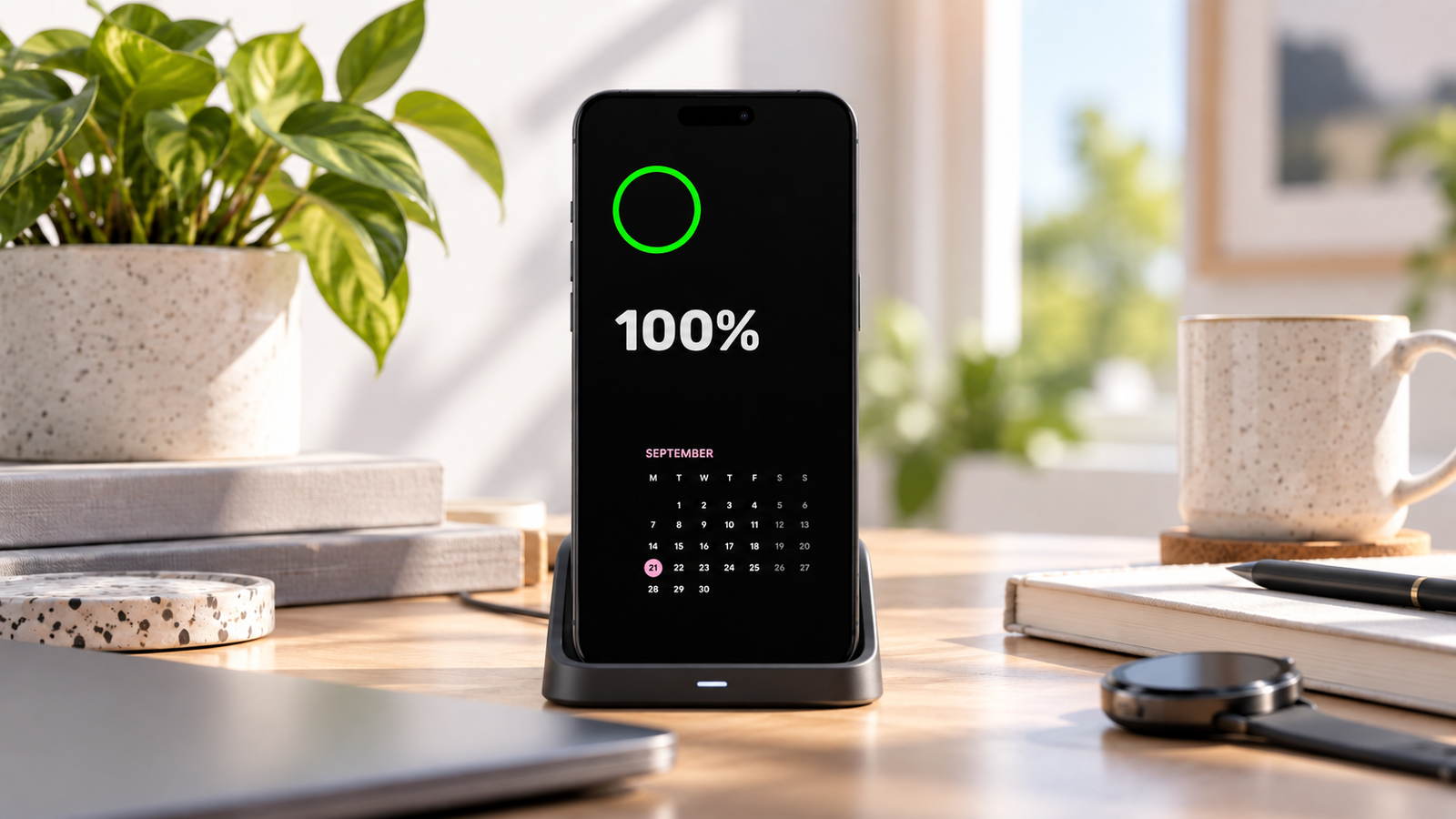
An app like StandBy Mode solves this a different way: instead of relying on the system switching off individual pixels, it keeps the screen genuinely on, running its own interface, usually while the phone is charging. That means it works on LCD screens too, not just AMOLED, even though the app's burn-in protection is specifically built for OLED panels.
On StandBy Mode, yes, quite a bit. You can swap the clock for styles like the Retroflip Clock or the AMOLED Clock, add the Striking Calendar widget to track appointments right on the screen, and combine multiple elements at once with Command Center or a side-by-side two-widget layout. Every piece is independent, so you build the ambient screen from scratch instead of settling for a fixed layout.
Always-On Display uses little battery, but how little depends on how it's set up. Privacy comes down to what's left visible on screen, not the feature itself. And compatibility comes down to the phone's screen, but anyone without AMOLED can still get an ambient display with an app like StandBy Mode.
Want something added to the app? Leave your suggestion on UserJot (standbymodepro.userjot.com) — that's how most of this app got built.

My work moves between two great passions: Content Marketing and Copywriting. I’m driven by a constant desire to keep learning and by honesty in everything I do. I’m passionate about discovering the power of words and well-crafted content. I’ve collaborated with agile startups and agencies with large client portfolios. Each experience has brought me new learnings, new challenges, and a lot of satisfaction — and coffee ☕. Here you’ll get to follow a bit of my professional journey. But if you want to know who I really am — the creative, curious, and restless Karine — let’s grab a coffee, online or in person.
